
Treadmill Belt Maintenance for Immersive Video Music Zones
Optimize your home gym layout. Learn treadmill belt maintenance and lubrication techniques to reduce noise and vibration for your treadmill video music setup.

The Intersection of Space Design, Entertainment, and Treadmill Mechanics
When designing a compact, space-optimized home gym in 2026, every square foot matters. To maximize layout efficiency, many fitness enthusiasts push their cardio equipment into alcoves or against shared walls, simultaneously mounting smart displays and acoustic panels above the deck. This creates an immersive treadmill video music environment, allowing you to stream high-energy visual workouts or sync your cadence to your favorite playlists without monopolizing the center of the room. However, this spatial efficiency introduces a hidden mechanical challenge: acoustic and vibrational interference.
A poorly maintained, dry treadmill belt does not just degrade your machine; it actively sabotages your carefully planned audio-visual layout. Friction between a dry running belt and the wooden deck generates low-frequency rumble and high-decibel surface noise. This vibration travels directly through the floor joists and wall studs, causing wall-mounted displays to rattle and distorting the bass response of your surrounding speakers. Proper treadmill belt maintenance and lubrication is therefore not just a mechanical necessity—it is a critical component of spatial and acoustic optimization.
Acoustic Data Highlight: The Cost of Friction
Testing on standard 2.5 HP residential treadmills (such as the Horizon 7.4 and Sole F80) reveals stark acoustic differences based on belt lubrication:
- Dry Belt (6.0 mph): Generates 78 to 85 decibels (dB) of broadband noise, with heavy low-frequency vibration transfer.
- Properly Lubricated Belt (6.0 mph): Drops to 62 to 68 dB, effectively eliminating structural rumble and preserving the fidelity of your treadmill video music setup.
- Over-lubricated Belt: Causes silicone sling, creating a slipping hazard on adjacent hardwood floors and attracting dust to your AV equipment.
Step-by-Step Belt Lubrication in Tight Spatial Layouts
Performing maintenance in a space-optimized layout means you likely do not have the luxury of pulling the treadmill into the center of a large room. You must execute the lubrication process with precision to avoid damaging nearby walls or your mounted entertainment hub. According to equipment maintenance guidelines outlined by Runner's World, using the correct chemical compound is non-negotiable. You must use 100% pure silicone (polydimethylsiloxane), never petroleum-based products like WD-40, which will melt the PVC backing of the belt and void your warranty.
The Precision Application Protocol
- Clear the AV Perimeter: Unplug the treadmill and disconnect any HDMI or optical audio cables routed near the motor hood to prevent accidental snagging.
- Measure Belt Tension: Slide your hand under the center of the belt. You should be able to lift it exactly 2 to 3 inches. If it is tighter, use a 6mm or 8mm Allen wrench (depending on your brand) to loosen the rear roller bolts by exactly one-quarter turn counter-clockwise.
- Apply the Silicone: Using a specialized applicator wand (often included with $12 to $18 premium lubricant kits from brands like Impresa or Godora), slide the wand under the belt until it reaches the center of the deck. Squeeze exactly 0.5 ounces of silicone in a zig-zag pattern while slowly pulling the wand out. Repeat on the opposite side.
- Distribute the Compound: Plug the machine back in. Stand on the side rails and start the belt at 2.0 mph. Let it run for three minutes, then increase to 4.0 mph for two more minutes. This centrifugal action spreads the silicone evenly across the deck.
- Retighten and Test: Re-check the 2-to-3-inch lift metric. If the belt slips during a heavy sprint, tighten the rear rollers one-eighth of a turn clockwise until traction is restored.
Cable Management: Routing AV Wires During Deck Maintenance
One of the most overlooked aspects of space optimization is cable management. When your treadmill is flush against a wall to accommodate a tight treadmill video music station, power cords and AV cables are often draped awkwardly over the motor hood. This restricts airflow to the drive motor and creates a severe tripping hazard.
While the motor hood is removed for deep cleaning or deck waxing, take the opportunity to reroute your entertainment cables. Use adhesive-backed cable channels (like the J-Channel raceways from Cordmate, costing around $15 for a 10-foot kit) to run your display's power and HDMI cables directly down the wall, behind the treadmill's uprights. Ensure that no cables rest on the treadmill's deck or interfere with the belt's return path. Proper routing not only maintains the sleek, minimalist aesthetic of your space-optimized gym but also prevents catastrophic wire-stripping accidents caused by a misaligned belt.
Lubricant Compatibility Matrix for Modern Decks
Not all treadmill decks are manufactured equally. In 2026, most premium models feature pre-waxed or orthopedic belts, but they still require periodic supplemental lubrication. Refer to this matrix before applying any compound to your machine:
| Lubricant Type | Chemical Base | Deck Compatibility | Spatial Risk Factor |
|---|---|---|---|
| 100% Silicone Liquid | Polydimethylsiloxane | Standard MDF/Wood decks (Sole, Horizon, ProForm) | Low (if measured at 0.5 oz) |
| Silicone Gel/Paste | Thickened Silicone | Not recommended (causes uneven friction spots) | High (clumps attract dust) |
| Teflon / PTFE Spray | Polytetrafluoroethylene | Some older commercial belts (check manual) | Medium (overspray damages nearby AV screens) |
| Petroleum Solvents | Aliphatic Hydrocarbons | NEVER USE (Destroys PVC belt backing) | Severe (ruins flooring and machine) |
Vibration Dampening for Wall-Mounted Displays
Even with a perfectly lubricated belt, the physical impact of a runner's stride (which can generate forces up to 2.5 times their body weight) creates structural vibration. If your treadmill video music setup includes a wall-mounted 55-inch OLED screen or delicate acoustic speakers positioned directly above the machine, this kinetic energy is your enemy.
Expert Layout Tip: Never mount your entertainment hub on the exact same drywall stud bay that the treadmill's front motor hood rests against. Offset your display mount by at least 16 inches to a separate stud, and place high-density rubber anti-vibration pads (like the $40 Super Z Outlet pads) under the treadmill's rear stabilizer feet to decouple the machine from the floor joists.
Troubleshooting Common Belt and Spatial Interference Issues
When operating in a confined, multi-use space, mechanical issues often manifest as environmental annoyances. Here is how to diagnose and resolve the most common problems that threaten your layout and entertainment experience:
1. The Belt Slips During High-Intensity Sprints
The Cause: Over-lubrication or improper tensioning. If you applied more than the recommended 1.0 ounce total of silicone, the belt will hydroplane on the deck.
The Fix: Do not attempt to wipe the silicone off the deck, as this will ruin the belt's backing. Instead, loosen the rear rollers slightly, run the treadmill at 3.0 mph with a clean, dry microfiber towel tucked under the belt to absorb the excess oil, and then re-tighten the rollers to the 2-inch lift specification.
2. A High-Pitched Squealing Echoes in the Room
The Cause: This is rarely a belt lubrication issue. A high-pitched squeal usually indicates that the front roller bearings are failing, or the drive belt (the small ribbed belt connecting the motor to the front roller) is misaligned and rubbing against the plastic motor hood.
The Fix: Remove the motor hood (usually requiring a Phillips #2 screwdriver). Inspect the drive belt for fraying. If the drive belt is intact, apply a single drop of 3-in-One silicone spray to the front roller bearings. For comprehensive drive belt care, consult the treadmill maintenance archives at SELF to ensure you are using safe, non-corrosive cleaners on your machine's interior components.
3. The AV Screen Flickers When the Treadmill Accelerates
The Cause: This is an electrical spatial issue, not a mechanical one. When a treadmill motor ramps up to 8.0 mph or higher, it draws a massive initial amperage spike. If your treadmill and your wall-mounted AV equipment are plugged into the same 15-amp wall circuit, the voltage drop causes the display to flicker or the audio receiver to pop.
The Fix: Re-evaluate your room's electrical layout. Plug the treadmill into a dedicated 20-amp circuit (standard for most modern home gym builds), or use a high-capacity Uninterruptible Power Supply (UPS) battery backup (rated for at least 1500VA / 900W, costing roughly $150) for your treadmill video music electronics to condition the power and isolate the voltage drop.
By treating your treadmill not just as a piece of cardio equipment, but as a central node in your room's acoustic and spatial design, you ensure that your workouts remain immersive, your equipment lasts for years, and your home gym remains a masterpiece of functional layout optimization.
More gear to consider
All reviews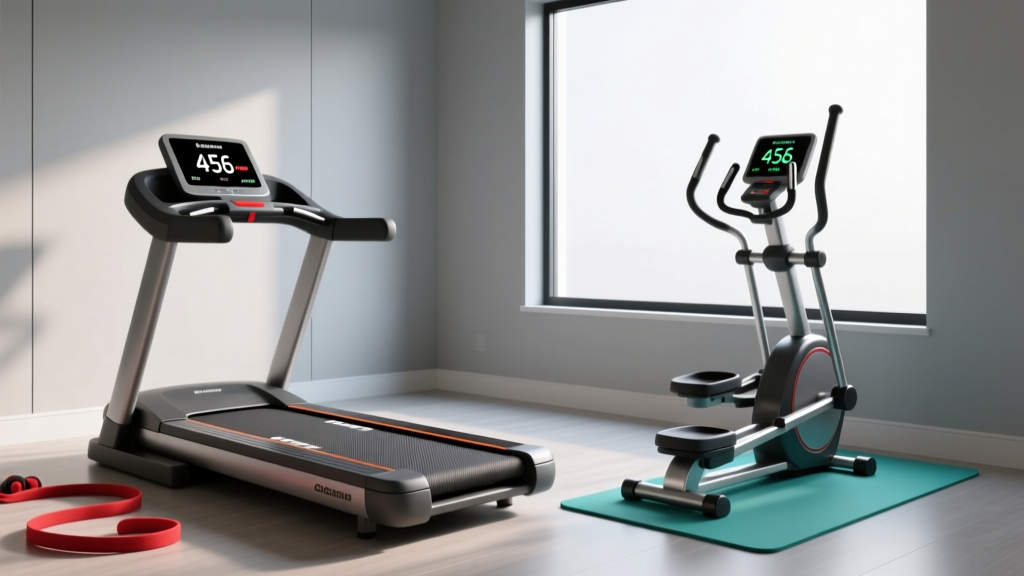
Space Guide: How Many Steps on Treadmill for 30 Minutes Speed 3 vs Elliptical
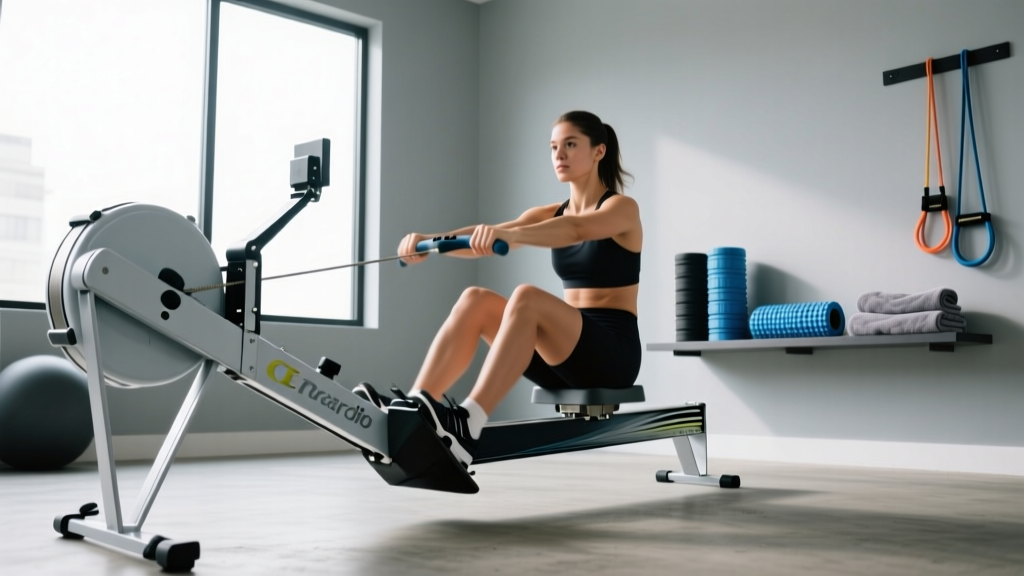
Prevent Shin Splints From Treadmill: Rowing Machine Guide

Curved vs Motorized Treadmills: Which Achieves the Highest Treadmill Speed?

Reebok Z Tech Treadmill Review: Small Space Verdict

Sole S80 Treadmill Belt Maintenance: Expert Lubrication Guide
