
How to Maintain Fitness Tracker Batteries and Optical Sensors
Learn how to maintain fitness tracker batteries and optical sensors. Expert tips on charging cycles, cleaning PPG sensors, and extending wearable lifespan.

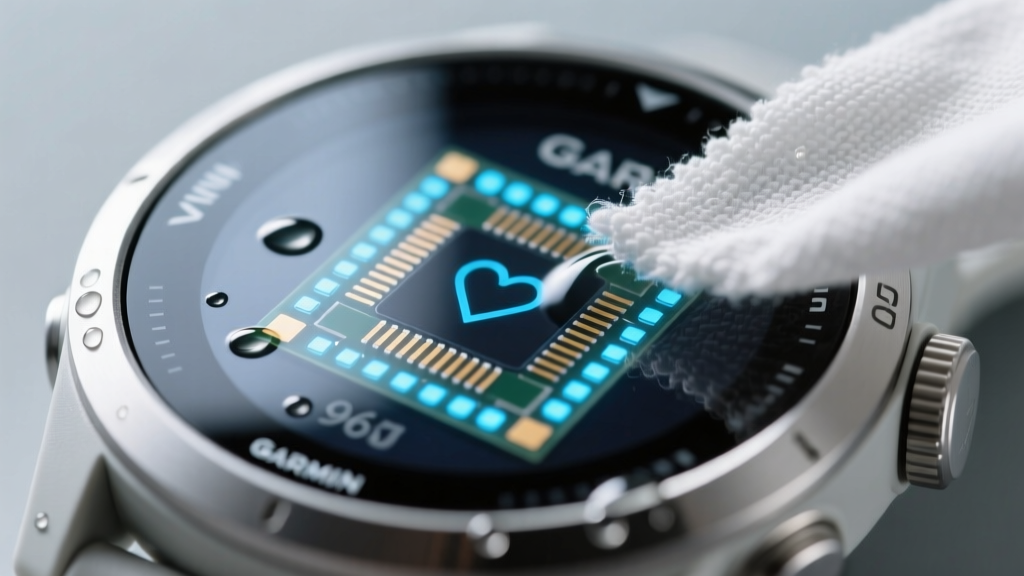
When you invest $300 to $800 in a premium wearable like the Apple Watch Ultra 2, Garmin Forerunner 965, or Oura Ring Gen 3, protecting that hardware investment is paramount. Knowing how to maintain fitness tracker components goes far beyond wiping off sweat; it requires an understanding of lithium-ion chemistry, photoplethysmography (PPG) sensor calibration, and material degradation. Most wearable failures occur between months 18 and 36, not due to software obsolescence, but because of preventable physical and chemical degradation of the battery and sensor arrays.
The Lithium-Ion Reality: How to Maintain Fitness Tracker Battery Health
Understanding how to maintain fitness tracker batteries requires looking at the chemistry inside the casing. Modern wearables use high-voltage lithium-ion polymer (Li-Po) cells, often pushing 4.35V or 4.4V maximum charge states to maximize runtime in a micro-form factor. According to Battery University, charging a standard 4.2V Li-ion cell to 100% and holding it there causes electrolyte oxidation and micro-cracking in the cathode. For high-voltage 4.4V cells used in ultra-thin trackers, this degradation accelerates exponentially.
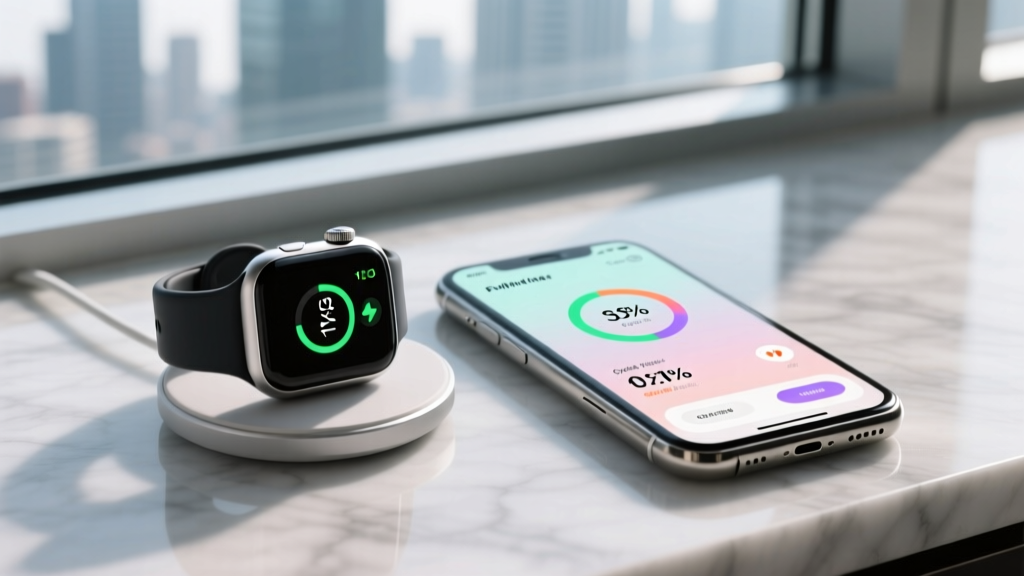
Leaving your tracker on the charging puck overnight, every night, keeps the battery in a high-stress, high-voltage state. If your device lacks an 'Optimized Battery Charging' software toggle that halts charging at 80%, manually unplug it once it hits 85-90% to double the battery's overall cycle life.
Preventing Galvanic Corrosion on Charging Contacts
Devices with exposed pogo-pin charging contacts (common on Garmin, Coros, and Polar models) are highly susceptible to galvanic corrosion. When sweat (which is highly saline and acidic) dries on the gold-plated contacts and the device is placed on a charging dock, a micro-galvanic cell forms. This eats away the gold plating, exposing the base metal and causing charging failures.
- The Fix: Rinse the back of the watch under lukewarm tap water immediately after heavy sweating.
- Drying Protocol: Pat dry with a lint-free microfiber cloth. Never use compressed air, which can force moisture into the barometric altimeter port.
- Restoration: If you see green or white crust, use a fiberglass scratch pen or a cotton swab dipped in white vinegar to dissolve the corrosion, followed by an isopropyl alcohol (IPA) rinse.
Optical Heart Rate (PPG) Sensor Calibration and Cleaning
When researching how to maintain fitness tracker longevity, the optical sensor array is the most critical component to protect. PPG sensors work by emitting green (~530 nm), red (~660 nm), and infrared (~880 nm) light into the capillary bed and measuring the refraction. Any physical barrier on the sensor glass alters the light path, leading to algorithmic compensation that drains the battery faster and yields inaccurate VO2 Max or HRV readings.
The Sunscreen and Lotion Interference Problem
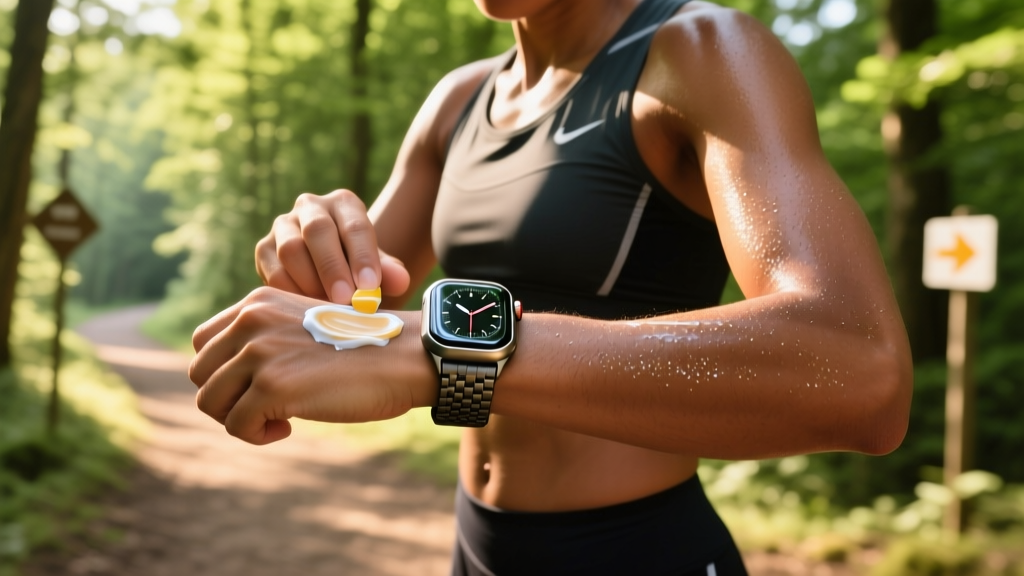
Mineral sunscreens containing zinc oxide or titanium dioxide are highly opaque to infrared light. If you apply sunscreen and inadvertently smear it over the sensor window, the SpO2 and sleep-tracking algorithms will fail or throw errors. Similarly, chemical sunscreens and DEET-based insect repellents can degrade the oleophobic (anti-fingerprint) coating on the sapphire or Gorilla Glass sensor covers.
| Cleaning Agent | Safe for Sensor Glass? | Safe for Silicone Band? | Safe for Oleophobic Coating? |
|---|---|---|---|
| 70% Isopropyl Alcohol | Yes | Yes (Short-term) | No (Degrades over time) |
| Mild Dish Soap + Water | Yes | Yes (Best Option) | Yes |
| Bleach / Hydrogen Peroxide | No | No (Causes brittleness) | No |
| UV-C Sanitizer Box | Yes | No (UV degrades polymers) | Yes |
For routine cleaning, Apple Support and other major manufacturers recommend a simple solution of warm water and a drop of hypoallergenic dish soap. Use a soft-bristled toothbrush to gently agitate the crevices around the sensor array, then rinse and dry. Avoid alcohol wipes on a daily basis, as they will strip the oleophobic coating within a few months, making the glass highly susceptible to fingerprint smudges and micro-scratches.
Troubleshooting PPG Sensor Dropouts and Edge Cases
Even with perfect cleaning, users often experience sensor dropouts. Before assuming hardware failure, evaluate the biomechanical and environmental factors affecting the light refraction.
- Symptom: HR drops or spikes during high-cadence intervals.
Root Cause: Motion artifacts and capillary bed shifting.
Fix: Move the tracker 1 to 2 centimeters above the ulnar styloid process (the wrist bone) and tighten the band by one notch to prevent ambient light leakage. - Symptom: SpO2 and sleep tracking consistently fail.
Root Cause: Melanin density or dark tattoo ink absorbing the IR light.
Fix: Reposition the device to the dorsal (top) side of the wrist where capillary density is different, or switch to a Bluetooth chest strap (like the Polar H10) for ECG-accurate data. - Symptom: Inconsistent resting heart rate (RHR) readings.
Root Cause: Vasoconstriction from cold environments pushing blood away from the skin surface.
Fix: Warm the skin before initiating a manual reading, or rely on overnight averages when core temperature is stable.
Band Hygiene and Contact Dermatitis Prevention
Maintenance isn't limited to the device chassis; the strap is a primary vector for bacterial growth and skin irritation. Fluoroelastomer (silicone) bands trap sweat and dead skin cells against the epidermis. When the moisture evaporates, it leaves behind concentrated salt and urea, which alters the skin's pH and causes contact dermatitis.
Nylon loop bands (like the Apple Sport Loop or Garmin UltraFit) are breathable but act as sponges for sebum and sweat. They require weekly washing with an enzymatic laundry detergent to break down the proteins and lipids trapped in the weave. Leather bands should never be worn during exercise; the acidic nature of sweat will rapidly degrade the tanning agents, causing the leather to crack and emit a foul odor. If you must wear leather, condition it monthly with a dedicated saddle soap and mink oil treatment.
Thermal Limits and End-of-Life Recycling
Heat is the ultimate enemy of wearable electronics. While devices like the Garmin Fenix 7 Pro or Apple Watch Ultra 2 boast IP6X dust resistance and 10 ATM water resistance, their thermal operating limits are strictly capped. Apple specifies an operating temperature range of 32° to 95° F (0° to 35° C). Leaving your tracker on the dashboard of a car in direct sunlight, or wearing it in a traditional sauna (which routinely exceeds 170° F / 76° C), will permanently degrade the lithium-ion cell capacity and can cause the waterproofing adhesives to delaminate.
When your tracker's battery health inevitably drops below 70% of its original capacity (usually around the 3 to 4-year mark), third-party battery replacements often compromise the factory waterproofing seals. If the device is no longer viable, do not throw it in standard municipal trash. Punctured Li-Po batteries pose severe fire risks in garbage trucks. Consult the EPA guidelines on lithium-ion battery recycling to locate a certified e-waste drop-off point, ensuring the rare earth metals and cobalt are recovered safely.
More gear to consider
All reviews
Repair vs Replace Guide: Top Sports Equipment Manufacturers

How To Organize Home Gym: A Practical, Space-Smart Maintenance Technician’s Guide

Gear Maintenance Schedules and Where to Donate Sports Equipment

How To Repair Point: A Technician’s Field Guide for Sports Surface Integrity

Warranty Troubleshooting: Repairs & Where to Donate Used Sports Equipment
