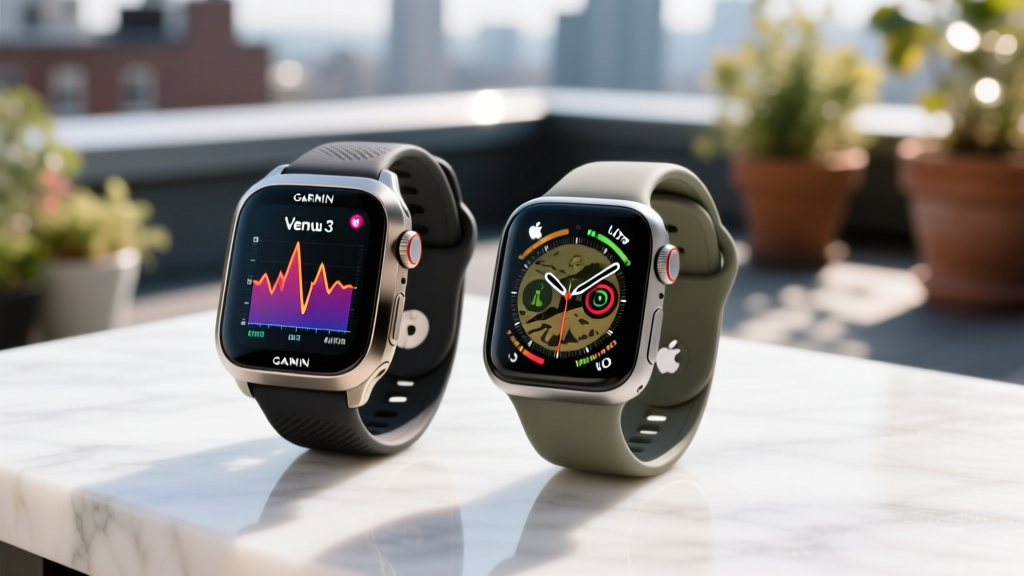
How to Maintain Fitness Tracker: Garmin Venu 3 vs Apple Watch Ultra
Learn how to maintain fitness tracker devices with our head-to-head care guide comparing Garmin Venu 3 and Apple Watch Ultra 2 battery and sensors.

When figuring out how to maintain fitness tracker hardware, the approach diverges wildly based on the manufacturer's design philosophy. Comparing the $449 Garmin Venu 3 and the $799 Apple Watch Ultra 2 reveals two distinct maintenance paradigms: Garmin’s utilitarian, sport-first ruggedness versus Apple’s premium, sensor-dense smart ecosystem. While both devices track biometrics with clinical-level precision, their physical materials, charging mechanisms, and software architectures demand entirely different long-term care routines to prevent sensor degradation and battery wear.
In this head-to-head comparison, we break down the exact chemical cleaners, charging thresholds, and firmware calibration steps required to keep these two flagship wearables operating at peak accuracy in 2026.
Battery Health: Proprietary Pins vs. Magnetic Pucks
Lithium-ion degradation is the silent killer of wearable longevity. Both the Venu 3 and the Ultra 2 utilize Li-ion cells, but their charging hardware and software management tools dictate how you should maintain them.
| Maintenance Metric | Garmin Venu 3 | Apple Watch Ultra 2 |
|---|---|---|
| Charging Hardware | Proprietary 4-pin clamp connector | Magnetic inductive charging puck |
| Battery Health UI | Not natively exposed; requires third-party app tracking | Native 'Battery Health' maximum capacity percentage |
| Optimized Charging | Manual intervention required (unplug at 80%) | Automated 'Optimized Battery Charging' via WatchOS |
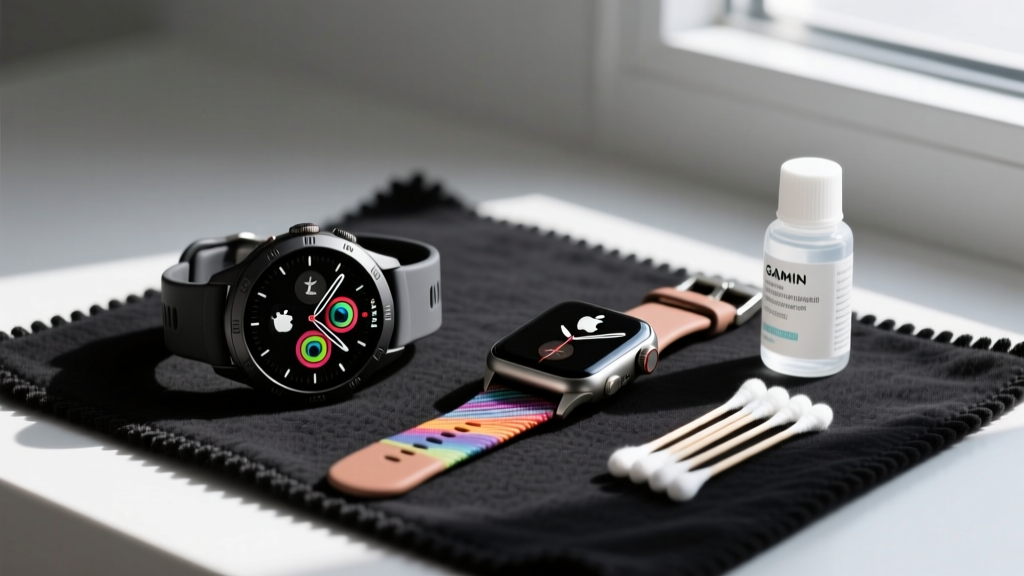
| Pin/Puck Cleaning | Clear pin debris with a dry wooden toothpick | Wipe magnetic puck with a dry microfiber cloth |
Garmin Venu 3 Battery Care
Garmin does not include a native battery health percentage in its OS. To maintain the Venu 3’s 14-day advertised battery life, you must manually manage charge cycles. The 4-pin proprietary clamp is highly susceptible to sweat corrosion. If the device fails to charge, inspect the gold contacts on the back of the watch. Use a dry, wooden toothpick to gently scrape away oxidized sweat salts. Never use metal tools, which will strip the gold plating and ruin the charging connection.
Apple Watch Ultra 2 Battery Care
Apple’s WatchOS includes an 'Optimized Battery Charging' feature that learns your daily routine and holds the charge at 80% until right before you wake up. Ensure this is enabled in the Watch app under Settings > Battery > Battery Health. The magnetic puck requires less physical maintenance than Garmin's pins, but the cable is prone to fraying at the stress point near the USB-C connector; avoid wrapping the cable tightly around the puck when traveling.
Optical Sensor Calibration and Glass Care
Both devices rely on photoplethysmography (PPG) to measure heart rate, but their sensor arrays and protective glass require different cleaning protocols. According to clinical validation studies on wearable accuracy, even microscopic layers of sebum or dead skin cells can scatter the green LED light, causing massive data dropouts during high-intensity interval training (HIIT).
The Glass Dilemma: Sapphire vs. Gorilla Glass
The Apple Watch Ultra 2 features a flat sapphire crystal front. Sapphire is incredibly scratch-resistant but can attract oleophobic (oil-repellent) coating degradation if cleaned with harsh chemicals. Apple officially recommends using a 70% isopropyl alcohol wipe on the display. Conversely, the Garmin Venu 3 uses Corning Gorilla Glass 3 with an anti-reflective (AR) coating. Do not use alcohol wipes on the Venu 3 display. Alcohol will strip the AR coating over time, causing permanent cloudy spots. Instead, use a damp microfiber cloth with a drop of mild dish soap (like Dawn) for the Venu 3 screen.
Sensor Array Maintenance
For the rear sensors, the rules unify. The Ultra 2’s 3rd-generation optical sensor and the Venu 3’s Elevate V5 sensor both require weekly deep cleaning.
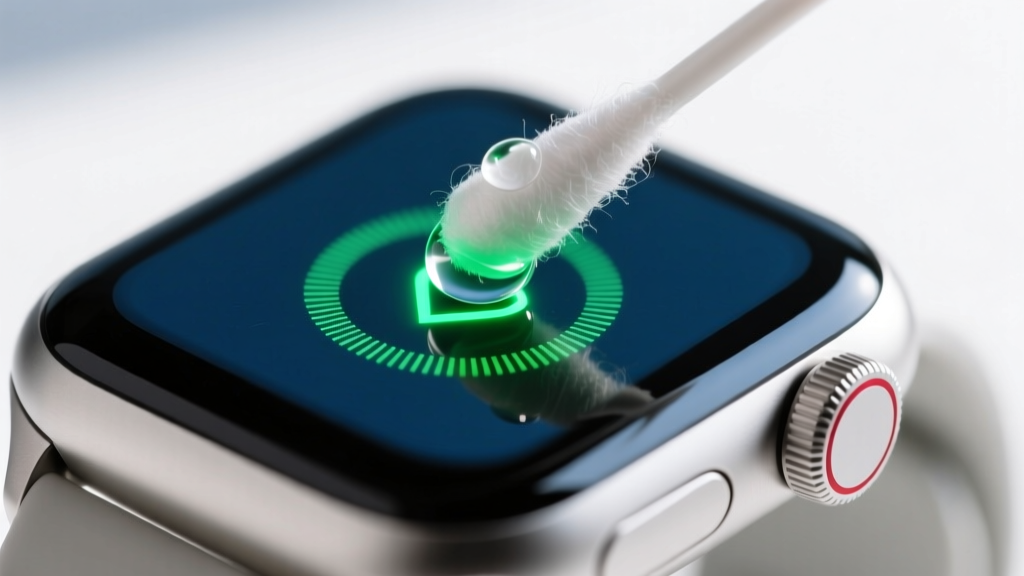
- Dampen a cotton swab with 70% isopropyl alcohol.
- Gently swab the green LEDs and the metallic ECG contacts.
- Use the dry end of the swab to buff away any remaining moisture.
- Allow 60 seconds for the alcohol to fully evaporate before wearing.
How to Maintain Fitness Tracker Bands and Titanium Housing
The physical housing and strap materials dictate how the device survives long-term exposure to acidic human sweat. The Ultra 2 utilizes a Grade 5 titanium case, while the Venu 3 uses a stainless steel bezel paired with a fiber-reinforced polymer case.
'Titanium is highly resistant to chloride corrosion, making the Ultra 2 ideal for triathletes who transition from ocean swims to runs without rinsing. However, the stainless steel bezel on the Venu 3 will develop micro-pitting if exposed to saltwater without a fresh water rinse.' — DC Rainmaker Hardware Analysis
Fluoroelastomer Strap Hygiene
Both devices ship with fluoroelastomer (high-grade silicone) sport bands. These materials are non-porous, but the micro-texture on the underside traps dead skin and bacteria, leading to contact dermatitis. To maintain the bands:
- Daily: Rinse the band under warm tap water after heavy sweating.
- Weekly: Remove the band from the watch lugs. Scrub the underside grooves with a soft-bristle toothbrush and hypoallergenic hand soap.
- Avoid: Never use bleach or hydrogen peroxide, which will break down the elastomer polymers and cause the strap to snap during a run.
Firmware Bloat, Storage, and GPS Calibration
Hardware is only half the battle; software maintenance ensures the sensors are reading correctly. As Apple's official hardware care guidelines note, keeping the OS updated is critical for sensor algorithm refinements.
GPS Ephemeris Data and Calibration
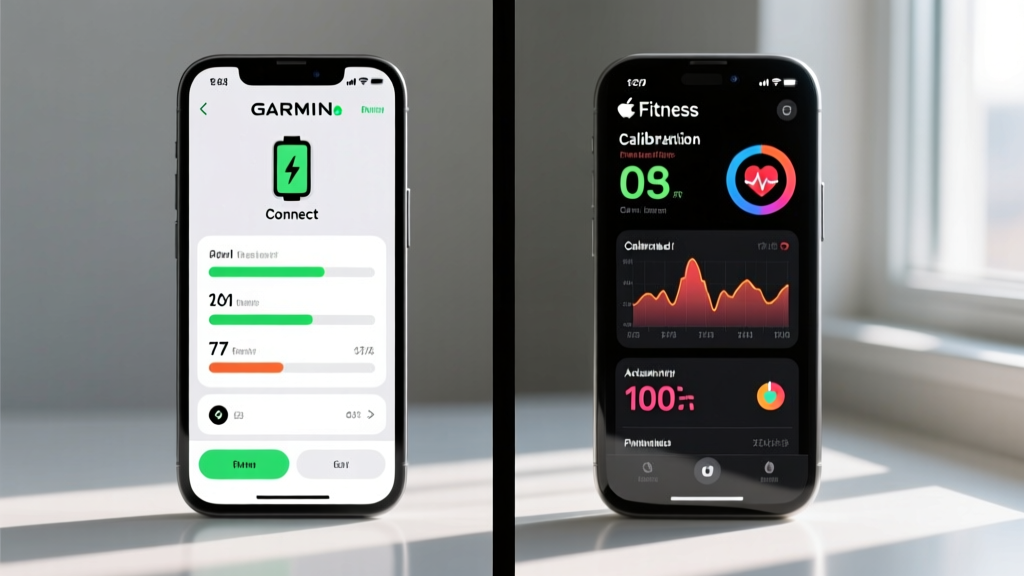
If your tracker's GPS tracks are jagged or drifting, the AGPS (Assisted GPS) ephemeris data is likely stale. For the Garmin Venu 3, open the Garmin Connect app, ensure Bluetooth is active, and let the watch sync for 3 minutes while standing near a window. This pushes fresh satellite orbital data to the device. For the Apple Watch Ultra 2, GPS calibration is tied to motion. You must perform a 20-minute outdoor walk or run with your paired iPhone in your pocket to allow the WatchOS to cross-reference the watch's GPS with the iPhone's cellular triangulation and Wi-Fi mapping databases.
Storage and Background App Refresh
The Ultra 2 has 64GB of storage, while the Venu 3 has roughly 4GB dedicated to offline music and system files. On the Garmin, failing to delete old offline Spotify playlists can cause the OS to lag when calculating VO2 Max metrics. On the Apple Watch, navigate to Settings > General > Background App Refresh and disable third-party apps you don't actively use. Background polling drains the battery and generates excess heat, which subtly degrades the internal thermal sensors over time.
The Verdict: Which Requires Less Upkeep?
Deciding how to maintain fitness tracker hardware ultimately depends on your willingness to perform manual upkeep. The Apple Watch Ultra 2 wins on automated software maintenance, offering native battery health tracking, automated optimized charging, and seamless background GPS calibration. However, its premium sapphire and titanium build requires careful chemical management to avoid stripping oleophobic coatings. The Garmin Venu 3 is the superior choice for 'set it and forget it' physical durability in harsh environments, provided you are diligent about manually managing your charge cycles and keeping the stainless steel bezel rinsed after saltwater exposure. By following these specific, model-dependent protocols, you can easily extend the functional lifespan of either device well past the standard two-year upgrade cycle.
More gear to consider
All reviews
How to Maintain Fitness Tracker Battery Life and Sensor Accuracy

Best Trigger Real: Technical Analysis of High-Performance Firearm Triggers for Precision Shooting

Setup Alternatives to Head: Practical, Field-Tested Options for Tennis Racket Customization

Best Sports Maintenance for Cold Weather: Expert Protocols for Equipment Longevity and Performance
Storage And Precision Compared
