
How to Maintain Fitness Tracker Battery Life and Sensor Accuracy
Learn how to maintain fitness tracker hardware with expert protocols for AMOLED screens, PPG sensors, and lithium-ion battery health.

Learning how to maintain fitness tracker hardware requires moving beyond basic screen wiping and occasional charging. Modern multisport GPS watches like the Garmin Fenix 8, Apple Watch Ultra 2, and Suunto Race S utilize high-density lithium-ion cells, complex photoplethysmography (PPG) sensor arrays, and delicate oleophobic screen coatings that degrade rapidly under improper environmental stress. When athletes ask how to maintain fitness tracker longevity, the answer lies in managing voltage stress, preventing optical scattering from salt crystallization, and preserving firmware-level GPS caches.
This guide details the exact chemical, electrical, and software protocols required to extend the operational lifespan of premium wearable technology in 2026, ensuring your biometric data remains accurate and your battery avoids premature capacity loss.
Core Protocols: How to Maintain Fitness Tracker Hardware Longevity
The lithium-ion cells powering modern GPS trackers are highly sensitive to voltage extremes and thermal thresholds. According to Apple’s lithium-ion battery guidelines and research from the Argonne National Laboratory, charging a Li-ion cell to its absolute maximum voltage (typically 4.35V to 4.4V in high-density wearable cells) accelerates electrolyte oxidation and solid electrolyte interphase (SEI) layer thickening. This results in a permanent loss of usable capacity.
The 20-80% Voltage Sweet Spot
To minimize micro-cracking in the battery’s cathode material, maintain your tracker’s charge between 20% and 80%. Charging from 80% to 100% requires a constant-voltage phase that pushes the cell to its maximum thermal and electrical stress limits. If you are not undertaking a multi-day ultramarathon, capping your daily charge at 80% can effectively double the total cycle life of the battery before it drops below 80% of its original design capacity.
Thermal Boundaries for Charging
Never charge your wearable device in environments below 0°C (32°F) or above 45°C (113°F). Charging a lithium-ion cell in freezing temperatures causes lithium plating on the anode, which can lead to internal short circuits and irreversible capacity loss. If you finish a winter run, allow the device to return to room temperature (approx. 20°C) before connecting the magnetic charging puck.
Optical Heart Rate (PPG) Sensor Calibration and Cleaning
The exact methodology for how to maintain fitness tracker optical arrays revolves around preventing light scattering. PPG sensors work by emitting green and red LEDs into the skin and measuring the refracted light absorbed by hemoglobin. Dried sweat, dead skin cells, and sunscreen residue create a microscopic crystalline layer over the sensor window, scattering the LED beams and causing the algorithm to register false heart rate spikes or dropouts during high-cadence intervals.
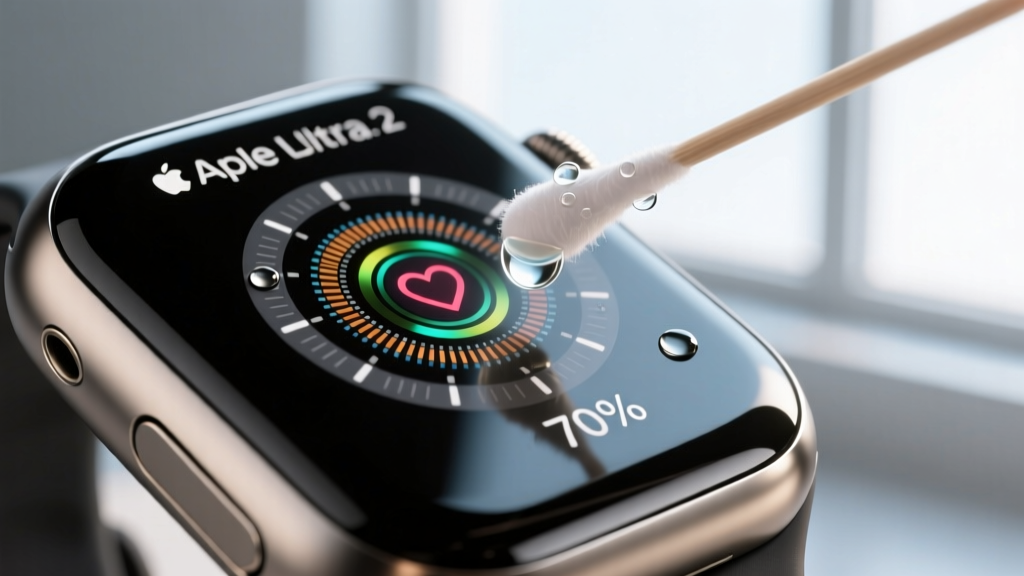
Following Apple Watch official cleaning protocols and general optical maintenance standards, you must use the correct solvent to dissolve sebum and salt without degrading the polycarbonate sensor housing or the waterproof adhesive seals.
| Cleaning Solvent | Effectiveness on Sebum/Salt | Risk to Device Hardware | Verdict |
|---|---|---|---|
| 70% Isopropyl Alcohol (IPA) | High (evaporates cleanly) | Low (safe for glass/sapphire) | Recommended |
| 99% Isopropyl Alcohol | Moderate (evaporates too fast) | Medium (can dry out rubber gaskets) | Use Sparingly |
| Hand Sanitizer / Ethanol | Low (leaves glycerin residue) | High (blocks optical path) | Avoid |
| Tap Water & Soap | Moderate (removes salt) | Low (if port covers are sealed) | Daily Rinse |
Step-by-Step Sensor Maintenance:
- After every sweat-heavy session, rinse the back of the watch under low-pressure lukewarm tap water to remove bulk salt and chlorine.
- Pat dry with a lint-free cloth. Do not rub aggressively, as microscopic sand particles trapped in the sweat can scratch the sensor window.
- Once a week, apply 70% IPA to a cotton swab and gently trace the perimeter of the optical sensor housing to dissolve accumulated sebum.
- Ensure the charging contacts (usually gold-plated copper) are free of green copper oxide corrosion, which can cause charging failures.
AMOLED Screen Burn-In Prevention and Bezel Care
Understanding how to maintain fitness tracker displays is critical as the industry shifts heavily toward AMOLED panels for their superior contrast and power efficiency. However, AMOLED screens are susceptible to differential aging, commonly known as burn-in, where static UI elements (like the digital clock or step count ring) degrade the organic pixels faster than the rest of the screen.
Warning: Oleophobic Coating Degradation
Never use window cleaners (like Windex), bleach, or hydrogen peroxide on your tracker’s screen. These harsh chemicals strip the oleophobic (oil-repellent) fluoropolymer coating applied to the glass or sapphire crystal. Once stripped, the screen will permanently attract fingerprint smudges and become difficult to read in direct sunlight.
To prevent pixel degradation and preserve the screen coating, implement the following display management settings:
- Enable Auto-Brightness: Running an AMOLED screen at 1000+ nits continuously accelerates organic compound decay. Let the ambient light sensor dictate brightness.
- Rotate Watch Faces Weekly: Shift the position of complex data fields and digital numerals to distribute pixel wear evenly across the display matrix.
- Use Dark Modes: True black pixels on an AMOLED screen are physically turned off, drawing zero power and experiencing zero degradation. Utilize dark-themed watch faces with high-contrast, thin typography.
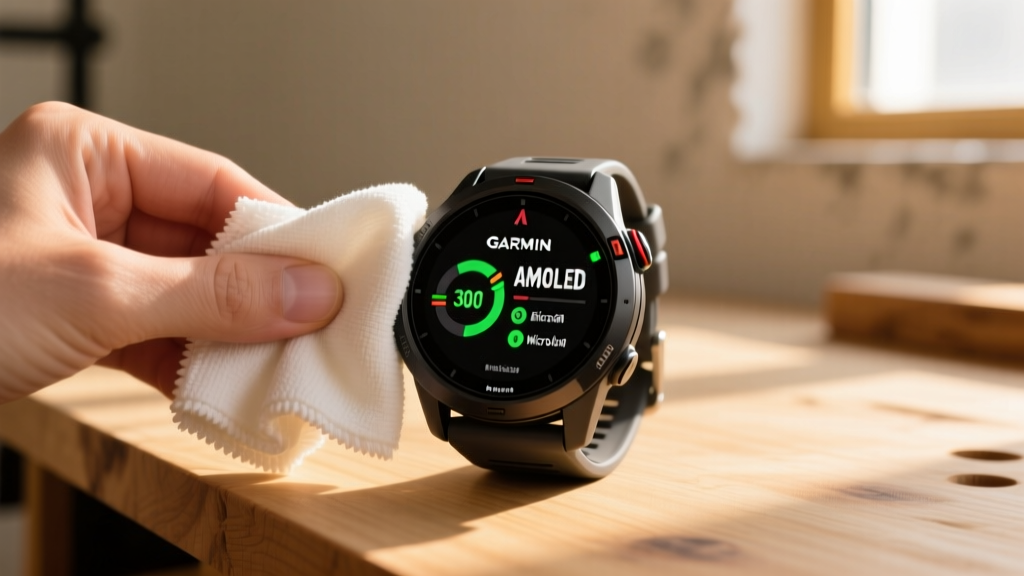
- Cleaning Tool: Use only a 300 GSM (grams per square meter) edgeless microfiber cloth. Lower GSM cloths often contain coarse nylon blends that induce micro-scratches on Gorilla Glass DX coatings.
Firmware and GPS Ephemeris Cache Maintenance
Hardware care is only half the battle; maintaining the software environment ensures your device locks onto satellites accurately and preserves battery life during GPS acquisition. When your tracker attempts to connect to GPS satellites, it downloads an almanac and ephemeris data set (Assisted GPS, or AGPS). This data predicts satellite orbits for the next 3 to 7 days.
“A corrupted or expired AGPS cache forces the watch’s GPS receiver into a cold start. This not only delays your satellite lock by up to three minutes but also forces the antenna to draw maximum milliamp current while scanning the sky, generating excess heat and draining the battery prematurely.”
Clearing and Refreshing the AGPS Cache
If you notice your Garmin or Coros device taking longer than 15 seconds to achieve a GPS lock outdoors, the ephemeris cache is likely corrupted or expired. To maintain optimal GPS performance:
- Connect your device to its native desktop application (e.g., Garmin Express or Coros Desktop) via a hardwired USB-C connection, avoiding Bluetooth syncing for this specific task.
- Force a manual sync to download the latest 7-day satellite prediction data directly to the device’s non-volatile memory.
- If issues persist, perform a soft reset (holding the power button for 15 seconds) to clear the volatile RAM where temporary GPS handshake data is stored, without wiping your user activity profiles.
By adhering to these strict electrical, optical, and software maintenance protocols, you ensure your multisport wearable continues to deliver laboratory-grade biometric accuracy and reliable battery endurance for years of rigorous training.
More gear to consider
All reviews
How to Maintain Sports Equipment: The Ultimate Sanitizing Guide

Reclaim Space: Sports Equipment List for Donation & Recycling

Practical Heat Storage Ideas for Sports Facility Operators and Maintenance Technicians

How to Maintain Fitness Tracker Waterproofing: Seals, Gaskets & Water Resistance Guide

How To Start Equip Weights: A Practical, Step-by-Step Setup Guide for Home Gyms
