
Does Whoop Track Runs? GPS Features Explained
Does the Whoop track runs? We break down Whoop 4.0 running metrics, connected GPS, and how it compares to Garmin in 2026.

The official hardware specification confirms that the WHOOP 4.0 utilizes connected GPS and has no built-in GPS module. To map routes, track pace, and record distance, the WHOOP 4.0 band must maintain a Bluetooth connection to a smartphone running the WHOOP application. This guide is designed for endurance athletes, CrossFit competitors, and daily fitness enthusiasts who are trying to decide between a screenless recovery tracker and a dedicated Global Positioning System (GPS) smartwatch.
Official GPS Capabilities of the WHOOP 4.0 Band
WHOOP officially designs the 4.0 strap as a continuous biometric monitor rather than a standalone navigation tool. By omitting an internal location chip, the device maintains a minimalist profile weighing just 8.8 grams. This hardware choice maximizes the battery life, allowing the device to operate for up to 120 hours on a single charge.
Connected GPS: A tracking method where a wearable device without an internal location chip borrows location data from a paired smartphone's internal GPS receiver via a Bluetooth connection to map routes and calculate speed.
When you initiate a workout, the WHOOP application pulls satellite data directly from your iOS or Android device. According to the official WHOOP Connected GPS documentation, the strap records heart rate at 100 times per second while the phone handles spatial tracking.
WHOOP 4.0 vs. Dedicated GPS Watches: Feature Comparison
Choosing between a biometric band and a dedicated smartwatch requires evaluating your need for real-time data versus passive recovery tracking. The following decision matrix outlines the core hardware differences between the WHOOP 4.0 and leading GPS smartwatches.
| Feature | WHOOP 4.0 | Garmin Forerunner 265 | Apple Watch Ultra 2 |
|---|---|---|---|
| Internal GPS | No (Connected Only) | Yes (Multi-Band) | Yes (Dual-Frequency) |
| Standalone Tracking | Requires Smartphone | Phone-Free | Phone-Free |
| GPS Accuracy | Depends on Phone Chip | Up to 2.5 meters variance | Sub-3 meters variance |
| Battery Life (GPS Mode) | N/A (Drains Phone) | Up to 20 hours | Up to 36 hours |
| Primary Display | None (App Only) | 1.3-inch AMOLED | 1.9-inch OLED |
Dedicated watches like the Garmin Forerunner 265 utilize multi-band Global Positioning System technology to cut through tree cover and urban canyons. The WHOOP 4.0 cannot provide this spatial precision without the physical presence of your mobile device.
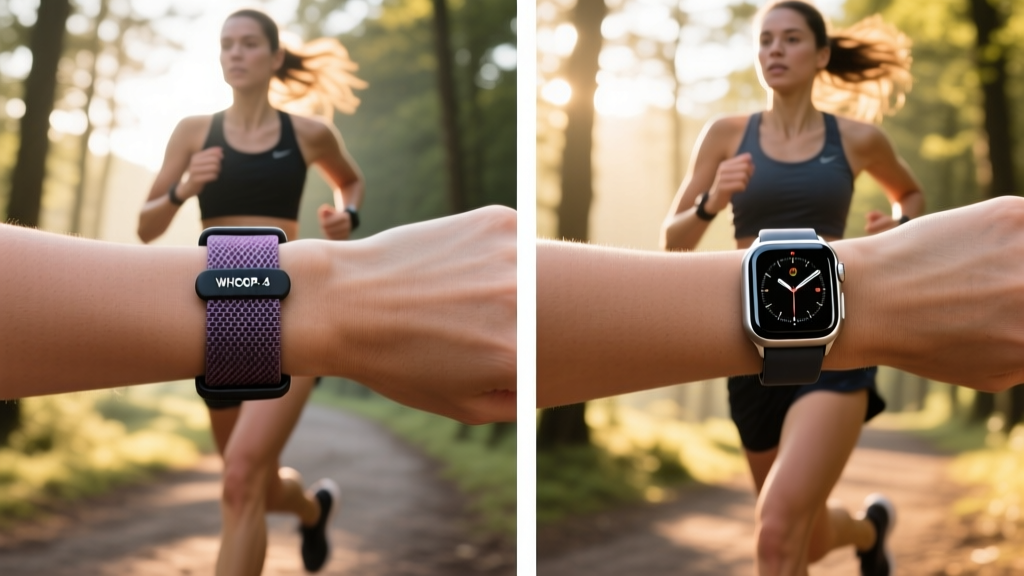
How Connected GPS Impacts Your Workouts
Relying on connected GPS fundamentally alters your training logistics. If you prefer running without carrying a smartphone, the WHOOP 4.0 will still record your heart rate, strain, and cardiovascular load. However, the final workout log will completely lack a route map, elevation gain, and precise pace metrics.
Furthermore, continuous Bluetooth transmission and simultaneous satellite polling will drain your smartphone battery at an approximate rate of 15% per hour. For marathon runners or ultramarathon athletes completing events longer than four hours, this battery drain requires carrying external power banks. The WHOOP 4.0 Battery Life Guide confirms that while the strap itself survives long endurance events, the connected phone remains the limiting factor.
Frequently Asked Questions
Does the WHOOP 4.0 track distance without a phone?
No. Without a paired smartphone, the WHOOP 4.0 uses its internal accelerometer to estimate step counts and general movement. It cannot calculate precise geographical distance, pace, or route mapping without an active connected GPS signal from your mobile device.
Is connected GPS as accurate as built-in GPS?
Connected GPS accuracy is entirely dependent on the GPS chip inside your specific smartphone. Modern flagship phones offer excellent tracking, but budget devices may experience signal drift. Dedicated multi-band sports watches generally provide superior and more consistent satellite lock under heavy tree cover or near tall buildings.
What is the best GPS watch alternative to WHOOP?
If you require built-in GPS but still want advanced recovery metrics, the Garmin Venu 3 or the Oura Ring Generation 3 paired with a standard GPS watch are optimal alternatives. These setups provide the standalone mapping capabilities you need while preserving the deep sleep and heart rate variability analysis you expect.
Final Verdict and Next Steps
The official hardware design confirms the WHOOP 4.0 relies strictly on connected GPS, lacking any internal location tracking module. If your training requires real-time pacing, phone-free route mapping, and multi-band satellite accuracy, a dedicated GPS smartwatch is the mandatory choice. If your primary focus is continuous heart rate variability monitoring, sleep coaching, and strain management, the WHOOP 4.0 remains superior provided you carry your smartphone during outdoor routes. Evaluate your next training block: if you plan to leave your phone at home, purchase a dedicated GPS watch today.
More gear to consider
All reviews
Fitbit Inspire 3 Health & Fitness Tracker Reviews: Troubleshooting Body Composition Scale Accuracy

Oura Ring Fitness Tracking for Specific Sports: Care & Longevity

Longest Battery Life Fitness Tracker vs Smartwatch Value Breakdown

Fitbit Luxe Fitness Tracker vs GPS Watches: Expert 2026 Comparison

GPS Running Watch Guide: Finding a True Fitness Tracker BP Monitor
