
Under-Desk Treadmill Review: Treadmill Speed Sensor Maintenance
Read top under-desk treadmill reviews and learn essential maintenance tips to fix treadmill speed sensor errors and extend your walking pad's lifespan.

The 2026 Under-Desk Treadmill Landscape: Reviews and Reliability
As hybrid and remote work models have fully solidified in 2026, the under-desk treadmill (commonly known as a walking pad) has transitioned from a niche luxury to a standard home office fixture. According to Cornell University Ergonomics, integrating low-intensity movement into the workday significantly reduces musculoskeletal fatigue and improves cognitive focus. However, the compact engineering required to fit a motor and belt under a desk introduces unique mechanical vulnerabilities. The most frequent point of failure in these low-profile machines is not the motor itself, but the treadmill speed sensor.
When an under-desk treadmill suddenly stutters, halts, or throws an E02/E03 error code on the LED display, the speed sensor is almost always the culprit. Below, we review the top office walking pads on the market through the lens of long-term maintenance, sensor reliability, and repairability.
Top Under-Desk Treadmills: Sensor Type and Maintenance Profile
| Model (2026 Editions) | Price Range | Sensor Type | Belt Width | Maintenance Difficulty |
|---|---|---|---|---|
| KingSmith WalkingPad R2 Pro | $549 - $599 | Optical (IR Slotted Disc) | 17.7 inches | Moderate (Dust sensitive) |
| UREVO Strol 2E | $279 - $319 | Magnetic Reed Switch | 16.5 inches | Easy (Gap adjustment) |
| Mobvoi Home Treadmill | $359 - $399 | Hall Effect (Solid State) | 17.0 inches | Hard (PCB replacement) |
KingSmith WalkingPad R2 Pro: The premium choice for heavy daily use. Its optical sensor provides highly accurate RPM readings, allowing for smooth micro-adjustments in speed. However, optical sensors are highly susceptible to office dust and pet hair blocking the infrared beam.
UREVO Strol 2E: A budget-friendly workhorse. It utilizes a traditional magnetic reed switch. While less precise at micro-speeds, it is incredibly easy to troubleshoot and physically realign without specialized tools.
Mobvoi Home Treadmill: Features a Hall Effect sensor integrated directly into the motor controller. While solid-state sensors rarely fail mechanically, if they do, it usually requires replacing the entire lower control board rather than a simple $5 sensor swap.
Anatomy of a Treadmill Speed Sensor Failure
To effectively maintain your machine, you must understand how the console tracks your pace. The treadmill speed sensor acts as the communication bridge between the drive motor and the display console. It counts the rotations of the motor's flywheel and sends a 5-volt logic pulse to the lower control board. If the board does not receive these pulses within a specific millisecond window, it assumes the belt is stuck or the user has fallen, triggering an automatic safety shutoff (commonly Error Codes E02, E03, or E07).
⚠️ Warning: The Static Electricity Threat
Office environments with wall-to-wall carpeting and rolling desk chairs generate massive amounts of static electricity. When you step off the walking pad while wearing socks, a static discharge can travel through the belt, up the motor chassis, and fry the delicate 5V logic line connecting the treadmill speed sensor to the PCB. Always plug your under-desk treadmill into a surge protector and consider placing an anti-static rubber mat beneath the machine if your office is heavily carpeted.
Step-by-Step: Diagnosing and Fixing Sensor Errors
Before ordering replacement parts or throwing out a perfectly good walking pad, perform this systematic diagnostic routine. You will need a standard Phillips-head screwdriver, a microfiber cloth, 90% isopropyl alcohol, and optionally, a digital multimeter.
Step 1: Access the Motor Hood
Unplug the treadmill from the wall. Locate the motor hood at the front of the walking pad (the side where the power cord enters). Remove the 4 to 6 M4 Phillips screws securing the plastic shroud. Carefully lift the hood, being mindful of the LED display ribbon cable that may be attached to the underside.
Step 2: Identify Your Sensor Type and Clean
- For Optical Sensors (e.g., WalkingPad): Locate the small black plastic housing near the motor shaft with a slotted plastic disc passing through it. This is the IR reader. Use a cotton swab dipped in 90% isopropyl alcohol to gently wipe the slotted disc and the inside of the sensor housing. Office dust accumulation is the #1 cause of optical sensor failure.
- For Magnetic Reed Switches (e.g., UREVO): Locate the small cylindrical sensor zip-tied or screwed near the flywheel magnet. The primary failure mode here is vibration. Over months of walking, the motor mounts settle, and the gap between the magnet and the sensor widens.
Step 3: Adjusting the Reed Switch Gap
If your machine uses a magnetic reed switch, the gap between the magnet on the flywheel and the sensor tip must be exactly 2mm to 4mm. If the gap exceeds 5mm, the magnetic field is too weak to close the internal reed, resulting in a dropped signal and an E02 error. Gently bend the metal mounting bracket inward to close the gap. Do not let the magnet scrape against the sensor casing.
Step 4: Multimeter Logic Test (Advanced)
If cleaning and adjusting do not resolve the stuttering, set your digital multimeter to DC Voltage. Plug the treadmill back in (with extreme caution around exposed AC components). Set the console to the lowest speed (1.0 mph). Probe the signal wire (usually yellow or white) on the sensor's wiring harness. You should see the voltage rapidly oscillating between 0V and 5V as the flywheel spins. If the voltage stays pinned at 0V or 5V, the sensor is dead and must be replaced. Replacement sensors typically cost between $8 and $15 on standard electronics supply sites.
Holistic Longevity: Belt Care and Motor Strain
A failing treadmill speed sensor is often a secondary symptom of a larger issue: excessive belt friction. When the walking pad belt dries out, the friction coefficient between the belt and the wooden/MDF deck increases exponentially. The motor must draw higher amperage to overcome this friction, generating intense heat. This heat can warp the flywheel housing, pulling the speed sensor magnet out of alignment, or even melt the solder joints on the sensor's PCB.
To prevent this cascading failure, adhere to the American Heart Association's guidelines for daily movement by tracking your miles, and service your machine based on usage rather than calendar dates.
The 2026 Lubrication Protocol
- Use Only 100% Silicone Oil: Never use WD-40, petroleum jelly, or household oils. These will degrade the PVC belt and destroy the deck. Purchase treadmill-specific 100% liquid silicone.
- Volume and Frequency: Apply exactly 15ml
- Distribution: Turn the treadmill on to 2.0 mph and let it run unoccupied for 5 minutes. This allows the rollers to evenly distribute the silicone across the entire deck surface.
Proper Belt Tensioning
If the belt slips when you step on the pad, your immediate instinct might be to tighten the rear roller bolts. Do not overtighten. Over-tensioning puts immense lateral stress on the motor bearings, which will eventually cause the motor shaft to wobble. A wobbling shaft causes the speed sensor disc to wobble out of the optical reader's focal plane, triggering false error codes. The belt should have roughly 2 to 3 inches of lift when pulled from the center of the deck. Adjust the left and right rear hex bolts by exactly one-quarter turn at a time to maintain perfect alignment.
Frequently Asked Questions
Can I use my under-desk treadmill without the safety magnetic key?
The safety key itself is essentially a secondary, rudimentary circuit closer. Bypassing it by placing a strong neodymium magnet over the console sensor is physically possible, but highly discouraged. If you stumble or trip in your office chair, the belt will not auto-stop, posing a severe friction burn and fire hazard.
Why does my walking pad speed up and slow down randomly?
This 'hunting' behavior is a classic symptom of a dirty treadmill speed sensor or a dry belt. The control board reads a momentary drop in RPM (due to friction or a missed sensor pulse), commands the motor to surge with more voltage, overcompensates, and then cuts power. Clean the sensor and lubricate the deck to resolve this.
Are walking pads suitable for running?
Most under-desk treadmills max out at 4.0 to 7.6 mph and lack the impact-absorbing elastomer cushions found in full-sized commercial treadmills. As noted by physical therapy guidelines referenced via Mayo Clinic's research on sedentary habits, low-impact walking is the goal for desk setups. Running on a low-clearance walking pad will rapidly destroy the deck, overheat the motor, and shatter the fragile plastic sensor housings.
Final Expert Takeaway: The longevity of your under-desk treadmill relies entirely on proactive maintenance. By keeping the deck lubricated, the belt properly tensioned, and the treadmill speed sensor free of office dust, a high-quality walking pad can easily survive 5 to 7 years of daily 8-hour work shifts.
More gear to consider
All reviews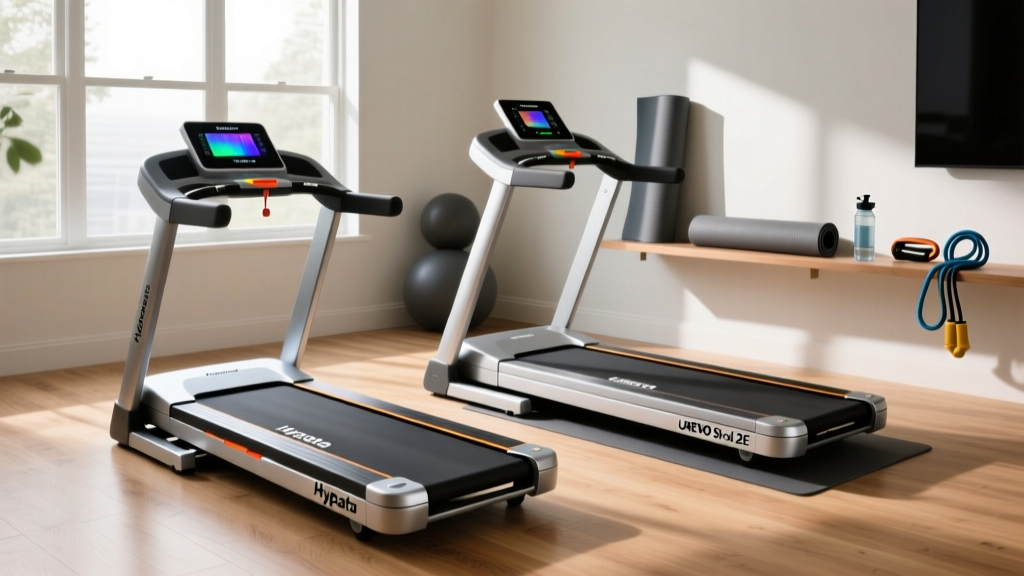
Hypata Treadmill vs. UREVO: 2026 Walking Pad Showdown
Home Stair Climber Guide: What Is 15 Incline on Treadmill in Degrees?

Treadmill v Outdoor Running: Walking Pad Setup Guide

Sprinting 100m on Treadmill: Curved vs Motorized Mistakes

Air Bike vs Assault Bike Guide: Do They Break Like Treadmill Parts?
