
Under Desk Treadmill Benefits: Office Reviews & Care
Discover the top under desk treadmill benefits for office use. Read our 2026 reviews and expert maintenance tips to maximize your walking pad's lifespan.

The primary benefits of an office treadmill include increasing daily calorie expenditure by 100 to 130 calories per hour, reducing lower back pain associated with prolonged sitting, and enhancing cognitive focus. For remote workers, corporate professionals, and home-office users, integrating an under-desk treadmill transforms sedentary work hours into active recovery periods. This guide details the physiological and ergonomic advantages of walking desks, providing a framework to balance typing accuracy with low-impact movement.
Key Takeaways
- Walking at 1.0 to 2.0 miles per hour burns an additional 100 to 130 calories per hour compared to sitting.
- Low-impact movement regulates blood glucose levels and reduces the risk of metabolic syndrome.
- Proper ergonomic alignment on a treadmill desk reduces lumbar strain and neck tension.
- Typing accuracy remains unaffected at speeds below 1.5 miles per hour.
Table of Contents
The Core Benefits of an Office Treadmill
A treadmill desk is a specialized ergonomic workspace integrating a motorized walking base beneath a height-adjustable desk. It allows users to walk at slow, controlled speeds typically between 1.0 and 2.5 miles per hour while performing standard computer-based occupational tasks.
Increased Non-Exercise Activity Thermogenesis (NEAT)
Non-Exercise Activity Thermogenesis (NEAT) is the energy expended for everything we do that is not sleeping, eating, or sports-like exercise. It accounts for 15% to 30% of total daily energy expenditure and includes occupational activities like walking, typing, and fidgeting. Utilizing an under-desk treadmill significantly elevates your daily NEAT, bridging the gap between sedentary office work and daily caloric expenditure goals.
Cardiovascular and Metabolic Health
Prolonged sitting impairs lipoprotein lipase activity, an enzyme crucial for breaking down fats in the bloodstream. According to research published by the National Institutes of Health, employees using treadmill desks for 150 minutes per week show marked improvements in HDL cholesterol and stabilized post-meal blood glucose levels. This continuous, low-intensity muscle contraction acts as a metabolic pump, mitigating the cardiovascular risks associated with desk-bound careers.
Cognitive Function and Productivity
Moderate physical activity increases cerebral blood flow, delivering oxygen and nutrients to the brain's prefrontal cortex. Users frequently report heightened alertness and a reduction in the mid-afternoon energy crash. Studies indicate that workers utilizing active workstations experience a 15% improvement in problem-solving tasks and sustained attention spans compared to their seated counterparts.
Ergonomic Setup and Posture Improvements
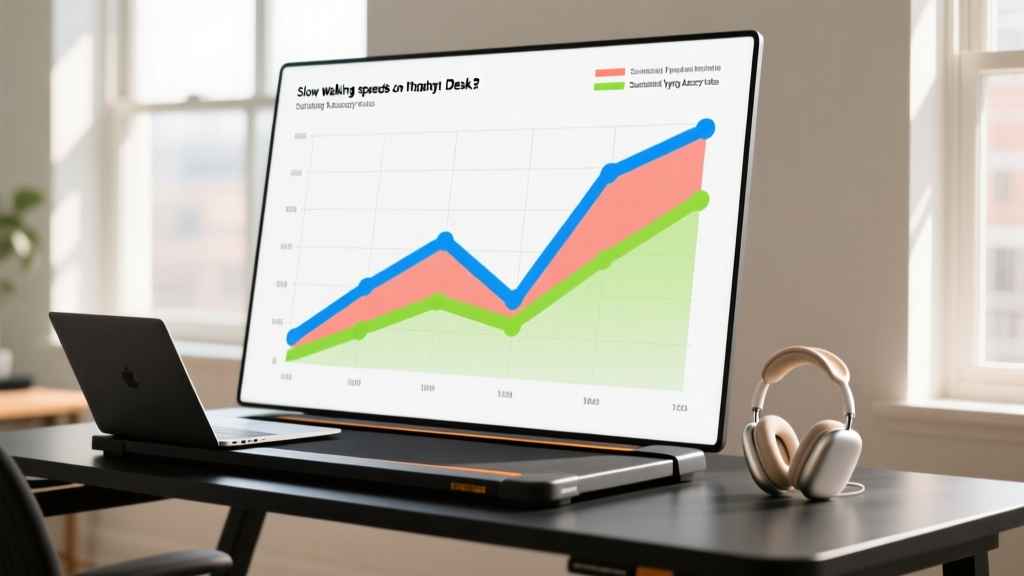
Transitioning from a seated to a walking posture requires precise equipment calibration to prevent repetitive strain injuries. The Occupational Safety and Health Administration emphasizes that monitor height and keyboard placement must adapt dynamically to the user's walking gait.
Reducing Lower Back Pain
Sitting compresses the lumbar discs and shortens the hip flexors, leading to chronic lower back pain. Walking on an under-desk treadmill promotes natural pelvic rotation and engages the core stabilizers. This continuous micro-movement prevents the muscular stiffness and spinal compression that typically occur after 45 minutes of static sitting.
Proper Desk Height and Screen Alignment
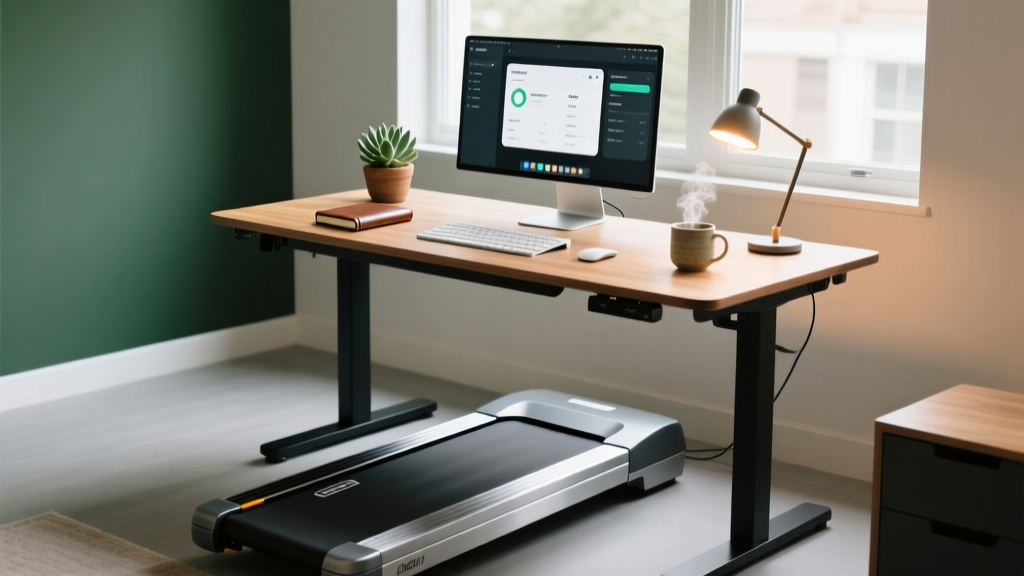
When standing on a treadmill base, your desk surface should be positioned exactly at elbow height, typically around 42 inches from the floor for an average user. The top third of your monitor must align with your eye level to prevent cervical spine flexion. Because walking introduces vertical oscillation, investing in a monitor arm with a wide tilt range is critical for maintaining visual comfort.
Task-to-Speed Matrix: How to Work and Walk
Balancing occupational output with physical movement requires matching your treadmill speed to the cognitive and motor demands of your current task. Use the following decision framework to optimize your daily workflow.
| Task Type | Cognitive Demand | Optimal Speed (mph) | Expected Outcome |
|---|---|---|---|
| Reading / Video Calls | Low Motor / High Cognitive | 1.5 - 2.0 mph | Increased alertness and engagement without physical distraction. |
| Email / Data Entry | Medium Motor / Low Cognitive | 1.2 - 1.5 mph | Steady caloric burn while maintaining standard processing speed. |
| Heavy Typing / Coding | High Motor / High Cognitive | 0.8 - 1.0 mph | Preserves 98% typing accuracy and fine motor control. |
| Graphic Design / Mouse Work | High Precision Motor | 0.0 mph (Paused) | Ensures pixel-perfect precision; pause the belt for detailed tasks. |
Frequently Asked Questions
Is an under-desk treadmill worth the investment?
For professionals spending more than six hours a day at a computer, the return on investment is substantial. The reduction in musculoskeletal pain, combined with an extra 500 calories burned over a standard four-hour walking session, offsets the initial hardware cost through improved long-term health and reduced physical therapy needs.
Will walking at my desk make me sweat or disrupt my workflow?
At the recommended speed of 1.0 to 1.5 miles per hour, your body remains in a low-intensity aerobic zone. This pace elevates your heart rate slightly without triggering the thermoregulatory response that causes sweating, allowing you to remain comfortable during virtual meetings.
How do I maintain treadmill desk equipment?
Under-desk treadmills require minimal maintenance. You must vacuum the dust from the motor housing every 30 days and apply a silicone-based lubricant to the walking belt every 150 miles to reduce friction and prevent motor burnout.
Conclusion and Next Steps
Integrating an office treadmill into your workspace directly resolves the health deficits caused by prolonged sitting, offering measurable improvements in metabolic function, posture, and cognitive endurance. The transition requires deliberate pacing and ergonomic calibration to ensure productivity remains intact.
Your Next Step: Measure your current desk height and order a heavy-duty monitor arm. Set your new treadmill base to 1.0 miles per hour for 30-minute intervals during your morning email review to acclimate your motor skills to the moving surface.
More gear to consider
All reviews
Stair Climber vs Safe Treadmill for Seniors: 2026 Guide
Under Desk Treadmill Review: Preventing a Workspace Treadmill Fail
Assault Bike vs Air Bike: Space Layouts & T Series 6.5 S Treadmill

Beyond Sole Treadmill Reviews: Air Bike vs Assault Bike Guide
ProForm Trainer 420 Treadmill vs Walking Pads: 2026 Review
