
Trimup Treadmill Review: Walking Pad Comparison & Setup Guide
Discover if the Trimup treadmill is right for your home office. Read our beginner-friendly review, walking pad comparison, and step-by-step setup guide.

The Rise of the Under-Desk Walker: Where Does the Trimup Treadmill Fit?
If you have transitioned to a permanent home office setup, you are likely already aware of the physical toll that prolonged sitting takes on your body. According to the Mayo Clinic, extended periods of sitting are linked to a host of metabolic issues, making Non-Exercise Activity Thermogenesis (NEAT)—the energy expended for everything we do that is not sleeping, eating, or sports-like exercise—a critical health metric. Enter the compact walking pad. In the 2026 home fitness market, the trimup treadmill has emerged as a popular, budget-friendly contender for beginners looking to integrate low-impact movement into their workday.
But how does it actually perform when placed under a standing desk? Is the motor quiet enough for Zoom calls? In this comprehensive, beginner-friendly guide, we will break down the exact specifications of the Trimup treadmill, compare it against industry heavyweights, and provide a step-by-step setup guide to ensure your first walking session is safe, ergonomic, and effective.
Trimup Treadmill: Core Specifications and Reality Check
Before diving into comparisons, beginners need to understand the physical limitations and capabilities of the trimup treadmill. Marketing materials often highlight "peak" horsepower, but continuous duty is what actually matters for daily use.
- Motor: 2.25 Peak HP (Approx. 1.25 Continuous HP) Brushless DC Motor
- Belt Dimensions: 15.7 inches wide by 43.3 inches long
- Weight Capacity: 265 lbs (User limit)
- Unit Weight: 48 lbs
- Speed Range: 0.5 to 3.8 MPH
- Deck Height: 4.1 inches (Ultra-low profile)
Expert Insight: The 15.7-inch belt width is the most critical metric here. Standard treadmills feature 20-inch belts. A 15.7-inch belt requires you to maintain a relatively narrow gait. Beginners must consciously avoid wide stances to prevent catching the edge of the deck, which can cause sudden stumbles or belt fraying.
Walking Pad Comparison Matrix: Trimup vs. The Competition
To understand the value proposition of the Trimup treadmill, we must compare it to established alternatives in the 2026 market. Below is a side-by-side matrix evaluating the Trimup against the WalkingPad R2 Pro and the UREVO Strol 2E.
| Feature | Trimup Treadmill | WalkingPad R2 Pro | UREVO Strol 2E |
|---|---|---|---|
| Retail Price | $219 - $249 | $499 - $549 | $299 - $329 |
| Continuous Motor | 1.25 CHP | 1.25 CHP | 1.5 CHP |
| Belt Width | 15.7" | 17.3" | 16.5" |
| Handlebar | None (Pad Only) | Foldable T-Bar | Fixed T-Bar |
| App Integration | Basic Bluetooth | Advanced KS Fit | UREVO App |
| Noise Level (at 2 MPH) | ~55 dB | ~50 dB | ~58 dB |
The Verdict for Beginners: The Trimup treadmill wins on pure affordability and low-profile deck height, making it ideal for sliding under low-clearance furniture. However, if you require a handlebar for balance rehabilitation or prefer a wider belt for a more natural stride, the UREVO Strol 2E or WalkingPad R2 Pro are worth the premium investment.
Step-by-Step Guide: Setting Up Your Trimup Treadmill
Proper setup is the difference between a walking pad that lasts for years and one that burns out its motor in three months. Follow this exact sequence when unboxing your trimup treadmill.
Step 1: Surface Preparation and Mat Placement
Never place a walking pad directly on thick, high-pile carpet. The motor intake vent is located on the front underside of the deck. Thick carpet fibers will choke the intake, causing the motor to overheat and trigger the thermal shutoff switch.
- Purchase a 3/16-inch thick PVC equipment mat (approx. $30-$40).
- Place the mat on your hard floor or low-pile carpet.
- Ensure you have at least 24 inches of clearance behind the treadmill. If you slip off the back, you need a safe landing zone, not a wall or a bookshelf.
Step 2: Belt Lubrication and Calibration
Even if the box says "pre-lubricated," factory silicone oil often settles during shipping. Before your first walk, perform a dry calibration.
- Plug the unit in and power it on using the front red rocker switch.
- Using the remote, increase the speed to 2.0 MPH.
- Let the belt run empty for 3 minutes. This redistributes the silicone oil evenly across the deck.
- Listen for "chirping" or high-pitched squealing. If you hear this, the belt is dry. Lift the edge of the belt and apply 10ml of 100% pure silicone treadmill lubricant in a zig-zag pattern down the center of the deck.
Step 3: Ergonomic Desk Alignment
Walking while typing requires precise ergonomic alignment to prevent cervical and lumbar strain. The American Heart Association emphasizes that maintaining proper posture during physical activity is vital for long-term joint health.
- Desk Height: Raise your standing desk so your elbows rest at a 90-degree angle when your hands are on the keyboard.
- Monitor Elevation: The top third of your monitor must be at eye level. Looking down while walking alters your center of gravity and increases the risk of stepping off the side of the 15.7-inch belt.
- Footwear: Do not walk in socks or bare feet. Wear zero-drop, wide-toe-box walking shoes with a thin, flexible sole to absorb the repetitive impact on the MDF deck.
Common Beginner Mistakes and Troubleshooting
As you integrate the trimup treadmill into your daily routine, you may encounter a few mechanical quirks. Here is how to solve them like a pro.
The Belt Drifts to the Left or Right
If the walking belt shifts and rubs against the plastic side rails, do not ignore it. Friction will melt the plastic and tear the belt. Locate the two adjustment holes at the rear of the treadmill. Using the provided 5mm Allen key, turn the bolt on the side the belt is drifting toward exactly one-quarter (1/4) turn clockwise. Run the treadmill at 1.5 MPH and observe. Repeat if necessary. Never turn the bolts more than a half-turn at a time.
Remote Connectivity Drops
The Trimup remote relies on an infrared (IR) and Bluetooth hybrid signal. If the remote becomes unresponsive, first check the CR2032 coin cell battery. Second, ensure there are no fluorescent desk lamps directly between the remote and the front console, as certain light frequencies can interfere with IR receivers.
Is the Trimup Treadmill Right for You?
The trimup treadmill is an exceptional entry-level device for users under 220 lbs who want to introduce light NEAT movement into their sedentary workdays without spending $500+. Its ultra-low 4.1-inch deck height makes it one of the most versatile pads for sliding under standard living room sofas or low-clearance standing desks. However, users over 240 lbs, or those with vestibular (balance) issues, should bypass pad-only models and opt for a treadmill with a fixed handlebar and a wider 20-inch running surface.
Frequently Asked Questions
Can I run on the Trimup treadmill?
No. The 1.25 Continuous HP motor and 43.3-inch belt length are strictly engineered for walking (up to 3.8 MPH). Attempting to jog or run will void the warranty, overheat the motor controller, and pose a severe safety hazard due to the short deck.
How often do I need to lubricate the belt?
For users walking 1 to 2 hours daily, apply 10ml of pure silicone lubricant every 45 to 60 days. If you walk less than 3 hours a week, lubricate every 3 months.
Will the noise disrupt my microphone during calls?
At 1.5 to 2.0 MPH, the motor produces a low-frequency hum (around 55 dB) that most modern noise-canceling headsets and laptop microphones will easily filter out. However, the sound of your shoes striking the deck may be picked up; using foam-insole shoes mitigates this issue entirely.
More gear to consider
All reviews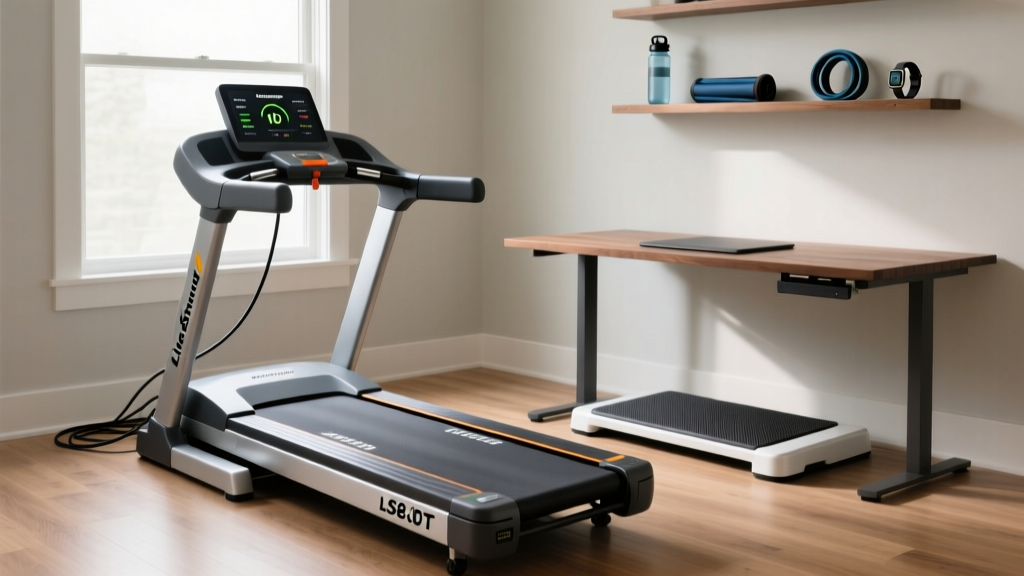
LiveStrong LS8.0T Treadmill Setup & Walking Pad Comparison
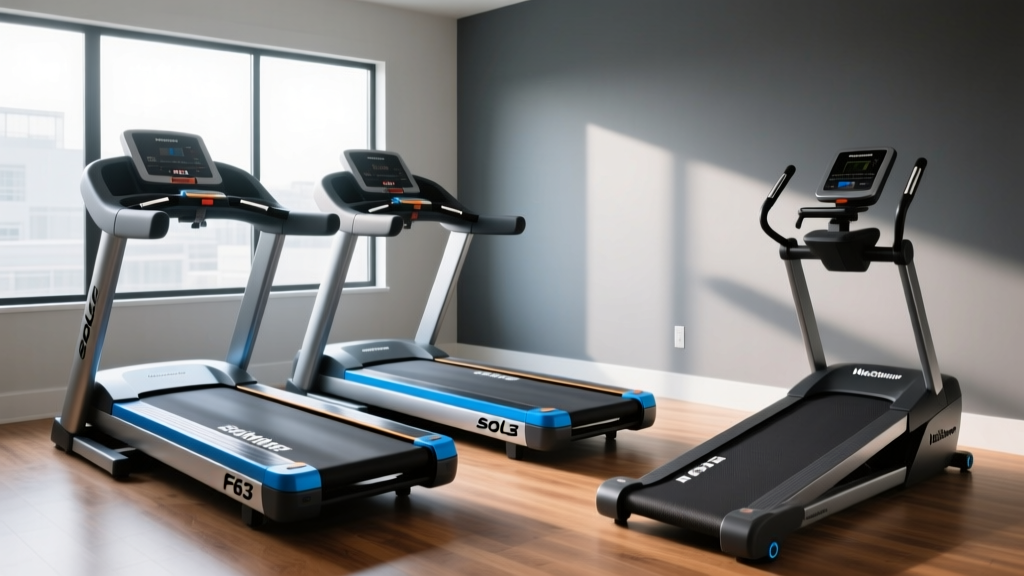
Sole Treadmill F63 vs F65 or Under-Desk Treadmill? Office Use Review

Walking Pad Review 2026: The Treadmill Tail & Motor Showdown
Standard Size of a Treadmill: Curved vs Motorized

How Many Amps Does a Treadmill Use? Setup & Noise Guide
