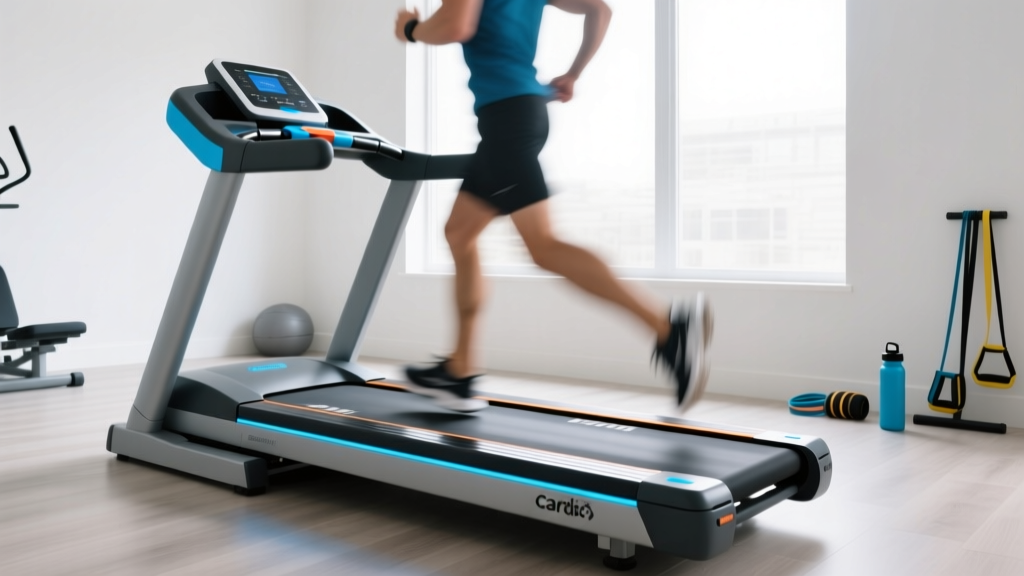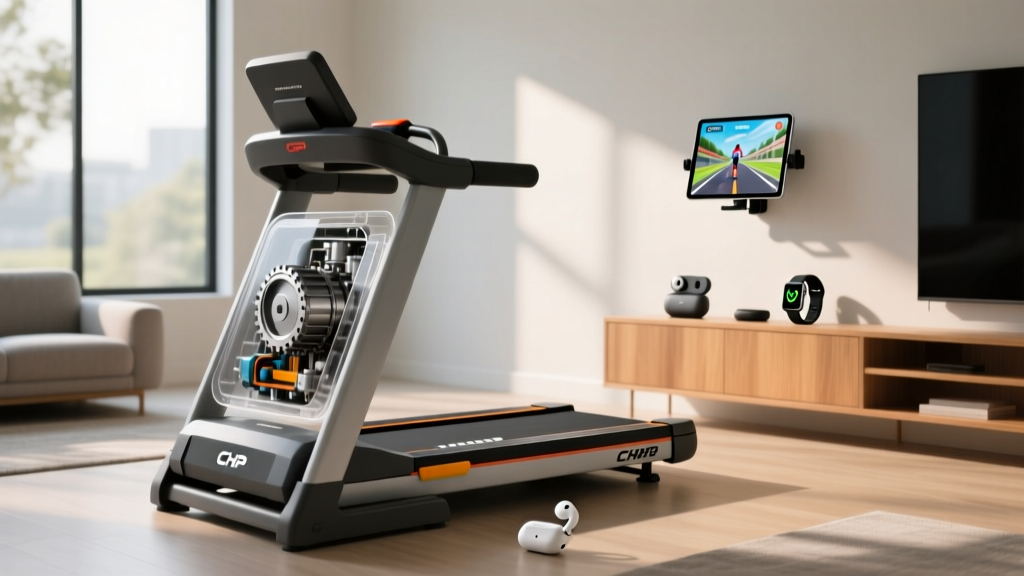
Treadmill Games Setup: Motor Size & Installation Walkthrough
Master your treadmill games setup. Learn how to choose the right CHP motor for virtual running and follow our complete installation walkthrough.

The explosion of interactive fitness has transformed the treadmill from a solitary chore into an immersive, competitive experience. Whether you are racing digital avatars on Zwift, navigating virtual trails on Kinomap, or competing in live leaderboards, treadmill games demand significantly more from your equipment than traditional steady-state cardio. Gamified running involves erratic pacing, sudden sprint intervals, and rapid virtual incline changes that place immense, unpredictable stress on your machine's drive system.
If you are setting up a smart treadmill for interactive gaming in 2026, selecting the correct motor size and executing a flawless installation are non-negotiable. A poorly sized motor will overheat during virtual alpine climbs, and a sloppy data-cable installation will cause Bluetooth dropouts mid-race. This comprehensive guide covers the exact motor specifications you need and provides a professional-grade installation walkthrough to ensure your gaming setup is bulletproof.
The Hidden Toll of Virtual Gaming on Treadmill Motors
When you run outdoors or use a basic treadmill program, your pace and incline remain relatively stable. Treadmill games, however, utilize the ANT+ FE-C or Bluetooth Smart protocol to automatically adjust your treadmill's speed and incline based on virtual terrain. If your avatar hits a 12% virtual hill in a racing game, the treadmill's incline motor and drive motor must instantly synchronize to simulate the resistance.
This creates massive amperage spikes. According to equipment testing standards highlighted by Consumer Reports, the primary cause of premature treadmill failure in smart homes is motor overheating driven by inconsistent, high-torque demands. To survive this, you must ignore 'Peak Horsepower' (a marketing metric measuring the motor's maximum output for a fraction of a second) and focus exclusively on Continuous Horsepower (CHP).
⚠️ The 'Virtual Hill' Stress Test
A 2.5 CHP motor with a '4.0 Peak HP' rating will likely trip its internal thermal breaker after 20 minutes of navigating hilly virtual routes. The Pulse Width Modulation (PWM) motor controller will overheat trying to supply the continuous amperage required to hold a 200 lb runner on a 10% incline at 6 mph. For interactive gaming, a true 3.5 CHP minimum is mandatory.
Treadmill Motor Sizing Matrix for Interactive Gaming
Use the matrix below to determine the exact motor size required for your specific gaming style and body weight. Pricing reflects the 2026 market for gaming-capable, smart-connected treadmills.
| User Weight | Gameplay Style | Minimum CHP Required | Recommended Drive System | Example 2026 Models (Price Range) |
|---|---|---|---|---|
| Under 150 lbs | Steady-State Virtual Trails | 3.0 CHP | Standard DC Motor | Horizon 7.4 ($1,099 - $1,299) |
| 150 - 200 lbs | Competitive Racing / Sprints | 3.5 CHP | High-Torque DC / Brushless | Sole F80 ($1,199 - $1,499) |
| 200 - 250 lbs | Heavy Incline Gamification | 4.0 CHP | Commercial AC / Brushless | NordicTrack Commercial 1750 ($1,999 - $2,299) |
| 250+ lbs | High-Load Interval Training | 4.5+ CHP | Industrial AC Drive | LifeSpan TR5000 ($2,499 - $2,899) |
Pre-Installation Checklist: Electrical & Spatial Requirements
Before unboxing your machine, you must prepare the environment. Smart treadmills running high-definition gaming consoles and heavy-duty motors draw significant power.
- The 20-Amp Dedicated Circuit Rule: Never plug a gaming treadmill into a shared 15-amp living room circuit. If your TV, gaming console, or AC unit kicks on while you are mid-sprint, the voltage sag will cause the treadmill's PWM controller to reset, abruptly stopping the belt and crashing your game. Hire an electrician to install a dedicated 20-amp outlet (approx. $150-$250).
- Ventilation Clearance: Interactive gaming sessions often last 60 to 90 minutes. The motor hood requires a minimum of 18 inches of clearance on all sides to dissipate heat. Do not push the treadmill flush against a wall.
- Network Line-of-Sight: Treadmill games require low-latency internet. Ensure your 5GHz Wi-Fi router is in the same room, or run a hardwired Ethernet cable to the treadmill console to prevent multiplayer lag.
Step-by-Step Installation & Data Cable Routing
Assembling the physical frame is only half the battle. The true challenge in setting up a smart treadmill is routing the internal data cables that connect the motor controller to the gaming console.
Step 1: Base and Upright Assembly
With the base positioned on a high-density EVA equipment mat (minimum 8mm thick to absorb harmonic vibrations), attach the left and right uprights. Use the provided M8x50mm hex bolts. Crucial: Use a torque wrench set to 15-20 Nm. Overtightening can crack the internal wire channels; undertightening will cause the console to wobble violently when you are navigating tight virtual corners.
Step 2: Data Cable Routing (The Gaming Lifeline)
Feed the main data ribbon cable up through the right upright. This cable carries the ANT+ and Bluetooth signals from the motor controller to the screen.
'The number one reason smart treadmills fail to sync with third-party apps like Zwift is a pinched data cable during assembly. If the ribbon cable is caught between the steel upright and the plastic casing, the copper traces will fracture, leading to intermittent connectivity.' — American Council on Exercise (ACE) Home Gym Guidelines
Pro Tip: Use electrical tape to secure the data cable to the inside of the upright frame every 6 inches. This prevents the cable from rubbing against the incline motor's moving gears when the treadmill adjusts to virtual hills.
Step 3: Console Mounting and Screen Calibration
Bolt the console to the uprights, ensuring the data connector clicks firmly into the rear port. If your treadmill features an integrated HD touchscreen for native treadmill games, ensure the swivel mount is tightened. If you are using an external tablet or laptop for Zwift or Kinomap, mount it on a secondary shock-absorbing tablet arm rather than resting it on the vibrating console tray.
Calibrating Your Treadmill for Virtual Environments
Once assembled, the treadmill must be calibrated so the physical belt matches the digital avatar's speed and incline. Uncalibrated machines will cause you to run out of sync with your virtual drafting partners.
- Enter Engineering Mode: Consult your specific manual to access the hidden calibration menu (often achieved by holding the 'Speed Up' and 'Incline Up' buttons simultaneously for 5 seconds).
- Zero-Point Incline Calibration: The machine will cycle from 0% to 15% and back down. Stand off the belt during this process. This sets the baseline for the virtual terrain engine.
- Speed and Belt Tension: Run the belt at 5 mph. Measure the deflection by pressing down on the center of the belt; it should yield exactly 1/8 inch. If it's too loose, your avatar will 'slip' during virtual sprints. Adjust the rear roller bolts in quarter-turn increments until tension is perfect.
Troubleshooting Motor & Connectivity Failures
Even with perfect installation, gamified running presents unique edge cases. Use this troubleshooting grid to resolve common issues.
| Symptom During Gameplay | Probable Cause | Technical Solution |
|---|---|---|
| Avatar lags behind actual belt speed | Bluetooth/ANT+ polling rate mismatch | Ensure console firmware is updated. Switch connection protocol from Bluetooth to ANT+ FE-C using a dedicated USB dongle. |
| Motor shuts down on virtual hills | Thermal overload / Inadequate CHP | Allow motor to cool for 45 mins. Long-term fix requires upgrading to a 4.0 CHP commercial model or reducing virtual incline limits in game settings. |
| Incline stutters when game demands changes | PWM controller voltage sag | Check wall outlet voltage with a multimeter. Ensure no other high-draw appliances are on the same circuit breaker. |
| Game disconnects mid-race | Micro-fracture in data ribbon cable | Lower the console, inspect the upright data cable for pinch marks, and replace the harness if copper is exposed. |
Final Thoughts on Gamified Fitness Setups
Investing in treadmill games is an incredible way to maintain cardiovascular consistency, but it shifts the mechanical burden onto your equipment. By prioritizing a high Continuous Horsepower (CHP) rating, dedicating a 20-amp electrical circuit, and meticulously routing your data cables, you bridge the gap between physical exertion and digital performance. Treat your smart treadmill not just as a piece of gym equipment, but as a high-end gaming peripheral—because in the modern era of interactive fitness, that is exactly what it is.
More gear to consider
All reviews
Rowing Guide: Fix Mistakes vs 30 Minute HIIT Treadmill Workout

The Long Walk Treadmill Setup: Motor Size & Horsepower Guide

Home Stair Climber Guide: Pace Calculator Treadmill Metrics & Fixes

Air Bike vs Assault Bike Guide & Precor Treadmill Maintenance

Rowing Guide: Technique vs Horizon 7.4 AT Treadmill Reviews