Zone 2 Training: Difference Between Fitness Tracker and Router Signals
Discover how the difference between fitness tracker and router signals impacts Zone 2 and HIIT heart rate accuracy, plus layout tips for dropout-free home gyms.

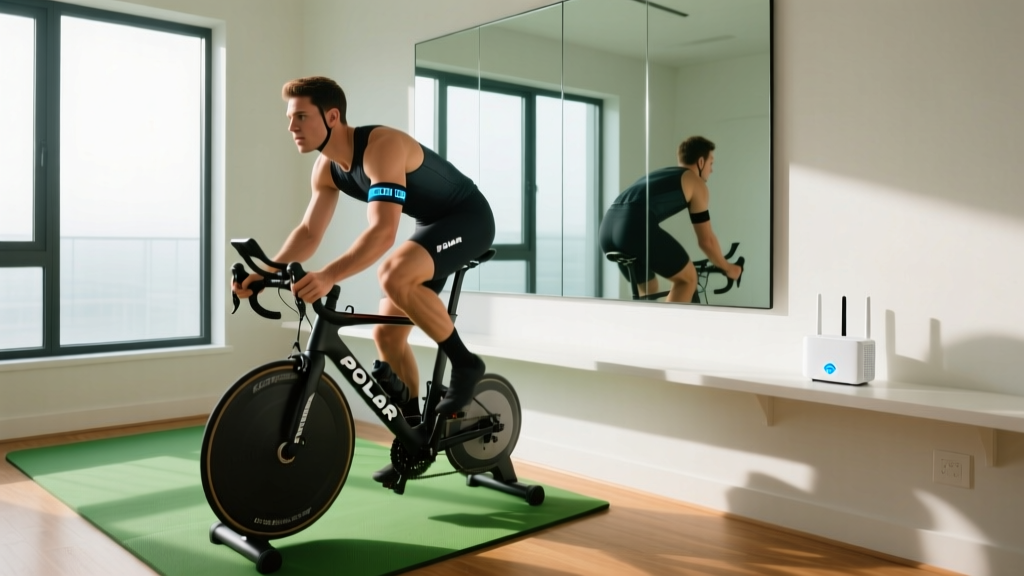
When optimizing your home gym for precise Zone 2 and HIIT sessions, understanding the difference between fitness tracker and router signal propagation is critical to preventing heart rate dropouts. A missed interval cue or a phantom 190 bpm spike during a steady-state endurance ride is rarely a sensor failure; it is almost always a radio frequency (RF) collision. As home gyms become denser with smart trainers, mesh networks, and streaming displays, the 2.4GHz spectrum has become a hostile environment for low-power biometric wearables.
In 2026, the proliferation of Wi-Fi 7 (802.11be) mesh systems and advanced Bluetooth Low Energy (BLE) chest straps like the Polar H10 and Garmin HRM-Pro Plus means athletes have better hardware than ever. Yet, improper spatial arrangement of these devices guarantees data loss. This guide breaks down the physics of your home gym's RF environment and provides actionable layouts to ensure flawless biometric feedback during technique-heavy lifts and critical threshold intervals.
The RF Reality: Difference Between Fitness Tracker and Router Broadcasts
To fix signal dropout, you must first understand the physics governing your equipment. The core difference between fitness tracker and router hardware lies in transmission power and frequency hopping behavior. A standard Wi-Fi 6E or Wi-Fi 7 mesh router node transmits at up to 1000 milliwatts (mW) on the 2.4GHz band to penetrate walls and reach distant rooms. Conversely, a BLE or ANT+ fitness tracker operates at a maximum of 10 mW—often dynamically dropping to 2 mW to preserve battery life.
This massive asymmetry highlights the core difference between fitness tracker and router hardware: routers are designed to dominate the RF environment, while trackers are designed to sip power and whisper. When you place your router node on the same shelf as your Wahoo KICKR or Tacx NEO smart trainer, the router's ambient noise desensitizes the trainer's ANT+ dongle, resulting in micro-dropouts that ruin your training load calculations.
How Signal Dropout Sabotages Interval Pacing and Zone 2 Accuracy
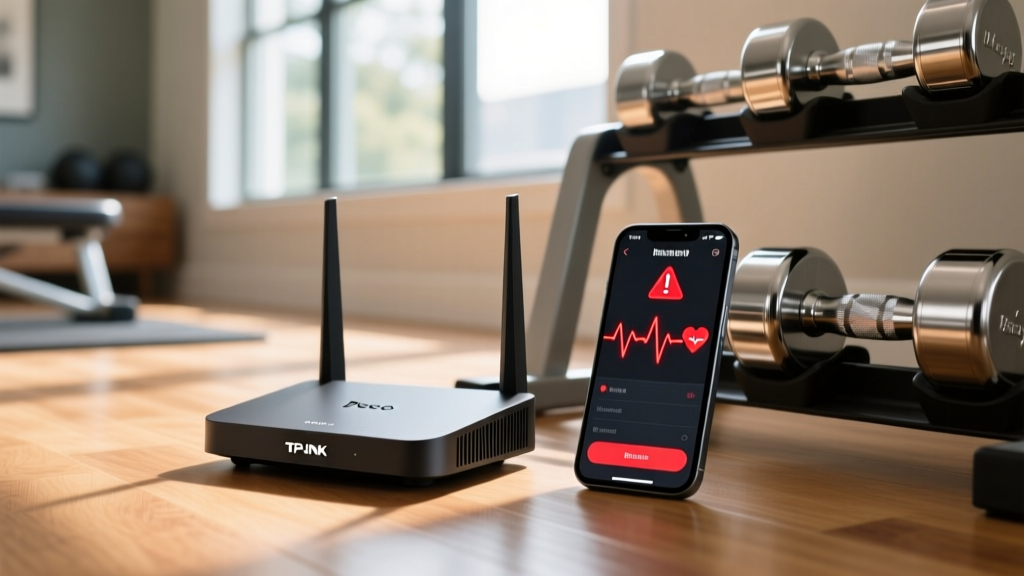
Zone 2 training requires strict adherence to a specific heart rate ceiling (typically 65-75% of max HR) to build mitochondrial density without accumulating excessive lactate. According to research on wearable validity published in the National Institutes of Health (PMC), optical and ECG-based sensors are highly accurate under controlled conditions, but environmental interference introduces severe artifacts.
- Phantom Spikes: When a BLE connection drops for 3-5 seconds, the receiving app (like Zwift or TrainerRoad) often interpolates the missing data upon reconnection, sometimes displaying an artificial spike to 180+ bpm before settling back to your actual 135 bpm Zone 2 pace.
- VO2 Max Interval Ruin: During 30/30-second micro-intervals, a 4-second dropout means you lose over 10% of your work interval data, making post-workout analysis in TrainingPeaks or Strava unreliable.
- Sweat-Induced Attenuation: Human sweat is highly conductive and absorbs 2.4GHz signals. When combined with router multipath fading in a garage gym, the tracker's already weak signal is entirely neutralized.
Home Gym Layout: Positioning for Flawless Biometric Feedback
Misunderstanding the difference between fitness tracker and router emissions leads athletes to make critical layout errors. The goal is to maximize the Signal-to-Noise Ratio (SNR) at the receiver (your phone, watch, or smart trainer). Below is a comparison of how different network bands interact with biometric signals.
| Network Band | Wi-Fi Channel Width | Interference Risk to BLE/ANT+ | Gym Placement Strategy |
|---|---|---|---|
| 2.4GHz (Wi-Fi 4/5/6) | 20MHz / 40MHz | CRITICAL (Direct overlap) | Disable entirely or move node >15ft from trainer. |
| 5GHz (Wi-Fi 5/6/7) | 80MHz / 160MHz | NONE (Out of band) | Safe to place near workout zone for streaming. |
| 6GHz (Wi-Fi 6E/7) | 160MHz / 320MHz | NONE (Out of band) | Ideal for high-bandwidth VR fitness and 4K streaming. |
Expert Insight: "If you are using a Wi-Fi 7 router like the Netgear Orbi 970 series, leverage the 320MHz channels in the 6GHz band for your gym's streaming displays. This completely vacates the 2.4GHz spectrum, leaving it exclusively for your low-power ANT+ and BLE wearables."
Step-by-Step: Calibrating Your Network for Uninterrupted Training
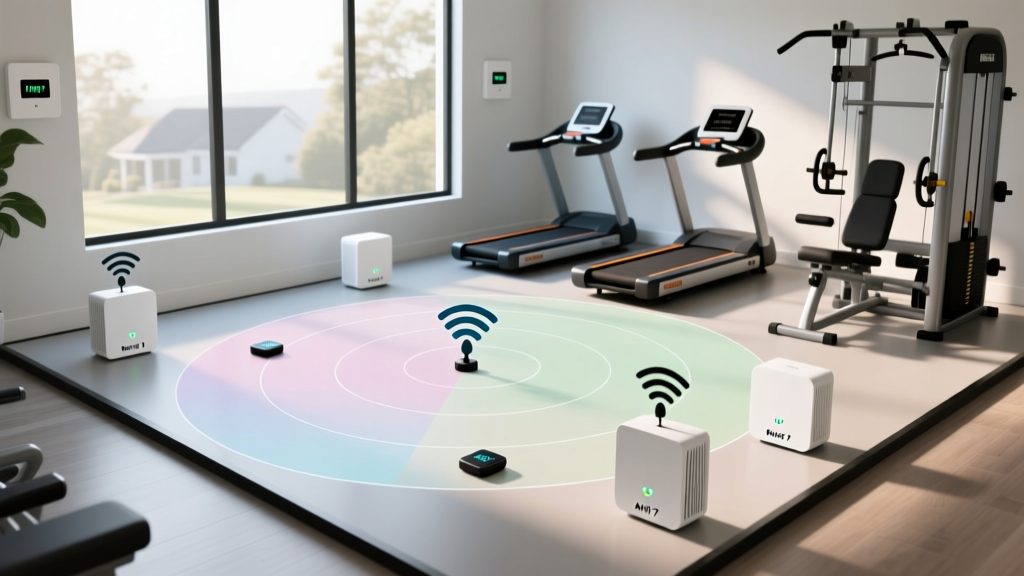
Follow this exact calibration sequence to eliminate mid-workout dropouts. This requires accessing your router's admin panel (via app or web interface).
- Disable Band Steering: Turn off 'Smart Connect' or 'Band Steering'. This feature forces devices to switch between 2.4GHz and 5GHz dynamically, creating momentary RF spikes that disrupt BLE handshakes.
- Isolate the 2.4GHz Band: Set your 2.4GHz SSID to a static 20MHz channel width on Channel 1, 6, or 11. Never use 40MHz on 2.4GHz in a home gym; it consumes too much of the spectrum and leaves no room for BLE hopping.
- Relocate the Mesh Node: If your mesh node is within 6 feet of your smart trainer or TV, move it. The Bluetooth SIG specifications note that receiver desensitization occurs when high-power transmitters are in close physical proximity to low-power receivers.
- Use an ANT+ Extension Cable: If you use a PC or laptop for Zwift, plug your ANT+ USB dongle into a 3-foot USB extension cable and tape it to your handlebars, bringing the receiver within 12 inches of your chest strap.
Troubleshooting Mid-Workout Heart Rate Spikes
If you have optimized your layout and still experience data anomalies, evaluate these specific failure modes:
1. Optical Sensor Slippage vs. RF Dropout
Check your raw .FIT file in a tool like GoldenCheetah. If the heart rate drops to exactly 0 bpm for 2 seconds and then spikes, it is an RF dropout. If the heart rate gradually drifts down and then slowly recovers, it is optical sensor slippage caused by sweat or loose fit. For high-cadence intervals, always default to an ECG chest strap (Polar H10) over an optical armband (Whoop 4.0 or COROS Heart Rate Monitor).
2. The Microwave Oven Factor
If your home gym is adjacent to a kitchen, a 1000W microwave oven operates at 2.45GHz and will completely obliterate any BLE signal within a 20-foot radius. Ensure your gym's physical layout accounts for household appliance interference.
Frequently Asked Questions
Does Wi-Fi 6E eliminate fitness tracker interference?
Yes, if you connect all your gym displays, phones, and smart TVs to the 6GHz band. This leaves the 2.4GHz band entirely empty for your fitness trackers, provided no other household devices (like smart bulbs) are crowding it.
Why does my heart rate monitor disconnect only when I sweat heavily?
Sweat contains water and electrolytes, which absorb 2.4GHz RF energy. When your chest strap is damp, its effective transmission range drops from 10 meters to under 2 meters. Combine this with router interference, and the signal fails to reach the receiver.
More gear to consider
All reviews
Garmin Vivosmart 4 Fitness Tracker: Fixing Scale Accuracy & Sync Errors

Chest Strap vs Wrist HR: Smart Fit Fitness Tracker Setup Guide
Apple Watch Series 7 Fitness Tracking: 2026 Value & Budget Guide
Difference Between Fitness Tracker and Router Sync: Maintenance Guide

Router vs Fitness Tracker: Connected Gym Guide 2026
