Walking Pad vs Treadmill iFIT Compatible Setup Guide
Compare a walking pad and a treadmill iFIT compatible setup. Our 2026 installation walkthrough covers physical assembly, tech pairing, and space needs.

The Core Dilemma: Under-Desk Convenience vs. Interactive Coaching
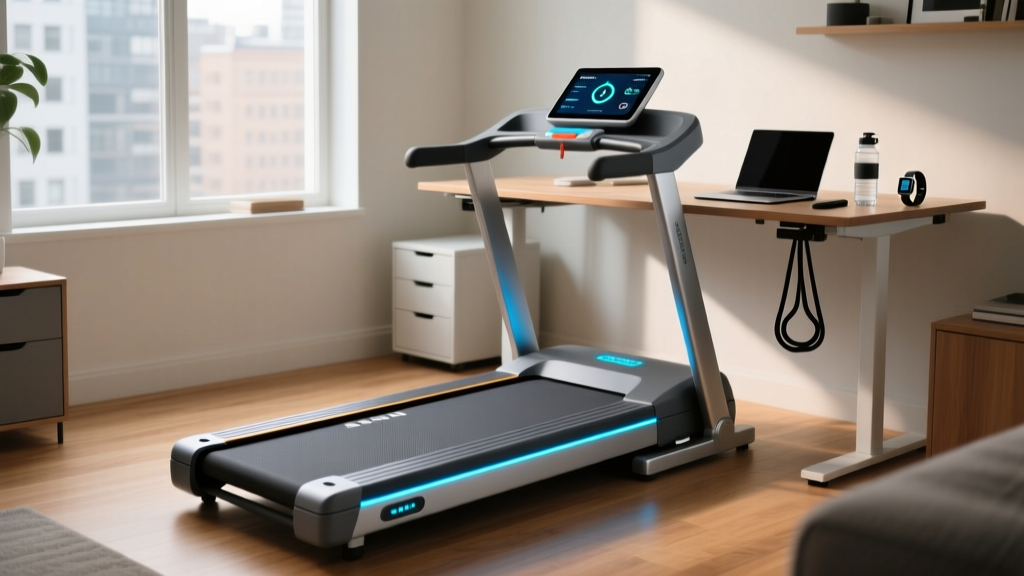
As hybrid work models solidify their place in 2026, the home fitness market has bifurcated into two distinct equipment categories: ultra-compact walking pads and interactive folding treadmills. For many buyers, the ultimate goal is to merge the small footprint of a walking pad with the immersive, trainer-led experience of interactive software. This brings us to a highly searched but frequently misunderstood topic: finding a treadmill ifit compatible solution that fits under a standing desk.
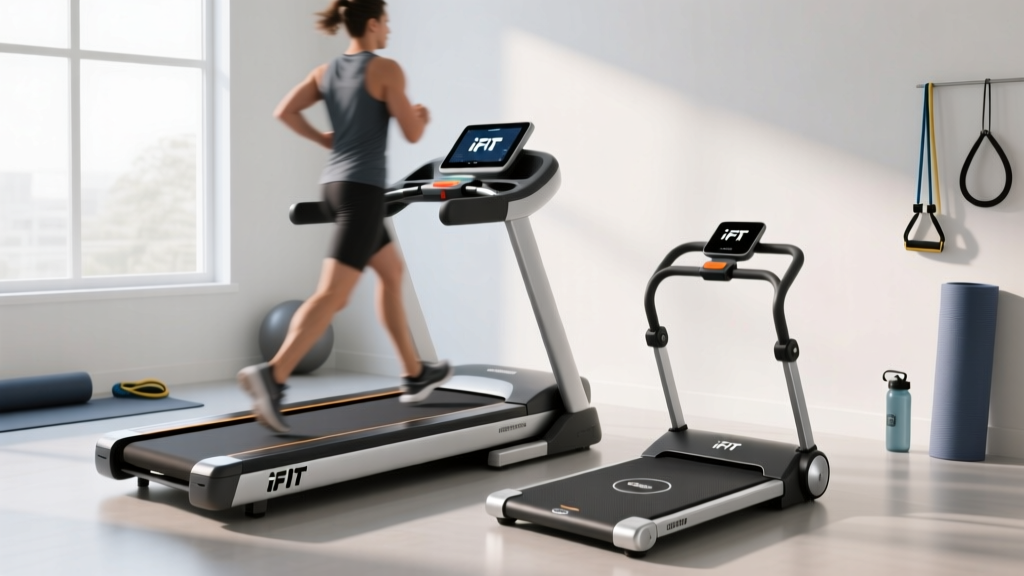
In this complete setup and installation walkthrough, we are comparing the KingSmith WalkingPad R2 (the gold standard for foldable under-desk units, retailing around $499) against the ProForm Carbon TL (an entry-level folding treadmill with native iFIT integration, priced at $449). We will walk you through the physical unboxing, the mechanical assembly, and the critical software pairing processes, highlighting the exact failure modes and edge cases that generic reviews tend to ignore.
Phase 1: Physical Unboxing and Assembly Walkthrough
Before we plug in the consoles, we must address the physical reality of assembling motorized cardio equipment in a residential space. Both machines arrive via standard freight or oversized parcel delivery, but their installation footprints differ drastically.
KingSmith WalkingPad R2: The Hinge Mechanism
The WalkingPad R2 ships in a box measuring roughly 65 x 30 x 10 inches and weighs 115 lbs. Unlike traditional treadmills, the R2 features a patented 180-degree folding frame.
- Unfolding the Handrail: The most critical step is unlocking the safety latch located under the front motor housing. You must lift the handrail to a strict 90-degree angle until it clicks into the locking pin.
- Securing the Hinge Bolts: Using the included 4mm Allen key, you must thread two M8x30 bolts into the hinge joints. Expert Warning: Do not use a power drill here. The aluminum threading on the handrail base is relatively soft. Cross-threading these bolts by hand-stripping them is the #1 cause of structural wobble at speeds above 6 km/h.
- Leveling the Feet: The R2 lacks adjustable rear leveling feet. If your home office floor has a variance greater than 3mm, you must place a high-density EVA foam mat underneath the rear roller to prevent the belt from tracking to the left.
ProForm Carbon TL: Uprights and Wire Threading
The ProForm Carbon TL boxed weight is 145 lbs. While the footprint is larger (70 x 26 inches), the assembly process is where most user-induced hardware failures occur.
- Upright Installation: This is a two-person job. While one person holds the left upright mast, the other must secure the M8x65 bolts at the base.
- The Data Cable Trap: Inside the left upright is a delicate data cable connecting the base control board to the top console. As you slide the upright into place, you must ensure the cable is not pinched between the steel bracket and the bolt sleeve. A pinched wire will result in an immediate 'E07' console error code (communication failure) upon first boot, requiring you to disassemble the mast to splice or replace the harness.
- Console Attachment: Secure the console using the provided 13mm socket wrench. Ensure the optical safety key sensor is aligned with the red magnetic lanyard before tightening the final screws.
Phase 2: Software, Pairing, and the FTMS Protocol Reality
This is where the search for a treadmill ifit compatible machine gets complicated. Many consumers assume that any motorized belt can connect to the iFIT app via Bluetooth. This is fundamentally incorrect due to the Bluetooth SIG's Fitness Machine Service (FTMS) protocol.
⚠️ The Compatibility Reality Check:iFIT requires a device to broadcast standard FTMS Bluetooth signals to allow the app to auto-control speed and incline. The ProForm Carbon TL has a native FTMS chip built into its console. The WalkingPad R2 uses a proprietary Bluetooth Low Energy (BLE) profile that only communicates with the native 'KS Fit' app. A walking pad cannot auto-adjust its speed based on iFIT trainer commands.
Setting Up the ProForm Carbon TL (Native iFIT)
Because the Carbon TL is natively integrated, the setup is seamless. Power on the treadmill, select 'iFIT' on the LCD screen, and log in via the on-screen keyboard or the iFIT mobile app via local Wi-Fi pairing. The app will automatically take over the motor controller, adjusting your speed from 2.0 mph to 8.0 mph depending on the virtual terrain.
Setting Up the WalkingPad R2 (The BYOD Workaround)
If you are committed to the under-desk footprint of the R2 but want iFIT's coaching, you must use a 'Bring Your Own Device' (BYOD) workaround. According to the iFIT Support Hub, you can run the iFIT app on an iPad propped on your standing desk. However, because the pad won't auto-control, you must manually adjust the R2's physical remote to match the trainer's cues. To track your metrics accurately within the iFIT ecosystem, you will need to pair a secondary FTMS broadcaster, such as a Stryd footpod or a Garmin HRM-Pro Plus chest strap, directly to the iFIT app to capture cadence and heart rate data.
Comparative Specifications & Space Requirements
When planning your 2026 home office layout, you must account for both the active usage footprint and the required clearance zones for safety and heat dissipation.
| Feature | KingSmith WalkingPad R2 | ProForm Carbon TL |
|---|---|---|
| Retail Price (2026) | $499.00 | $449.00 |
| Motor Size | 1.25 CHP | 2.6 CHP |
| Belt Dimensions | 47' x 17' | 55' x 18' |
| Max Speed | 7.5 MPH (12 km/h) | 10.0 MPH |
| Incline Capability | None (0%) | Manual (0%, 5%, 10%) |
| Native FTMS / iFIT Auto-Control | No | Yes |
| Active Footprint | 61' x 22' | 70' x 26' |
| Storage Footprint | 39' x 22' (Folded Flat) | 32' x 26' (Vertical Fold) |
Phase 3: Power, Network, and Maintenance Requirements
Installation does not end when the machine is assembled. Ensuring longevity requires proper environmental setup.
Electrical and Network Demands
The ProForm Carbon TL requires a dedicated 120V, 15-amp circuit. Plugging it into a shared power strip with a space heater or a high-draw PC will cause the treadmill's internal breaker to trip during high-speed intervals. Furthermore, because iFIT streams high-definition video and topographical data in real-time, your home office router must provide a stable 2.4GHz or 5GHz Wi-Fi signal with at least 15 Mbps of dedicated bandwidth at the treadmill's location. The WalkingPad R2, conversely, only requires a standard outlet and relies on local Bluetooth, making it immune to Wi-Fi dead zones.
Belt Lubrication and Tensioning
Both machines utilize low-friction decks that require periodic maintenance. According to industry standards outlined by fitness equipment technicians, you must apply 100% pure silicone lubricant under the belt every 150 miles or 3 months, whichever comes first.
- WalkingPad R2: Because the motor is housed directly under the front belt roller, over-lubricating will cause silicone to seep into the motor housing, potentially shorting the control board. Use exactly 5ml of silicone per application.
- ProForm Carbon TL: If the belt slips when you plant your foot during a sprint interval, use the provided Allen key to turn the rear roller adjustment bolts clockwise by exactly one-quarter turn on both the left and right sides. Never adjust more than a half-turn at a time, or you risk over-tensioning and snapping the belt seam.
Expert Verdict: Choosing Your 2026 Home Cardio Hub
When conducting a walking pad treadmill comparison and review from an installation and setup perspective, the 'best' choice depends entirely on your spatial constraints and your reliance on interactive software.
If your priority is strictly maximizing steps during deep-work sessions without leaving your standing desk, the KingSmith WalkingPad R2 is unmatched. Its flat-fold storage and low-profile motor housing slide effortlessly under furniture. However, you must accept that a true treadmill ifit compatible experience—where the machine automatically shifts speeds and inclines to match a virtual trail in the Swiss Alps—is physically impossible on this hardware.
If interactive coaching, running capability, and automated metric tracking are non-negotiable, the ProForm Carbon TL is the superior investment. While the assembly is more cumbersome and the vertical storage footprint requires ceiling clearance, the native FTMS integration provides a frictionless, immersive setup that bridges the gap between commercial gym equipment and home convenience.
For further reading on optimizing home gym ergonomics and equipment safety clearances, refer to the Wired Guide to Under-Desk Treadmills and always consult your equipment's specific user manual before modifying factory tension settings.
More gear to consider
All reviews
Curved vs Motorized: Best Treadmill Workout Apps Guide
Sytiry Treadmill Reviews: Elliptical vs Treadmill Care

Under Desk Treadmill Review: A Weightless Treadmill Setup (2026)

Echelon Folding Treadmill vs Elliptical: Home Cardio Maintenance

Orangetheory Treadmill Workout Motor Errors: HP Sizing & Fixes