Walking Pad Review & MPH Treadmill Chart: Fix Common Mistakes
Compare top walking pads and use our mph treadmill chart to troubleshoot speed calibration, belt slip, and motor errors in your under-desk setup.

The explosion of work-from-home culture has permanently altered the home fitness landscape, pushing compact under-desk walking pads to the forefront of the cardio equipment market. However, as millions of users integrate these devices into their daily routines, a frustrating pattern has emerged: speed inaccuracies, sudden belt slippage, and premature motor shutoffs. If your walking pad display claims you are cruising at 3.5 mph, but your legs feel like they are trudging through mud at 2.0 mph, you are not alone. In this comprehensive troubleshooting guide and walking pad review, we will dissect the top models of 2026, identify the most common user errors, and teach you how to use an mph treadmill chart to recalibrate your machine for accurate tracking.
The 2026 Walking Pad Comparison Matrix
Before diving into troubleshooting, it is critical to understand the hardware limitations of your specific machine. Not all walking pads are created equal, and attempting to push a budget model beyond its engineered continuous horsepower (CHP) will inevitably lead to controller board failures. Below is a comparison of three dominant models currently on the market, highlighting their true mechanical capabilities versus their marketing claims.
| Model | Max Speed | Motor (Peak / Continuous) | Weight Limit | Approx. Price |
|---|---|---|---|---|
| UREVO Strol 2E | 3.8 mph | 2.5 HP Peak / 1.0 CHP | 265 lbs | $299 |
| WalkingPad R2 | 6.2 mph | 2.5 HP Peak / 1.25 CHP | 240 lbs | $499 |
| Sunny Health SF-T723016 | 4.0 mph | 2.0 HP Peak / 0.85 CHP | 220 lbs | $189 |
According to the American Heart Association, a brisk walking pace typically falls between 2.5 and 3.5 mph. Notice that only the WalkingPad R2 in our matrix supports speeds beyond a brisk walk, allowing for light jogging. Pushing the UREVO or Sunny Health models to their absolute 3.8 or 4.0 mph limits for extended periods will cause the motor to overheat, triggering the internal thermal safety shutoff.
Decoding the MPH Treadmill Chart for Calibration
The most common complaint we receive at FitGearPulse is the 'phantom speed' issue. Because walking pads lack the heavy-duty flywheels and optical sensors of full-sized commercial treadmills, they calculate speed based on motor revolutions per minute (RPM). If the belt is loose, or if the deck lacks lubrication, the motor spins at the correct RPM, but the belt slips, resulting in a discrepancy between the display and your actual movement.
To verify if your machine is lying to you, use the mph treadmill chart below. This chart correlates your physical stride length and step cadence to actual ground speed. Grab a stopwatch, count your steps for 60 seconds while walking at a steady pace, and compare it to the chart.
| Target Display MPH | Avg. Stride Length | Required Cadence (Steps/Min) | Troubleshooting Action if Display Differs |
|---|---|---|---|
| 1.5 mph | 24 inches | 66 steps/min | Check for belt hesitation on foot strike. |
| 2.0 mph | 26 inches | 81 steps/min | Lubricate deck; recalibrate controller. |
| 2.5 mph | 28 inches | 94 steps/min | Tighten rear roller bolts by 1/4 turn. |
| 3.0 mph | 30 inches | 105 steps/min | Inspect motor drive belt for wear. |
| 3.5 mph | 32 inches | 115 steps/min | Verify continuous horsepower limits. |
By cross-referencing your manual step count with this mph treadmill chart, you can definitively prove whether the machine's internal potentiometer requires recalibration or if a mechanical slip is robbing you of your actual speed. The National Institute on Aging emphasizes that maintaining a consistent, accurate walking pace is vital for cardiovascular tracking, making this calibration step essential for health-conscious users.
4 Common Walking Pad Mistakes (And How to Fix Them)
Mistake 1: Ignoring Belt Tension (The 'Slip' Effect)
Walking pads utilize thinner, narrower belts than traditional treadmills. Over time, the polyurethane belt stretches. When you plant your foot, the belt catches, but the motor continues to spin, causing a momentary 'slip' or jerk. This not only ruins your walking rhythm but forces the motor controller to spike the amperage to compensate, eventually frying the board.
- The Fix: Locate the two rear roller adjustment bolts at the back of the walking pad. Using a 5mm Allen wrench (standard on 90% of models), turn both bolts clockwise by exactly one-quarter (1/4) turn. Test the belt. You should be able to lift the edge of the belt about 2 to 3 inches off the deck. If it lifts higher, it is too loose; if it barely lifts, you risk snapping the motor drive belt.
Mistake 2: Incorrect or Missing Lubrication
Friction is the enemy of compact motors. Many users either never lubricate their walking pad or, worse, use WD-40 or household oils. Petroleum-based products will melt the PVC backing of the walking belt and destroy the MDF deck.
- The Fix: You must use 100% silicone treadmill lubricant. Lift the belt and apply exactly 15ml of silicone oil in a zigzag pattern down the center of the deck. Run the pad at 1.5 mph for three minutes without stepping on it to distribute the oil evenly. Repeat this every 40 hours of use.
Mistake 3: Overloading the Motor via Incline or Weight
While some 2026 walking pads advertise 'incline capabilities,' adding even a 5% incline to a 1.0 CHP motor effectively cuts its usable weight capacity in half. If a 200 lb user walks at a 5% incline on a pad rated for 265 lbs flat, the motor will draw excessive current and trip the thermal limiter.
- The Fix: If your pad frequently shuts down mid-walk, allow it to cool for 45 minutes. Check the underside of the motor hood for dust buildup blocking the intake vents. Use compressed air to clear the cooling fins. Never use an inclined walking pad if you are within 20 lbs of the manufacturer's maximum weight limit.
Mistake 4: Using Extension Cords and Power Strips
Walking pads experience a massive surge in current draw during the initial startup phase and when a user's foot strikes the belt. Plugging your walking pad into a cheap, 14-gauge extension cord or a shared power strip causes voltage drops. The controller board interprets this voltage drop as a mechanical jam and will either throw an 'E02' or 'E05' error code or shut off entirely to protect the circuitry.
- The Fix: Always plug your walking pad directly into a dedicated 120V, 15-amp wall outlet. If you absolutely must use an extension cord, it must be a heavy-duty, 12-gauge appliance cord no longer than 10 feet.
Step-by-Step Speed Calibration Guide
If you have verified your cadence against the mph treadmill chart, ensured proper belt tension, and applied silicone lubricant, but the display is still inaccurate, you may need to recalibrate the console. Note that this process varies by brand, but the underlying logic remains the same for most generic controller boards used in UREVO and Sunny Health models.
- Enter Engineering Mode: With the machine off, press and hold the 'Speed +' and 'Mode' buttons on your remote or console simultaneously for 5 seconds until the display flashes 'CAL' or 'ENG'.
- Initiate Belt Movement: Press 'Start'. The belt will begin to move at its minimum speed (usually 0.5 mph).
- Verify Minimum Speed: Stand off to the side. Count the time it takes for one full revolution of the belt (using a piece of tape on the belt as a marker). Adjust the minimum speed using the '+' or '-' buttons until the revolution time matches the factory spec (usually provided in the back of the user manual).
- Verify Maximum Speed: Press the 'Speed +' button to cycle the machine to its maximum speed (e.g., 3.8 mph). Again, time the belt revolutions. If the belt is moving too fast or too slow compared to the engineering specs, use the buttons to adjust the maximum output voltage to the motor.
- Save and Exit: Press 'Stop' to save the calibration data to the EEPROM chip, then press the power button to exit engineering mode.
Final Thoughts on Walking Pad Maintenance
Walking pads are engineering marvels of space-saving design, but their compact nature means they operate with much tighter tolerances than full-sized gym treadmills. By treating your machine with respect—adhering to weight limits, maintaining a strict lubrication schedule, and utilizing an mph treadmill chart to verify your actual output—you can extend the lifespan of your equipment from a mere 12 months to several years of reliable, step-logging service. Remember that accurate data is the foundation of any fitness journey; do not let a slipping belt rob you of the credit you have earned.
More gear to consider
All reviews
Rowing Guide: Technique vs Treadmill Beginner Workouts Lose Weight
Curved vs Motorized Treadmill: Beyond Treadmill Pronunciation
Elliptical vs Treadmill: Space Layouts & the F3 Treadmill Fit

Upgrade From a Sears Treadmill: Rowing Machine Guide
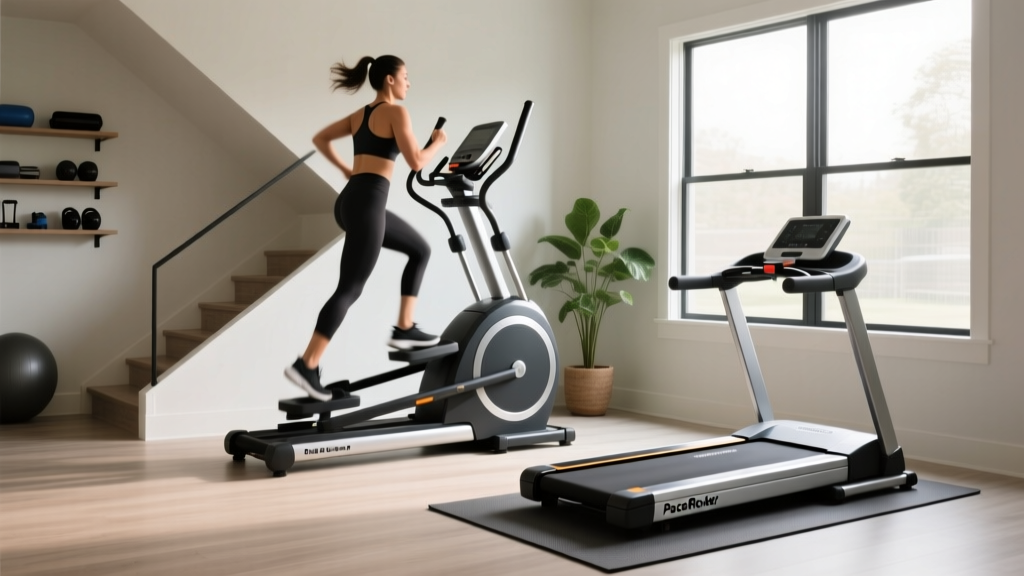
Stair Climber Home Guide: Setup vs PaceRocker Walking Pad Treadmill