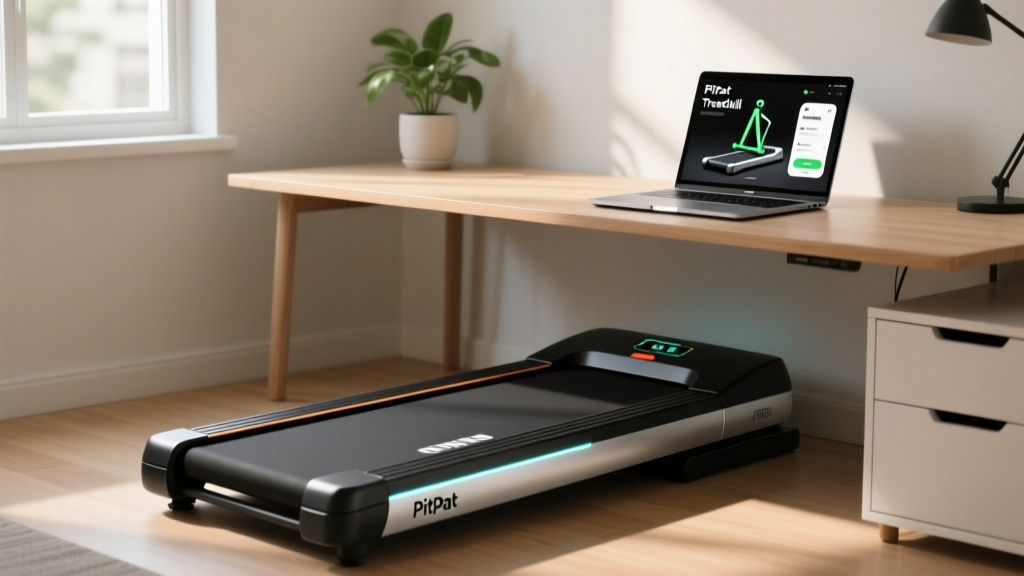
Under Desk Treadmill Review: Longevity & PitPat Treadmill App
Discover which under-desk treadmills last longest in our durability review. Learn maintenance tips and how the PitPat treadmill app tracks belt wear.

The modern hybrid workspace of 2026 has permanently cemented the under-desk treadmill as a staple of home and corporate offices. However, as physical therapists and ergonomics experts from the Cornell University Ergonomics Web frequently note, the biomechanical benefits of low-intensity steady-state (LISS) walking are often cut short by catastrophic equipment failure. Most budget walking pads are not engineered for the relentless, multi-hour daily grinding of a full-time remote worker. Without a strict maintenance protocol, the average under-desk treadmill will suffer motor burnout or belt delamination within 14 months.
In this comprehensive under desk treadmill for office use review, we are shifting the focus from basic step-tracking to long-term mechanical longevity. We will evaluate the top models based on their durability, outline a rigorous maintenance schedule, and explain how leveraging the PitPat treadmill app can automate your care routine by tracking invisible belt mileage.
The Hidden Toll of Office Treadmills: Why Maintenance Matters
When you walk at 1.5 MPH for four hours during a workday, you are accumulating roughly 6 miles of continuous belt friction. Unlike a traditional gym treadmill that sees 45 minutes of high-intensity use followed by a cool-down period, under-desk treadmills endure prolonged, low-speed thermal stress. At low speeds, the treadmill motor receives less cooling airflow from its internal fan, causing the motor controller board to absorb excess heat. Combine this with the massive amount of dust, pet hair, and static electricity generated by office carpets, and you have a recipe for premature electronic failure.
According to equipment longevity data analyzed by Consumer Reports, the leading cause of walking pad failure is not the motor itself, but the increased amp-draw caused by a dry, high-friction walking belt. When the belt lacks proper silicone lubrication, the motor works up to 40% harder to pull the deck, eventually tripping the thermal safety switch or frying the lower control board.
Top Under-Desk Treadmills Reviewed for Long-Term Durability
Not all walking pads are created equal. Below is our assessment of three popular market leaders, graded specifically on their mechanical lifespan and maintenance accessibility in an office environment.
1. LifeSpan TR1200-DT5 (The Heavy-Duty Standard)
Estimated Price: $1,799
Motor: 2.25 HP Continuous Duty
Best For: Full-time remote workers walking 4+ hours daily.
The LifeSpan TR1200-DT5 is the undisputed king of office longevity. It features a 20-inch wide belt and sealed roller bearings that repel dust. Unlike folding models, its solid uni-body frame eliminates hinge squeaks. The continuous-duty motor is rated for 10 hours of daily use, making it a true commercial-grade machine disguised as an office tool.
2. WalkingPad X21 (The Foldable Compromise)
Estimated Price: $499
Motor: 1.25 HP Continuous Duty
Best For: Small apartments with limited storage.
The X21 is famous for its 180-degree folding hinge. While brilliant for space-saving, this hinge is a structural weak point that requires periodic tightening. The 1.25 HP motor is adequate for 1.5 to 2 hours of daily walking, but users pushing past 3 hours will notice the motor casing becoming hot to the touch. Maintenance requires careful attention to the hinge pivot bolts to prevent lateral belt drift.
3. UREVO Strol 2E (The Budget Entry)
Estimated Price: $229
Motor: 2.0 HP Peak (1.0 HP Continuous)
Best For: Casual users walking under 90 minutes a day.
The Strol 2E offers excellent value but utilizes a smaller motor controller. The deck is pre-lubricated at the factory, but access to the motor compartment for dusting is restricted by a tightly fitted plastic shroud, making deep maintenance frustrating for the average user.
| Model | Motor (Continuous) | Belt Width | Max Daily Runtime | Maintenance Accessibility |
|---|---|---|---|---|
| LifeSpan TR1200-DT5 | 2.25 HP | 20.0" | 10+ Hours | Excellent (Easy shroud removal) |
| WalkingPad X21 | 1.25 HP | 17.3" | 3-4 Hours | Moderate (Hinge care required) |
| UREVO Strol 2E | 1.0 HP | 16.5" | 1.5-2 Hours | Poor (Restrictive casing) |
Tracking Invisible Miles with the PitPat Treadmill App
One of the greatest threats to under-desk treadmill longevity is the "invisible mile" phenomenon. Because you are walking at a slow pace while working, your brain barely registers the physical distance covered. You might assume you have only walked a mile, when in reality, the belt has been grinding against the deck for six miles.
This is where the PitPat treadmill app becomes an indispensable tool for equipment preservation. While many users rely on basic smartwatch step counters, syncing your walking sessions to the pitpat treadmill app allows you to track exact belt mileage and runtime rather than just step estimates. Because slow-speed walking generates disproportionate heat and friction per mile compared to running, the PitPat treadmill app's cumulative mileage tracker is the most reliable way to trigger your maintenance alerts.
Pro-Tip: The 150-Mile RuleConfigure your PitPat treadmill app to send a push notification the moment you cross 150 miles of cumulative walking. This is the exact threshold where factory-applied silicone begins to degrade on budget and mid-tier walking pads, signaling that it is time to re-lubricate the deck.
The 4-Step Office Treadmill Maintenance Protocol
To ensure your machine survives the 2026 work-from-home era and beyond, implement this strict maintenance protocol. Adhering to these steps can extend the life of a $300 walking pad to rival that of a $1,000 model.
Step 1: Precision Belt Lubrication (Every 150 Miles)
Never use WD-40 or petroleum-based sprays, which will melt the PVC belt and destroy the deck. Purchase a 100% pure liquid silicone treadmill lubricant (brands like Spot-X or Godora cost around $12 to $15).
- Loosen the belt slightly using a 5mm Allen wrench on the rear roller bolts.
- Lift the edge of the belt and apply a zigzag pattern of silicone directly onto the wooden or MDF deck.
- Retighten the belt and walk at 2.0 MPH for 3 minutes to distribute the fluid evenly.
Step 2: Static Electricity Mitigation
Office environments with low humidity and synthetic carpets generate massive static charges. This static travels up the user's legs, through the belt, and discharges directly into the treadmill's sensitive lower motor control board, causing random shutdowns or E01 error codes.
- The Fix: Place a $30 anti-static rubber floor mat beneath the treadmill.
- The Fix: Keep room humidity between 40% and 50% using a small desk humidifier.
Step 3: Motor Compartment Dusting (Every 90 Days)
Dust acts as a thermal blanket over the motor controller's heat sink. Every 90 days, unplug the machine, remove the front plastic shroud (usually 4 to 6 Phillips-head screws), and use a can of compressed air ($8) to blow out the motor brushes and circuit board. Follow up with a dry microfiber cloth. Do not use a vacuum with a brush attachment, as the static from the vacuum bristles can fry the board.
Step 4: Belt Tension and Alignment Check
If the belt hesitates or slips when you plant your foot, it is too loose. If the motor sounds like it is whining or struggling, the belt is too tight. Adjust the rear roller bolts in exact quarter-turn increments. Always turn the left and right bolts equally to prevent the belt from drifting off-center and fraying against the side rails.
Troubleshooting Common Under-Desk Failures
Even with meticulous care, office treadmills experience specific failure modes. Here is how to diagnose and address the most common issues without voiding your warranty.
- Squeaking from the Folding Hinge (WalkingPad models): The pivot points on foldable treadmills endure immense lateral torque. Apply a small drop of white lithium grease (not silicone) to the metal hinge joints every 6 months to eliminate metal-on-metal friction.
- Random Stopping / E02 Error Codes: This usually indicates motor overheating or a failing speed sensor. First, check the optical sensor near the motor flywheel; a single piece of dust blocking the infrared beam will cause the machine to halt to protect the user. Wipe the sensor with a Q-tip dipped in isopropyl alcohol.
- Dead Console / No Power: Before assuming the motherboard is dead, check the internal safety fuse located near the power cord receptacle. A $2 ceramic fuse replacement can save you from ordering an $85 replacement motor controller.
Expert Verdict: Maximizing Your Investment
An under-desk treadmill is a significant investment in your cardiovascular health and daily NEAT (Non-Exercise Activity Thermogenesis). As highlighted by OSHA Ergonomics Guidelines, integrating movement into sedentary workdays reduces musculoskeletal disorders, but only if the equipment remains reliable.
If your budget allows, the LifeSpan TR1200-DT5 remains the ultimate choice for zero-headache longevity. However, if you opt for a budget-friendly folding model like the WalkingPad X21 or UREVO Strol 2E, you must become proactive. By utilizing the PitPat treadmill app to monitor your exact belt mileage and adhering to the 150-mile silicone lubrication rule, you can easily double the operational lifespan of your machine, ensuring your daily steps translate into years of reliable office fitness.
More gear to consider
All reviews
Acoustic Test: 6 incline on treadmill vs. Quiet Ellipticals & Rowers
WalkingPad A1 Pro Foldable Walking Treadmill Review & Beginner Setup
Folding Treadmill Review & Anti-Gravity Treadmill Phoenix AZ

ProForm Carbon TL Treadmill: Features Comparison & Setup Guide
Complete In10ct Treadmill Setup & Motor Power Guide
