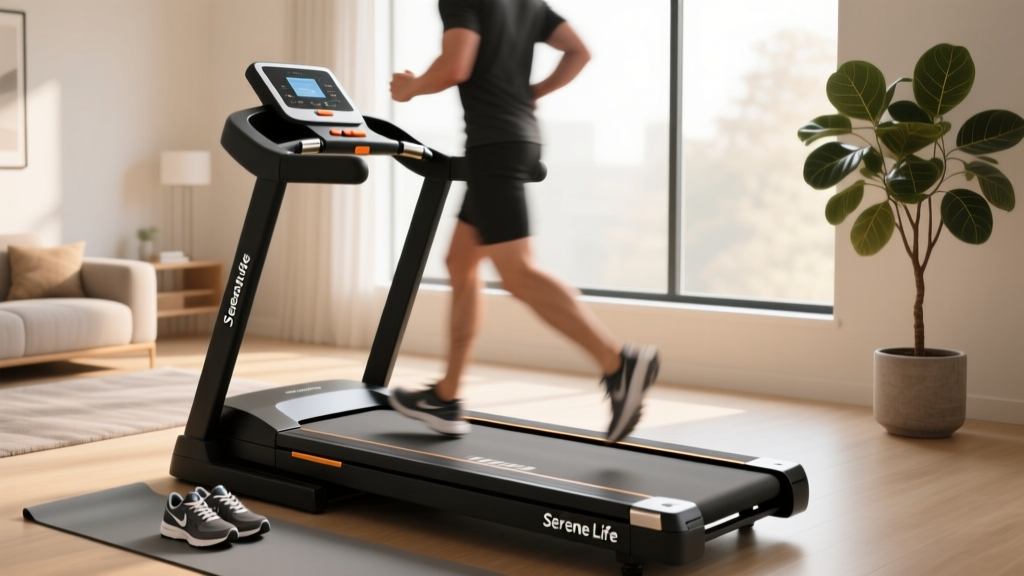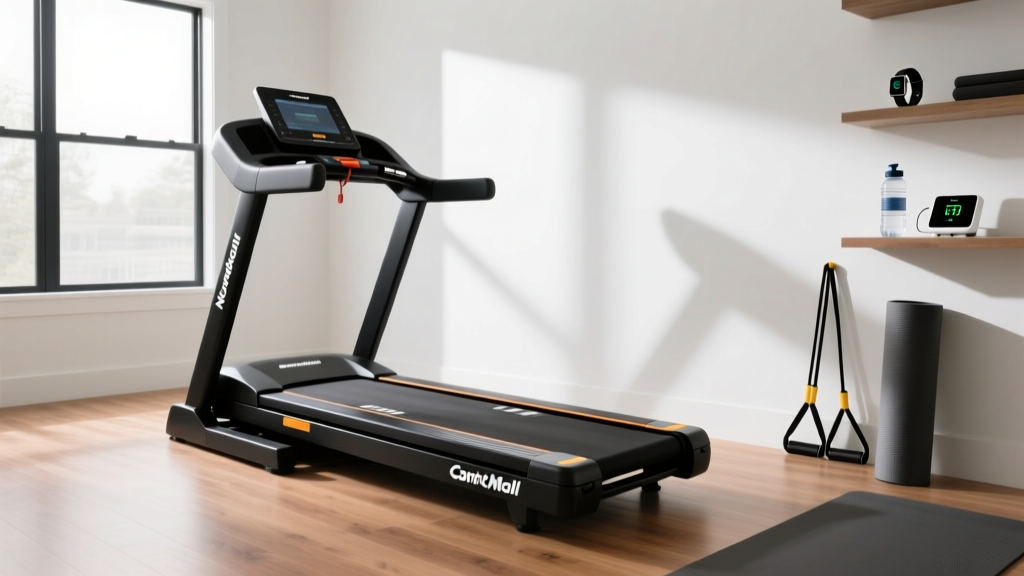
Nordic Track Commercial 1750 Treadmill: Setup & Feature Comparison
Compare the Nordic Track Commercial 1750 treadmill features and spatial requirements. A complete setup, installation, and wiring walkthrough for 2026.

The Buying Guide Blindspot: Why Installation Realities Matter
When consumers begin researching a nordic track commercial 1750 treadmill, traditional buying guides obsess over the 3.5 CHP Mach Z motor, the 14-inch interactive HD touchscreen, and the -3% to 15% incline range. While these features are critical for your workout, they completely ignore the physical and electrical realities of bringing a 310-pound commercial-grade machine into a residential space. At FitGearPulse, we believe a true buying guide must evaluate a machine through the lens of installation. If your home gym cannot support the spatial, structural, or electrical demands of the equipment, the best features in the world won't matter.
In this comprehensive walkthrough, we are comparing the NordicTrack Commercial 1750 against its top 2026 rivals—not just on screen size, but on installation footprint, electrical draw, and setup complexity. We will then guide you through a complete, step-by-step installation and calibration process to ensure your machine runs flawlessly from day one.
Feature & Installation Comparison Matrix
Before committing to a purchase, you must understand how the Commercial 1750 stacks up against the competition regarding physical footprint and power requirements. Below is our 2026 comparison matrix focusing on the intersection of premium features and installation demands.
| Specification | NordicTrack Commercial 1750 | Sole F80 (2026 Model) | Horizon 7.4 AT |
|---|---|---|---|
| Motor | 3.5 CHP Mach Z | 3.5 CHP | 3.5 CHP |
| Display | 14" HD Touchscreen (Pivoting) | 9.6" LCD | 9" Touchscreen |
| Incline/Decline | 15% / -3% | 15% / 0% | 15% / 0% |
| Assembled Weight | 310 lbs | 280 lbs | 323 lbs |
| Footprint (L x W) | 81" x 39" | 82" x 38" | 85" x 36" |
| Ceiling Height Req. | User Height + 15" | User Height + 15" | User Height + 15" |
| Electrical Draw | 15-Amp Dedicated | 15-Amp Dedicated | 15-Amp Dedicated |
Insight: The NordicTrack's 14-inch pivoting screen and -3% decline capability require a more complex internal wiring harness and a heavier steel frame than the Sole F80, contributing to its dense 310-pound weight and rigorous assembly process.
Pre-Delivery Checklist: Preparing Your Space
Do not unbox the Commercial 1750 until your space has passed this three-point inspection. According to the Consumer Product Safety Commission (CPSC), improper clearance and flooring are leading causes of home gym injuries and equipment failure.
⚠️ Structural Load Warning: The Commercial 1750 weighs 310 lbs. Add a 200 lb runner, and your static load is 510 lbs. However, running generates an impact force of up to 2.5x body weight. Your floor must support dynamic downward forces exceeding 1,100 lbs concentrated on the machine's four leveling feet. If installing on a second story or over a crawlspace, ensure your joists are reinforced.1. Electrical Requirements (The 15-Amp Rule)
The 3.5 CHP motor requires a massive startup surge. The National Fire Protection Association (NFPA) outlines in the National Electrical Code that high-draw fitness equipment should be on a dedicated circuit. If you plug the 1750 into a shared bedroom circuit alongside an air conditioner or space heater, the startup surge (which can briefly pull 12-14 amps) will trip your breaker and potentially fry the treadmill's lower control board. You must have a dedicated 15-amp, 120V outlet.
2. Spatial Clearances
The American Council on Exercise (ACE) recommends strict safety perimeters for motorized treadmills. For the Commercial 1750, you need:
- Sides: Minimum 24 inches of clearance on both sides for emergency dismounts.
- Rear: Minimum 79 inches of clear space behind the belt. If you fall, the belt will eject you backward; hitting a wall or glass window is a severe hazard.
- Ceiling: Because the deck elevates 15% at the front, the user's head will rise. Add 15 inches to your height to ensure you won't strike a ceiling fan or low beam during steep incline workouts.
Complete Setup and Installation Walkthrough
NordicTrack ships the 1750 in a massive, roughly 340-pound box. Do not attempt to move this alone. Follow this exact sequence to avoid the most common installation failure modes.
Phase 1: Unboxing and Base Positioning
- Cut the Box, Don't Drag It: Use a utility knife to cut the cardboard away from the base. Do not drag the box across your floor; the friction can snap the transport wheels.
- Position the Deck: With two people, lift the base and place it exactly where it will live. Ensure the power cord is routed toward your dedicated outlet before lowering it.
- Level the Feet: Use a carpenter's level across the side rails. Adjust the threaded leveling feet on the rear stabilizer until the bubble is perfectly centered. An unlevel deck causes the walking belt to track sideways and shred the edges.
Phase 2: Uprighting the Console Mast
This is where 80% of user-inflicted damage occurs. The uprights contain the main data ribbon cable and motor control wires.
💡 Expert Cable Routing Tip: Before bolting the uprights to the base, locate the internal wiring harness. Ensure the wires are tucked securely into the molded plastic channel. If a wire rests against the steel bolt hole, tightening the M8 bolts will sever the copper casing, resulting in a dead console or erratic motor behavior.Phase 3: Console Attachment and Screen Mounting
The 14-inch HD touchscreen on the 2026 Commercial 1750 utilizes a quick-release pivot mount. 1. Connect the primary ribbon cable and the Wi-Fi antenna coaxial cable to the back of the console. 2. Slide the console onto the pivot bracket until you hear a definitive click. 3. Secure the safety tether strap to the back of the console and route it down the mast to prevent the screen from falling if bumped.
Phase 4: Incline Calibration (Crucial Step)
Out of the box, the 1750's incline motor is not synced with the console's software. If you skip this, the treadmill may attempt to drive the incline motor past its physical limits, stripping the plastic gears.
Calibration Sequence: Remove the safety key. Press and hold both the Incline Up and Speed Down buttons simultaneously for 3 seconds. Re-insert the safety key. The treadmill will automatically cycle from 0% to 15%, down to -3%, and back to 0%. Do not step on the belt during this process.
Real-World Troubleshooting & Edge Cases
Even with a perfect installation, you may encounter these specific edge cases during your first week of use:
- Wi-Fi Module Failure: The 1750 requires a 2.4GHz or 5GHz network for iFIT streaming. If the console fails to connect, the internal coaxial antenna cable (connected in Phase 3) is likely loose. Pop the screen off and reseat the connector.
- Belt Hesitation (The 'Dead Spot'): If the belt stutters when your foot strikes the deck, the belt is either too loose or the deck lacks lubrication. The 1750 ships with a pre-lubricated deck, but warehouse temperature fluctuations can dry the silicone. Apply 100% pure silicone treadmill lubricant under the belt after the first 50 miles.
- Error Code 1 (Incline Fault): This usually means the calibration sequence was interrupted. Simply remove the safety key, wait 60 seconds for the lower control board capacitors to discharge, and restart the calibration sequence.
Final Verdict: Is the Setup Worth the Reward?
The NordicTrack Commercial 1750 treadmill is an engineering marvel that bridges the gap between commercial health club equipment and home fitness. However, its premium features—specifically the heavy-duty decline motor and the massive 14-inch pivoting display—demand a rigorous, precise installation process. By treating the setup as a critical phase of your purchase rather than an afterthought, you ensure that your $1,800+ investment delivers the immersive, high-performance iFIT experience it was designed for, safely and reliably for years to come.
More gear to consider
All reviews
Under Desk Treadmill Review: Office Space & NordicTrack Without iFIT
Beyond the Feier Treadmill: 2026 Stationary Bike Market Trends

Treadmill Features & Setup Guide for Fat Burning Treadmill Workouts

Assault vs Air Bike & Horizon Fitness T101 Connect Treadmill
Portable Cardio Maintenance: When to Choose a Treadmill for Hire