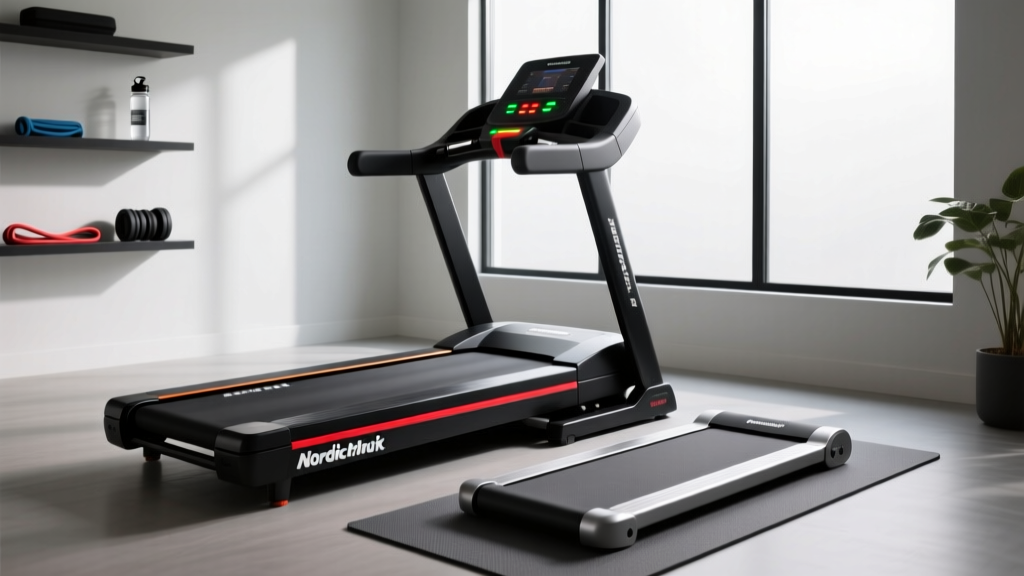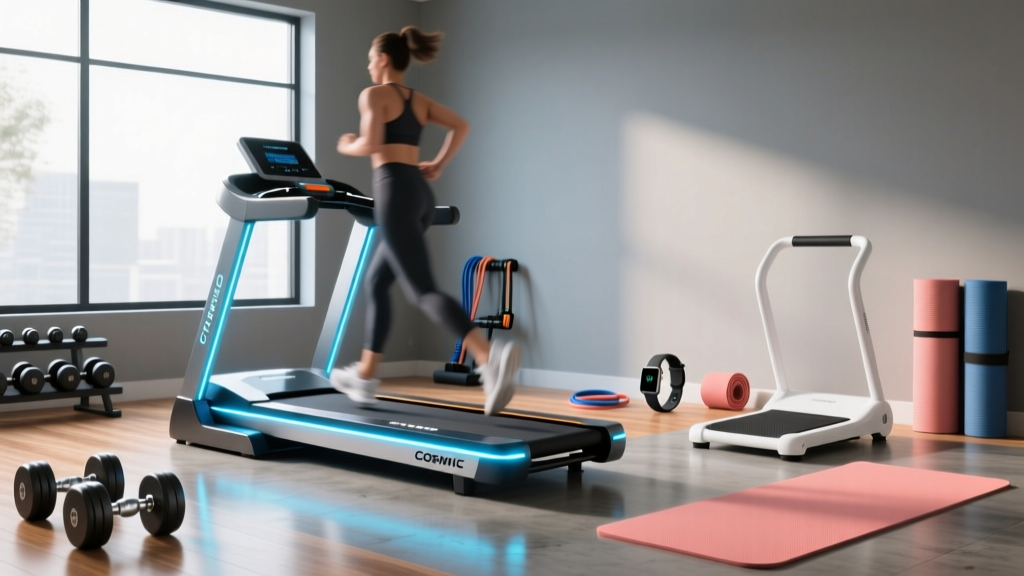
Cosmic Treadmill Setup & Top Walking Pad Comparison
Master your Cosmic Treadmill setup with our step-by-step installation walkthrough. Plus, compare top walking pads to find your perfect under-desk fit.

Pre-Installation: Spatial Planning and Clearance
The shift toward Non-Exercise Activity Thermogenesis (NEAT) has transformed the home office, making under-desk walking pads an essential tool for combating sedentary lifestyles. According to the Mayo Clinic, prolonged sitting is linked to severe metabolic issues, making low-impact, continuous movement a vital health intervention. If you have chosen the Cosmic Treadmill—an ultra-slim, budget-friendly walking pad renowned for its compact footprint—proper setup is critical to ensure motor longevity and user safety.
Spatial Clearance Warning: Never push the front motor housing flush against a wall. The Cosmic Treadmill requires a minimum of 18 inches of clearance behind the power cord for heat dissipation and 6 inches on both sides to prevent lateral belt friction against furniture.Before unboxing, evaluate your flooring. If placing the pad on hardwood or laminate, invest in a 3/16-inch high-density PVC equipment mat. This not only dampens the 45-decibel motor hum but also prevents micro-scratches from the vibration of the 2.0 Peak HP motor over time.
Step-by-Step Cosmic Treadmill Setup Walkthrough
Unlike traditional treadmills that require multi-hour assembly, the Cosmic Treadmill arrives 95% pre-assembled. However, skipping the calibration steps is the leading cause of early belt fraying. Follow this exact sequence for optimal performance.
- Unboxing and Orientation: Carefully cut the corner bands and slide the box off the unit rather than lifting the 55-pound pad out. Identify the front (where the digital LED display and motor housing are) and the rear (the flat roller).
- Power Initialization: Plug the heavy-duty power cord directly into a 15A wall outlet. Avoid daisy-chaining through cheap surge protectors, as the initial motor startup draws a brief 8-amp spike that can trip low-rated breakers.
- Remote Pairing: Insert the AAA batteries into the wireless remote. Stand on the side rails, press the red power button on the front housing, and immediately hold the 'Mode' button on the remote for 3 seconds until the LED display flashes '0.0'.
- Safety Key Activation: Attach the magnetic safety lanyard to your clothing. The pad will not engage the drive belt without the magnetic key seated on the console.
- Initial Belt Tracking Test: Start the pad at 2.0 MPH. Observe the belt for 60 seconds. If the belt drifts to the left, locate the rear-left adjustment cap. Using the included 5mm Allen wrench, turn the screw exactly one-quarter turn clockwise. Repeat on the right if it drifts right.
Walking Pad Comparison: Cosmic vs. Industry Leaders
While the Cosmic Treadmill is an excellent entry-level machine, how does it stack up against premium market leaders in 2026? Below is a technical comparison matrix evaluating the Cosmic against the KingSmith WalkingPad R2 and the UREVO Strol 2E.
| Feature | Cosmic Treadmill | KingSmith WalkingPad R2 | UREVO Strol 2E |
|---|---|---|---|
| Retail Price | $189 - $219 | $499 | $279 |
| Motor Output | 2.0 HP (Peak) | 1.25 HP (Continuous) | 2.0 HP (Peak) |
| Belt Dimensions | 43" x 16" | 47" x 17" | 45" x 16.5" |
| Max User Weight | 265 lbs | 240 lbs | 265 lbs |
| Handlebar | None (Flat Only) | Foldable Upright | Foldable Upright |
Breaking Down the Metrics: Peak vs. Continuous HP
A critical point of expertise often missed in walking pad reviews is the distinction between Peak and Continuous Horsepower (CHP). The Cosmic Treadmill advertises a 2.0 HP motor, but this is a peak rating—meaning it can only sustain that output for short bursts before overheating. The KingSmith R2, despite a lower 1.25 HP number, utilizes a Continuous Duty motor. For users over 200 lbs walking for more than 45 minutes at a time, the KingSmith will run cooler and last longer. However, for standard 20-minute interval walking under a desk, the Cosmic's peak motor is entirely sufficient and offers massive cost savings.
The Biomechanics of Belt Length
The Cosmic Treadmill features a 43-inch belt. If you are under 5'9", this length accommodates a natural walking stride. Users taller than 5'10" will need to consciously shorten their natural stride by approximately 12% to avoid clipping the front motor housing or stepping off the rear roller. If you require a full-length stride, the UREVO Strol 2E's 45-inch belt provides a necessary extra two inches of runway.
Belt Calibration and Ongoing Maintenance
Walking pads endure high friction due to the lack of a traditional deck incline. To prevent the motor from straining and drawing excess amperage, strict maintenance is required.
- Lubrication Schedule: Apply exactly 5ml of 100% silicone treadmill lubricant under the center of the belt every 60 miles (or roughly every 3 weeks of daily use).
- Tension Check: If the belt slips when you step on it, but the motor continues to spin, the drive belt is loose. Use the 5mm Allen wrench to tighten both rear adjustment screws by one-quarter turn.
- Debris Clearance: Once a month, use compressed air to blow out the rear roller bearings. Pet hair and dust bunnies easily wrap around the axle, causing the dreaded 'squeaking' noise common in year-old walking pads.
"The lifespan of a walking pad is directly correlated to deck lubrication and belt alignment. A dry belt increases motor temperature by up to 30%, triggering the internal thermal shutoff switch."
Optimizing Your Ergonomic Desk Environment
Using the Cosmic Treadmill under a desk requires precise ergonomic adjustments to prevent cervical and lumbar strain. According to guidelines published by Cornell University's Ergonomics Department, the transition from sitting to walking alters your baseline eye level and arm reach.
- Monitor Height: When you step onto the 4.5-inch thick Cosmic Treadmill, your eye level will rise. Your monitor must be mounted on an adjustable gas-spring arm. The top third of the screen should remain exactly at eye level to prevent 'tech neck'.
- Keyboard Positioning: Walking introduces vertical oscillation (bouncing). Typing on a desk surface while walking leads to severe wrist extension and shoulder shrugging. Install an articulating keyboard tray positioned just above your elbow height (roughly 40-42 inches from the floor when standing on the pad) to maintain a neutral 90-degree elbow angle.
- Speed Management: For cognitive tasks like writing or coding, cap the Cosmic Treadmill at 1.2 to 1.5 MPH. According to the CDC's physical activity frameworks, this light-intensity movement is sufficient to elevate heart rate and improve glucose metabolism without compromising fine motor skills or reading comprehension.
By meticulously following this setup and maintenance protocol, your Cosmic Treadmill will serve as a reliable, whisper-quiet engine for daily movement, seamlessly bridging the gap between productivity and physical health in your home office.
More gear to consider
All reviews
Stair Climber Setup: Elliptical vs Treadmill for Weight Loss

Beyond the Housemaid Treadmill Scene: A Beginner Rowing Guide

Club Series+ Treadmill Setup & Rowing Machine Guide
Elliptical vs Treadmill Space & Exercise Plan for Treadmill to Lose Weight

Under Desk Treadmill vs Stepper: 2026 Office Layout Review