Under Desk Treadmill Care: Good Treadmill Speed for Weight Loss
Discover the best under desk treadmill models for 2026, essential maintenance care for longevity, and the good treadmill speed for weight loss in an office.

The Intersection of Office Ergonomics and Calorie Burn
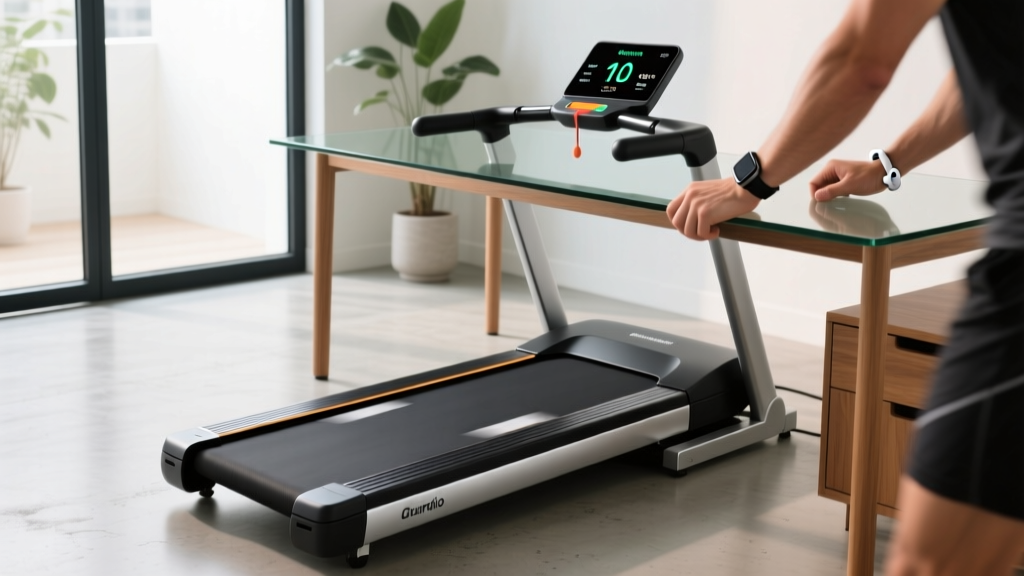
The modern hybrid work environment of 2026 has cemented the under-desk treadmill as a staple of the home and corporate office. However, treating a low-profile walking pad like a commercial gym treadmill is the fastest way to burn out its motor and void your warranty. Furthermore, users frequently search for a good treadmill speed for weight loss without realizing that office-based calorie burn relies on entirely different physiological mechanisms than traditional cardio. In this comprehensive guide, we review the top under-desk treadmills through the lens of long-term maintainability and break down the exact science of low-speed calorie expenditure.
Defining a Good Treadmill Speed for Weight Loss at Your Desk
When determining a good treadmill speed for weight loss in an office setting, we must look at Non-Exercise Activity Thermogenesis (NEAT). According to the Centers for Disease Control and Prevention (CDC), accumulating low-intensity movement throughout the day significantly impacts daily energy expenditure. Unlike a traditional treadmill where a speed of 3.5 to 5.0 mph is ideal for active cardiovascular weight loss, an under-desk treadmill requires a different approach.
The NEAT Sweet Spot: 1.5 to 2.2 MPH
Walking at 1.5 to 2.2 mph allows you to maintain proper typing posture and focus on cognitive tasks while elevating your heart rate slightly above resting levels. At 2.0 mph, a 180-pound individual burns approximately 150 to 180 extra calories per hour compared to sitting. Over a standard 4-hour standing/walking work block, this equates to an extra 600+ calories burned daily. Pushing the speed beyond 2.5 mph without handrails compromises your ergonomic posture, leading to shoulder and neck strain, while simultaneously overworking the small motors found in most walking pads.
For deeper insights into sustainable walking routines, the American Heart Association emphasizes that consistent, low-impact walking is highly effective for long-term weight management and cardiovascular health, making the under-desk treadmill a powerful tool when used at the correct speed.
2026 Under-Desk Treadmill Review: A Maintenance Perspective
Not all walking pads are built to survive the daily grind of a 4-hour continuous office shift. Here is how the top three models of 2026 hold up regarding motor longevity, belt durability, and ease of maintenance.
1. LifeSpan TR1200-DT3: The Heavy-Duty Office Workhorse
- Price: $1,199
- Motor: 2.5 HP Continuous Duty
- Belt Size: 20" x 50"
- Weight Capacity: 300 lbs
Maintenance Verdict: The TR1200-DT3 is the gold standard for office longevity. Because it utilizes a true 2.5 HP continuous-duty motor (unlike the peak-duty motors in cheaper models), it can run for 6+ hours daily without thermal shutoff. The deck features a high-density polyurethane coating that requires less frequent silicone lubrication—roughly every 6 months instead of the standard 3 months. The easily accessible motor hood makes vacuuming out carpet dust a 2-minute job.
2. UREVO Strol 2E: The Budget-Friendly Commuter
- Price: $349
- Motor: 2.25 HP Peak Duty
- Belt Size: 16.5" x 41.3"
- Weight Capacity: 265 lbs
Maintenance Verdict: The Strol 2E is highly popular but requires strict maintenance discipline. Its peak-duty motor will overheat if run at 2.5 mph for more than 90 minutes straight. To preserve the motor, users must adhere strictly to the 1.5 - 2.0 mph NEAT speed. The belt tensioning bolts are somewhat recessed, requiring a specialized long-neck hex wrench (included) for alignment adjustments.
3. WalkingPad R2: The Foldable Space-Saver
- Price: $599
- Motor: 1.25 HP Continuous Duty
- Belt Size: 17.3" x 43.3"
- Weight Capacity: 240 lbs
Maintenance Verdict: The R2's folding hinge mechanism is its weakest point from a maintenance perspective. The internal wiring that passes through the hinge can fray after 2-3 years of daily folding and unfolding. We recommend leaving it unfolded in your office space permanently if possible. The 1.25 HP motor is highly efficient but strictly limited to users under 200 lbs for sustained daily use to prevent belt drag and motor strain.
Essential Maintenance Care for Under-Desk Longevity
Office environments are notoriously harsh on treadmill internals. Static electricity from office chairs and micro-fibers from carpets act as magnets for dust, which gets sucked directly into the motor's cooling fan. Follow this strict maintenance protocol to ensure your machine lasts beyond the 2-year warranty window.
| Maintenance Task | Frequency | Estimated Cost | Critical Details |
|---|---|---|---|
| Silicone Belt Lubrication | Every 40 hours / 3 months | $12 (100% Silicone) | Never use WD-40 or PTFE. Apply 15ml per side in a zig-zag pattern under the belt. |
| Motor Hood Dusting | Monthly | $0 (Vacuum) | Unplug the unit. Remove 3-4 Phillips screws on the front hood and vacuum the flywheel. |
| Belt Tension & Alignment | Every 6 months | $0 | Adjust rear hex bolts by exactly 1/4 turn. Over-tightening causes severe motor drag. |
| Anti-Static Mat Placement | One-time setup | $35 - $50 | Prevents carpet fibers from entering the motor housing via static cling. |
Step-by-Step Belt Lubrication Guide
- Power Down: Unplug the treadmill from the wall to prevent accidental startup.
- Access the Deck: Reach under the center of the walking belt and gently lift it away from the wooden or MDF deck.
- Apply Lubricant: Insert the nozzle of your 100% silicone oil and squeeze exactly 15ml (about half a standard squeeze bottle) in a zig-zag pattern from the center to the edge.
- Repeat: Perform the same action on the opposite side of the belt.
- Distribute the Oil: Plug the treadmill back in, turn it on to 2.0 mph, and let it run empty for 3 to 5 minutes. The friction will naturally spread the silicone across the entire deck surface.
Troubleshooting Common Office Treadmill Failures
Even with meticulous care, under-desk treadmills can develop quirks. Understanding the difference between a fatal motor failure and a simple sensor glitch will save you hundreds of dollars in unnecessary replacement costs.
Warning: The 'Continuous Duty' Marketing Trap
Many budget treadmills advertise a '3.0 HP Motor' but fail to specify that this is Peak Duty, not Continuous Duty. A 3.0 HP peak motor might only sustain 1.25 HP continuously. If you weigh over 200 lbs and walk at 2.5 mph, a peak-duty motor will draw excess amperage, overheat the internal PCB board, and trigger a thermal shutoff. Always check the owner's manual for the continuous duty rating before purchasing.
Decoding LED Error Codes
- E01 (Communication Error): Usually caused by a loose data cable connecting the console to the motor control board. Unplug the machine, open the motor hood, and firmly reseat the multi-pin ribbon cable.
- E02 (Motor Overcurrent/Overheating): The motor is drawing too much power. This is almost always caused by a dry walking belt creating excessive friction against the deck. Perform the 100% silicone lubrication steps immediately. If the error persists, the deck may be warped and require replacement.
- E05 (Speed Sensor Failure): The optical sensor reading the flywheel's RPM is blocked by dust or misaligned. Clean the sensor eye with a microfiber cloth and ensure it sits exactly 2mm away from the magnetic wheel.
- LS (Loss of Speed/Safety Key): Even under-desk models with remote controls have internal safety switches. Ensure the magnetic safety key is firmly attached to the front console, as vibrations from typing can sometimes shake it loose.
Final Thoughts on Ergonomic Longevity
Integrating an under-desk treadmill into your daily workflow is one of the most effective ways to combat the sedentary nature of desk jobs. By adhering to the NEAT principles and recognizing that a good treadmill speed for weight loss in the office is a sustainable 1.5 to 2.2 mph, you protect both your joints and your machine's motor. For comprehensive ergonomic setup guidelines, including optimal desk heights and monitor placements to complement your walking routine, refer to the extensive resources provided by Cornell University Ergonomics. Treat your walking pad with the same mechanical respect you would give a high-end vehicle, and it will reliably fuel your daily calorie burn for years to come.
More gear to consider
All reviews
C2255 NordicTrack Treadmill vs Walking Pads: Mistakes & Fixes

Can an Under Desk Treadmill Be Placed on Carpet? Office Care Guide

Curved Manual vs Electronic Treadmill: 2026 Buyer's Guide
Arc Machine vs Treadmill: Maintaining Compact Cardio Gear
Rucking on a Treadmill: Best Folding Models for Small Spaces & Maintenance Guide