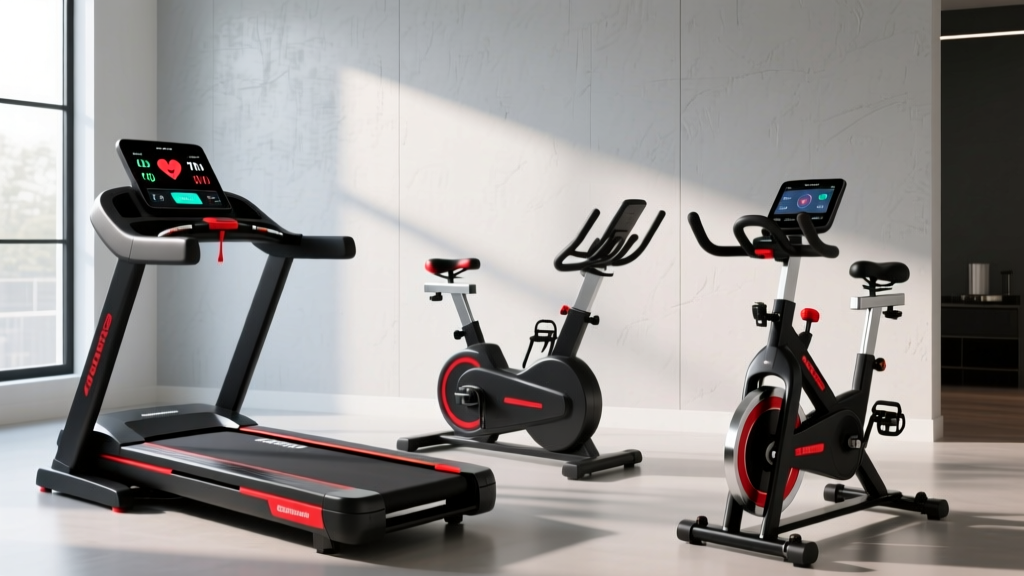
Treadmill Software & Smart Bike Care: Upright, Recumbent, Spin Tips
Learn how firmware updates, sensor calibration, and software care extend the life of your upright, recumbent, and spin bikes, rivaling treadmill software.

Beyond the Belt: The Convergence of Cardio Tech and Firmware
For years, home gym enthusiasts and technicians have obsessively tracked how buggy treadmill software can cause sudden incline drops, speed surges, and console freezes. However, as we move through 2026, the technological gap between treadmills and stationary bikes has completely vanished. Modern upright, recumbent, and spin bikes are no longer just mechanical frames with magnetic flywheels; they are complex, networked computers. The firmware governing your bike's resistance servo, Bluetooth Low Energy (BLE) module, and power meter algorithms requires just as much proactive maintenance as the operating systems on high-end treadmills.
Ignoring the software and electronic maintenance of your stationary bike leads to resistance drift, cadence sensor failure, and premature printed circuit board (PCB) degradation. Whether you ride a $2,495 Peloton Bike+, a $1,199 Nautilus R618 recumbent, or a $999 Schwinn IC4, understanding the intersection of hardware care and firmware longevity is critical to protecting your investment.
⚠️ The 'Set It and Forget It' Myth: Many users assume that because a bike lacks a heavy treadmill belt and deck, it requires zero maintenance. In reality, the EEPROM chips on smart bike consoles suffer from write-cycle degradation if left in 'standby' mode 24/7, leading to corrupted boot sequences and failed Over-The-Air (OTA) firmware updates.Spin Bikes: Servo-Motor Calibration & OTA Updates
High-end indoor cycles like the NordicTrack S22i and Peloton Bike+ utilize automated magnetic resistance. A physical servo-motor moves a magnet closer to or further from the steel flywheel based on digital commands from the software. When firmware updates fail or power surges occur, this calibration can drift, resulting in a 'ghost' resistance curve where Level 10 feels like Level 2.
How to Address Resistance Drift and Failsafe Modes
When the software detects a servo-motor desync, most smart bikes default to a failsafe mode, locking the resistance at a baseline level to prevent injury. To maintain the longevity of the servo-motor and ensure accurate power output (Watts), follow this maintenance protocol:
- Perform a Hard Power Cycle: Do not just put the console to sleep. Unplug the bike from the wall for a full 5 minutes. This drains the capacitors on the main PCB and forces the software to re-poll the Hall effect sensors upon reboot.
- Trigger Manual Recalibration: On models like the Schwinn IC4 and Bowflex C6, accessing the hidden service menu (usually by holding the 'Bluetooth' and '+' buttons simultaneously for 5 seconds) allows you to run a manual magnetic calibration sequence. This takes exactly 45 seconds and realigns the software's resistance map with the physical magnet position.
- Monitor OTA Update Integrity: Never interrupt an Over-The-Air firmware update. According to fitness tech analysts at DC Rainmaker, interrupted firmware flashes are the leading cause of bricked smart bike consoles, requiring $250+ replacement PCBs.
Upright & Recumbent Bikes: PCB & Bluetooth Longevity
Upright and recumbent bikes, such as the Nautilus R618 or Schwinn 270, rely heavily on their console's Bluetooth FTMS (Fitness Machine Service) protocol to connect to third-party apps like Zwift or JRNY. The primary failure point for these machines is not the mechanical drivetrain, but the degradation of the Bluetooth module and the console's backlight capacitors.
'The shift to BLE 5.3 in 2025 and 2026 fitness equipment has vastly improved connection stability, but the physical solder joints on the PCB remain vulnerable to heat and phantom voltage. Proper power management is the ultimate software longevity hack.' — Consumer Reports Fitness Equipment Testing Division
Smart Power Management for Console Longevity
To prevent the software from constantly pinging the network and burning out the Wi-Fi/BLE module, you must manage the machine's power state. We highly recommend wiring your upright or recumbent bike to a smart plug (like the Kasa EP25) set to a strict schedule. Cutting physical power for at least 8 hours a day prevents micro-voltage leaks that degrade the console's internal memory over time.
| Maintenance Task | Frequency | Bike Type | Actionable Step |
|---|---|---|---|
| Firmware Verification | Monthly | Spin / Smart Upright | Check settings menu to ensure the latest OTA patch is installed. |
| Optical Sensor Cleaning | Bi-Weekly | All Types | Wipe cadence sensor with 90% isopropyl alcohol to prevent ghost RPMs. |
| Capacitor Discharge | Weekly | Recumbent / Upright | Unplug from the wall for 10 minutes to clear volatile memory and reset BLE. |
| Servo Track Lubrication | Annually | Auto-Resistance Spin | Apply PTFE dry lube to the magnetic brake rail to prevent servo motor burnout. |
Troubleshooting 'Ghost Pedaling' and Sensor Drift
One of the most common software-hardware crossover issues in stationary bikes is 'ghost pedaling'—where the console registers cadence (RPM) even when the pedals are stationary. This is rarely a software bug; rather, it is the software misinterpreting noisy data from a dirty or misaligned sensor.
- Identify the Sensor Type: Older upright bikes use magnetic reed switches, while 2026 models predominantly use optical sensors or accelerometers embedded in the crank arm.
- Clean the Optical Path: If your bike uses an optical sensor, sweat and dust accumulation on the lens will cause the software to register false rotations. Use a microfiber cloth and electronics cleaner.
- Check the Magnet Gap: For reed switch bikes, the magnet on the flywheel must pass exactly 2mm to 4mm from the sensor. If the frame flexes over time, the gap widens, causing the software to drop cadence data intermittently.
- Update the FTMS Protocol: If you experience dropouts when connecting to Zwift, ensure your bike's firmware supports the latest FTMS standard. Manufacturers frequently release patches specifically to fix Bluetooth handshake timeouts.
Environmental Factors: Protecting the Operating System
Where you place your bike directly impacts the lifespan of its internal software components. Garages and sunrooms are notorious for temperature fluctuations. When a smart bike's console is exposed to temperatures above 95°F (35°C), the thermal paste on the CPU degrades, leading to thermal throttling. The software will intentionally lag or freeze to protect the processor.
Furthermore, power surges from heavy appliances sharing the same circuit (like garage freezers or air compressors) can send voltage spikes through the bike's power brick, corrupting the firmware on the mainboard. Always connect high-end smart bikes to a surge protector with a data-line filter, or better yet, a small Uninterruptible Power Supply (UPS) to ensure clean, consistent voltage to the console's logic board.
Final Thoughts on Digital Longevity
The days of treating cardio equipment as purely mechanical beasts are over. By applying the same rigorous software maintenance, firmware monitoring, and electronic care that you would to a high-end computer—or the complex treadmill software ecosystems of the past decade—you can easily extend the functional lifespan of your upright, recumbent, or spin bike well past the 5-year mark. For ongoing firmware troubleshooting and hardware teardowns, always consult the manufacturer's official support portals, such as the Peloton Support Center, before attempting manual recalibrations.
More gear to consider
All reviews
NordicTrack T Series 10 Treadmill Details: Belt Lubrication Guide
Compact Zero Impact Treadmill: 2026 Budget & Value Breakdown

Is Running on a Treadmill Bad for You? The Rowing Fix

Sunny Smart Treadmill Review: Small Space Care & Longevity
ProForm 585s Treadmill Belt Maintenance: Expert Lubrication Guide