Sole Fitness F85 Treadmill: Feature Comparison & Buyer Mistakes
Avoid costly buyer mistakes with our Sole Fitness F85 treadmill feature comparison. Includes expert troubleshooting for incline, belt, and console issues.

The Sole Fitness F85 Treadmill: A Feature Comparison Framework
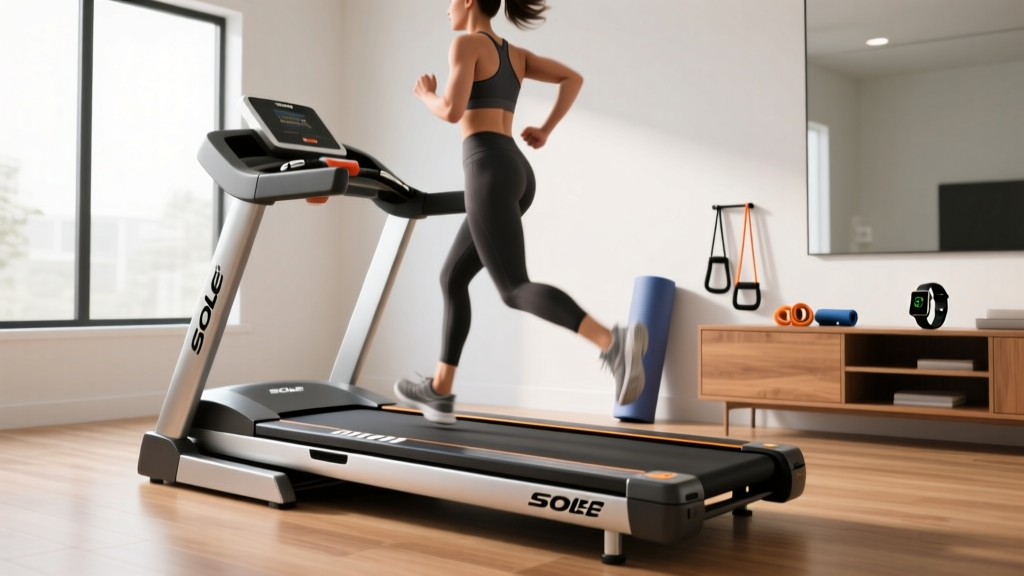
When investing in a premium home cardio machine, the Sole Fitness F85 treadmill frequently tops buyer shortlists. Priced around $2,299, it sits in the upper echelon of residential folding treadmills. However, comparing its feature set against subscription-heavy competitors like the NordicTrack 1750 or the Bowflex Treadmill 10 often leads to critical purchasing mistakes. According to Runner's World treadmill buying guidelines, consumers frequently prioritize digital ecosystems over mechanical longevity, resulting in buyer's remorse when the hardware fails to support intense training blocks.
This guide dissects the Sole F85's feature set through a comparative lens, highlighting common buyer mistakes, and transitions into a masterclass on troubleshooting the machine's most misunderstood hardware quirks.
Top 4 Buying Mistakes When Comparing the F85
1. Prioritizing Touchscreens Over Thermal Mass
The most common mistake buyers make is comparing the Sole F85's 9-inch LCD console to the 14-inch HD touchscreens of its rivals. What buyers miss is the internal thermal mass. The F85 utilizes a 4.0 Continuous Horsepower (CHP) motor with a heavy-duty flywheel designed for heat dissipation during multi-hour marathon training. Competitors often use 3.5 CHP motors paired with massive screens, which draw significant wattage and generate excess heat, leading to premature motor controller failure. If your priority is biomechanical consistency and motor cooling, the F85's hardware profile is vastly superior to screen-centric models.
2. Miscalculating Incline Clearance and Step-Up Height
The F85 offers a 15% maximum incline and a base step-up height of 8 inches. A frequent installation mistake is failing to account for the deck's vertical displacement. When the F85 reaches a 15% incline, the rear of the deck elevates by approximately 11 inches. If you are 6 feet tall (72 inches), your total head height on the F85 at max incline will be roughly 91 inches (7' 7"). Placing this machine in a room with a standard 8-foot ceiling will result in head strikes. Always measure ceiling clearance against the maximum incline height, not just the base step-up height.
3. Ignoring Belt Ply and Deck Lubrication Requirements
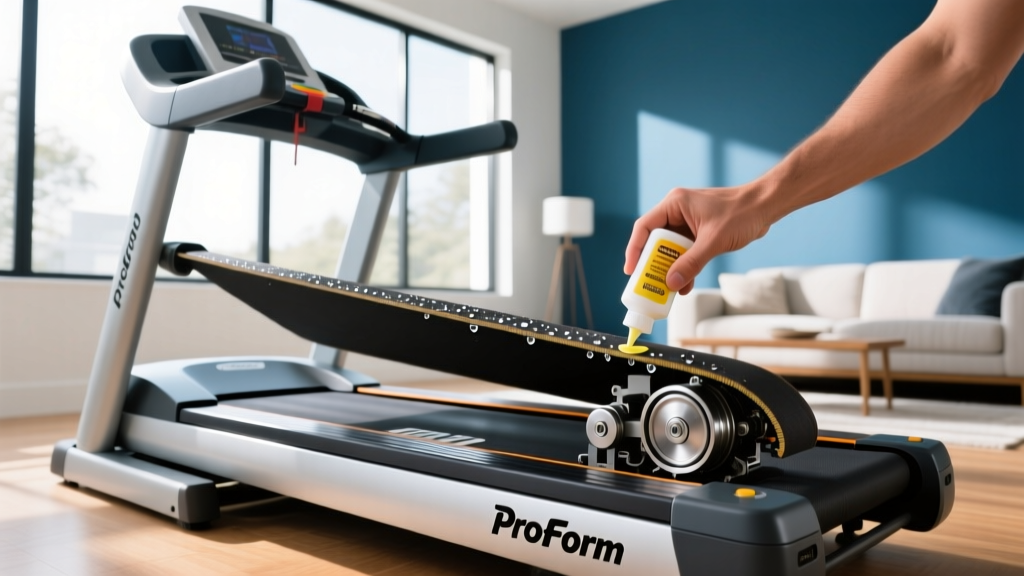
While budget treadmills use 1-ply belts that stretch and fray within 18 months, the F85 features a 2-ply, 22" x 60" commercial-grade belt. The mistake here is assuming a premium belt requires zero maintenance. Sole's cushion flex whisper deck requires periodic silicone lubrication. Failing to check the lubrication levels via the console's maintenance prompt will cause the 4.0 CHP motor to overwork, eventually tripping the thermal breaker.
4. Misunderstanding Shock Absorption Metrics
Many buyers compare the Sole F85's Cushion Flex Whisper Deck to the variable cushioning systems found on higher-end commercial gym treadmills (like the Precor TRM 731). The mistake is expecting a 'soft' bounce. Sole's deck is engineered with specific elastomer cushions that provide up to 40% more shock absorption than running on asphalt, but it maintains a firm, responsive toe-off. If you are a heavy heel-striker seeking a plush, sinking feel, the F85's firmness might feel rigid initially. Understanding this biomechanical reality prevents the mistake of returning a perfectly good machine simply because the deck tuning doesn't match your personal preference for a 'cloud-like' surface.
Feature Comparison Matrix: Sole F85 vs. Market Alternatives
| Feature | Sole Fitness F85 | NordicTrack 1750 | Bowflex Treadmill 10 |
|---|---|---|---|
| Motor | 4.0 CHP | 3.5 CHP | 3.25 CHP |
| Belt Size | 22" x 60" (2-Ply) | 22" x 60" (1-Ply) | 22" x 60" (1-Ply) |
| Incline / Decline | 0% to 15% | -3% to 15% | -5% to 20% |
| Screen / Tech | 9" LCD + FTMS Bluetooth | 14" HD Touch (iFIT Req.) | 10" Touch (JRNY Req.) |
| Weight Capacity | 400 lbs | 300 lbs | 400 lbs |
Troubleshooting Common Sole F85 Feature & Hardware Issues
Even with its robust build, the Sole F85 is a complex electromechanical system. According to the official Sole Fitness F85 specifications, the machine integrates advanced Bluetooth FTMS (Fitness Machine Service) protocols and precision incline motors. Here is how to troubleshoot the most common feature-related failures without immediately calling a technician.
Issue 1: Bluetooth FTMS Connectivity Drops (App Syncing)
The F85 supports FTMS, allowing it to broadcast speed and incline data to third-party apps like Zwift or Kinomap. A common complaint is the console dropping the Bluetooth connection mid-run.
- The Fix: Do not rely on the console's internal Wi-Fi or Bluetooth antenna if your router is more than 20 feet away through drywall. Purchase a dedicated USB Bluetooth 5.0 dongle if you are routing through a PC, or use a Wi-Fi extender in the gym room. Additionally, ensure your tablet's OS is updated, as older iOS/Android versions struggle with the FTMS handshake protocol upon waking from sleep mode.
Issue 2: Incline Motor Calibration (Error Code E1)
If your F85 displays an "E1" error code or gets stuck at a 2% incline, the incline motor's optical sensor has lost its zero-point calibration. This often happens after a power surge or moving the machine.
- Remove the safety key from the console.
- Press and hold the INCLINE UP and SPEED DOWN buttons simultaneously.
- While holding the buttons, reinsert the safety key. The console will enter 'Engineering Mode'.
- Release the buttons. The display will show a series of calibration numbers.
- Press the START button. The treadmill will automatically cycle the deck from 0% to 15% and back down to recalibrate the potentiometer.
- Once finished, remove the safety key to reboot the system.
Issue 3: Drive Belt Slippage Under Heavy Load
If you are sprinting at 10 MPH and feel a momentary 'hesitation' or slip in the belt, users often mistake this for a failing motor. In 90% of cases, it is either a loose walking belt or a loose motor drive belt.
Expert Warning: Never confuse the walking belt (the surface you run on) with the motor drive belt (the ribbed belt connecting the motor to the front roller under the hood). Adjusting the wrong belt will ruin your deck or strip the motor gears. Always consult the Mayo Clinic's guidelines on safe exercise equipment use to ensure your machine is mechanically sound before high-intensity intervals.
To fix walking belt slip: Locate the two rear roller adjustment bolts at the very back of the treadmill. Using the provided Allen wrench, turn both the left and right bolts exactly one-quarter (1/4) turn clockwise. Test the belt. Do not over-tighten, as this will destroy the roller bearings.
To fix motor drive belt slip: Unplug the machine. Remove the 6 screws securing the plastic motor hood. Locate the motor mounting plate. Loosen the four motor mounting bolts slightly, use a pry bar to gently push the motor outward to increase tension on the ribbed drive belt, and retighten the bolts. The belt should have about 1/2 inch of deflection when pressed in the center.
Preventative Maintenance Framework
To ensure the F85's 4.0 CHP motor and heavy-duty frame last beyond the 3-year parts warranty, implement this strict maintenance schedule:
- Every 30 Days: Wipe down the motor hood vents with a microfiber cloth. The F85's cooling fan pulls air from the front; dust buildup here increases internal ambient temperatures by up to 15°F.
- Every 90 Days: Check the walking belt tension. You should be able to lift the center of the belt exactly 2 to 3 inches off the deck. If it lifts higher, it is too loose and will slip; if lower, it is causing excess amperage draw on the motor.
- Annually: Inspect the deck for wear. The F85 uses a phenolic resin-coated deck. If you see bare wood or dark friction burns through the coating, the deck must be flipped or replaced to prevent the 2-ply belt from delaminating.
Final Verdict: Feature Set vs. Buyer Reality
The Sole Fitness F85 treadmill remains a benchmark for buyers who value mechanical integrity over digital gimmicks. By avoiding the common mistakes of screen-chasing and miscalculating spatial requirements, you secure a machine capable of handling 400-pound users and multi-hour endurance blocks.
Who Should Buy the F85?
- Marathon Trainees: The 22" x 60" belt and 4.0 CHP motor handle 18+ mile weekend long runs without thermal throttling.
- Multi-User Households: The 400 lb weight capacity and heavy 135 lb frame footprint ensure stability even when users have vastly different running gaits.
Who Should Look Elsewhere?
- Tech-Dependent Runners: If you require built-in Netflix, live leaderboards, and automatic trainer-control without using a third-party tablet, the F85's 9-inch LCD will feel inadequate.
- Low-Ceiling Spaces: Basements with 7-foot ceilings cannot safely accommodate the F85's 15% incline mechanics for users over 5'8".
When feature-related glitches like FTMS drops or E1 incline errors do occur, understanding the underlying hardware allows you to troubleshoot effectively and keep your training uninterrupted.
More gear to consider
All reviews
Air Bike vs Assault Bike Care: ProForm Carbon TL Folding Treadmill
Walking Pad vs. Treadmill: Fixing 8 Incline on Treadmill Mistakes

Air Bike vs Assault Bike Care & Deer Run Treadmill Discount Code
How to Maintain and Lubricate Your ProForm 350 Treadmill Belt

WalkingPad R1 Treadmill Motor Size & Horsepower Guide