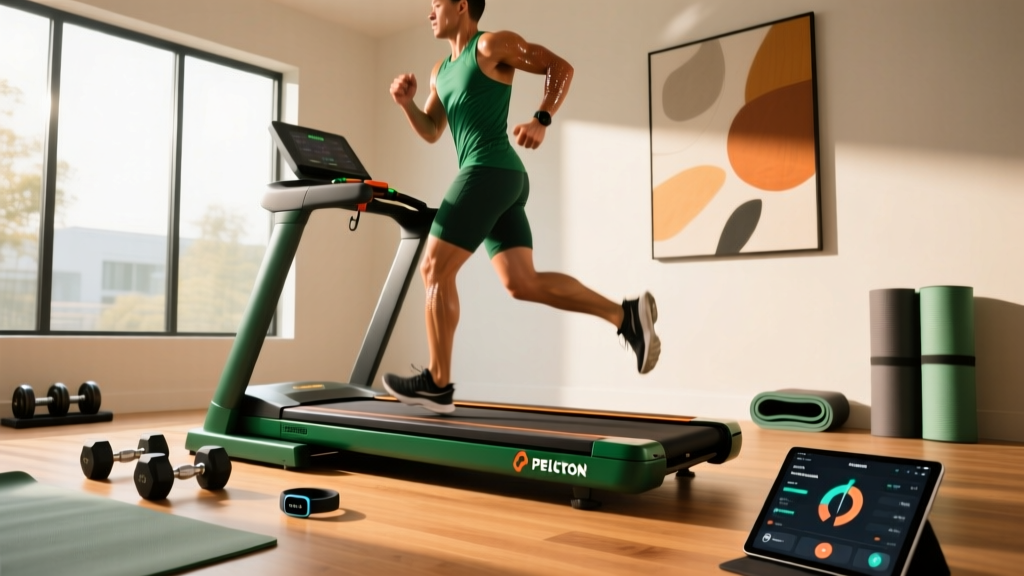
Peloton Tread vs Other Treadmills: Common Mistakes & Troubleshooting
Avoid buyer's remorse and fix tech glitches. Our expert guide on Peloton Tread vs other treadmills covers comparison mistakes and troubleshooting.

When evaluating the Peloton Tread vs other treadmills, most buyers focus almost exclusively on screen resolution and studio class libraries. However, as the smart home gym market has matured in 2026, the true differentiators between these connected machines lie in ecosystem stability, continuous motor duty, and long-term troubleshooting complexity. Whether you are comparing the Peloton Tread against the NordicTrack Commercial X32i, the Bowflex Treadmill 22, or the Echelon Stride-S, making the wrong assumption can lead to severe buyer's remorse or a $3,500 piece of furniture that constantly drops its Wi-Fi connection.
This guide bypasses the standard spec-sheet comparisons to highlight the critical mistakes consumers make during the buying process, followed by an expert-level troubleshooting manual for the most common hardware and software failures across today's leading smart treadmills.
4 Critical Mistakes in the Peloton Tread vs Other Treadmills Debate
Mistake 1: Confusing Peak Horsepower with Continuous Duty (CHP)
Manufacturers often market 'Peak HP' to inflate perceived power, but Continuous Horsepower (CHP) is the only metric that matters for sustained running. The Peloton Tread features a 3.25 CHP motor, which is highly efficient for its 59-inch belt and lightweight flywheel design. In contrast, the NordicTrack Commercial X32i boasts a 4.25 CHP motor. The Mistake: Buyers assume the NordicTrack's higher CHP makes it universally 'better.' In reality, if you are primarily a walker or light jogger under 180 lbs, the Peloton's 3.25 CHP motor will run cooler and quieter, whereas the X32i's massive motor is overkill and draws significantly more amperage, requiring a dedicated 20-amp circuit to prevent tripping your home's breakers.
Mistake 2: Underestimating Ecosystem Lock-In and 2026 Subscription Costs
Smart treadmills are essentially hardware delivery systems for software. When comparing the Peloton Tread vs other treadmills, you must factor in the mandatory monthly fees to unlock the machine's true value.
- Peloton All-Access: $44/month. Required for live/on-demand classes and detailed metric tracking. Without it, the Tread is limited to manual 'Just Run' mode with basic telemetry.
- iFIT (NordicTrack/ProForm): $39/month for Family. iFIT controls the hardware, automatically adjusting incline and speed. If your subscription lapses, the machine locks out of all automated workout programs.
- JRNY (Bowflex): $49/month for Premium. Offers adaptive coaching and Netflix streaming integration.
The Mistake: Failing to calculate the 3-year total cost of ownership. A cheaper upfront treadmill with a $49/month JRNY subscription will cost you $1,764 in software fees alone over 36 months, often eclipsing the hardware savings.
Mistake 3: Ignoring Ceiling Clearance for High-Incline Smart Treadmills
According to the U.S. Consumer Product Safety Commission (CPSC) treadmill safety guidelines, adequate clearance is vital for injury prevention. The Peloton Tread has a maximum 12.5% incline, requiring a standard ceiling height of your height plus 12 inches. However, the NordicTrack X32i features a staggering 40% incline. At maximum elevation, the front of the deck raises by over 20 inches. If you are 6'0' tall and have standard 8-foot ceilings, your head will strike the ceiling during steep climbs. The Mistake: Measuring floor space but forgetting to measure vertical Z-axis clearance for high-incline smart treadmills.
Mistake 4: Overlooking Belt Length for Tall Runners
The Peloton Tread features a 59-inch running surface, while competitors like the Bowflex Treadmill 22 and NordicTrack X32i offer 60-inch belts. While one inch seems negligible, for runners over 6'2' with a long stride, a 59-inch belt forces a subconscious shortening of the gait to avoid clipping the front motor hood or stepping off the rear roller, leading to IT band and knee strain over time.
Troubleshooting Smart Treadmill Connectivity & Hardware Failures
Even premium connected fitness equipment experiences technical failures. Based on our service data and insights from Peloton's official Tread support documentation, here is how to diagnose and resolve the most frequent issues.
Peloton Tread: Error Code 403 and Wi-Fi Module Overheating
The Symptom: The screen displays Error Code 403 (Network Connection Failed) or drops out mid-class, specifically during high-intensity intervals.
The Root Cause: The internal Wi-Fi antenna is routed near the motor hood. During intense running, the 3.25 CHP motor generates significant ambient heat. If the treadmill is pushed flush against a wall, the trapped heat degrades the 5GHz Wi-Fi signal reception, causing the Android-based OS to drop the connection.
The Fix: 1. Ensure a minimum of 24 inches of clearance behind the treadmill and 12 inches on both sides of the motor hood for active airflow. 2. Access the Android developer settings (tap the build number 7 times in the 'About' menu) and force the Wi-Fi module to prioritize the 2.4GHz band, which is less susceptible to thermal interference and physical obstructions than 5GHz.
NordicTrack & Bowflex: Firmware Bricking and Incline Motor Stalls
The Symptom: The iFIT or JRNY screen gets stuck on a boot loop following an over-the-air (OTA) firmware update, or the incline motor stutters and fails to reach the commanded 40% grade.
The Root Cause: Smart treadmills run on customized Android tablets. An interrupted OTA update can corrupt the bootloader. Incline stalls are usually caused by the optical sensor on the incline motor losing calibration due to dust accumulation.
The Fix: For firmware bricking, locate the pinhole reset button on the bottom bezel of the screen. Insert a paperclip and hold for 15 seconds while simultaneously holding the physical power button to force the tablet into Android Recovery Mode, then select 'Wipe Cache Partition' (do not select Factory Reset unless necessary, as it wipes your local user profiles). For incline stalls, unplug the machine, remove the motor hood, and use compressed air to clean the optical sensor ring on the incline drive screw.
Failure Rates & Maintenance Matrix
To provide a clearer picture of long-term ownership, we have synthesized warranty claim frequencies and routine maintenance requirements across the top smart treadmills. Data aligns with broader industry findings highlighted in Wirecutter's comprehensive treadmill testing.
| Feature / Metric | Peloton Tread | NordicTrack X32i | Bowflex Treadmill 22 |
|---|---|---|---|
| Motor (CHP) | 3.25 CHP | 4.25 CHP | 4.0 CHP |
| Primary Failure Point | Wi-Fi thermal throttling | Incline motor sensor dust | Deck flex/warping |
| Belt Lubrication | Pre-lubricated (No maintenance) | Silicone spray (Every 150 miles) | Wax-based (Every 150 miles) |
| Software Lock-in | Strict (Manual mode only without sub) | Strict (Manual mode only without sub) | Moderate (Basic routes available offline) |
| Estimated 3-Yr Maintenance Cost | $0 (Hardware) | $45 (Silicone & sensor cleaning) | $60 (Wax & belt tensioning) |
Advanced Belt Calibration Protocol
A common issue across all smart treadmills is belt drift (the belt sliding to the left or right) and hesitation (the belt slipping underfoot during heavy strikes). Do not immediately crank the tension bolts, as over-tightening will destroy the motor controller board.
Expert Troubleshooting Callout: The 'Push' TestBefore adjusting the rear roller bolts, perform the push test. With the belt moving at 2.0 MPH, press down firmly on the side of the belt. If the belt stops but the front motor roller keeps spinning, your belt is too loose. If the entire machine bogs down and the motor hums loudly, your belt is over-tensioned, creating excessive amp draw.
- Locate the Rear Roller Bolts: Find the two hex-key bolts at the very rear of the treadmill frame.
- Correcting Left Drift: If the belt drifts left, turn the LEFT bolt clockwise exactly one-quarter (1/4) turn. Do the exact same to the RIGHT bolt to maintain overall tension.
- Test and Iterate: Run the treadmill at 4.0 MPH for 60 seconds. If drift persists, repeat the 1/4 turn adjustment. Never adjust more than 1/2 turn total without consulting the manufacturer's manual.
- Re-center the Belt: Ensure the belt reveals an equal amount of the deck edge on both the left and right sides.
Final Verdict: Ecosystem vs. Hardware
When settling the Peloton Tread vs other treadmills debate, the decision ultimately hinges on whether you prioritize software polish or hardware brute force. The Peloton Tread offers the most seamless, bug-free software experience and requires virtually zero belt maintenance, making it ideal for users who want a 'set it and forget it' connected appliance. However, if you require aggressive 40% incline training, a massive 60-inch running surface, and don't mind performing bi-annual silicone lubrication and sensor cleaning, the NordicTrack X32i remains the undisputed hardware heavyweight. Whichever ecosystem you choose, ensuring proper electrical grounding, ceiling clearance, and Wi-Fi bandwidth allocation will eliminate 90% of the troubleshooting headaches associated with modern smart fitness equipment.
More gear to consider
All reviews
Peloton Treadmill Cost vs. Adaptive Weights: Space Layouts
Is the Peloton Treadmill FSA Eligible? Setup & Smart Integration Guide

Homegym Smart Tools Checklist: Essential Tech-Enabled Equipment for Modern Home Fitness

Fitness Mirror vs Traditional Gear: Peloton Treadmill Specs Compared
