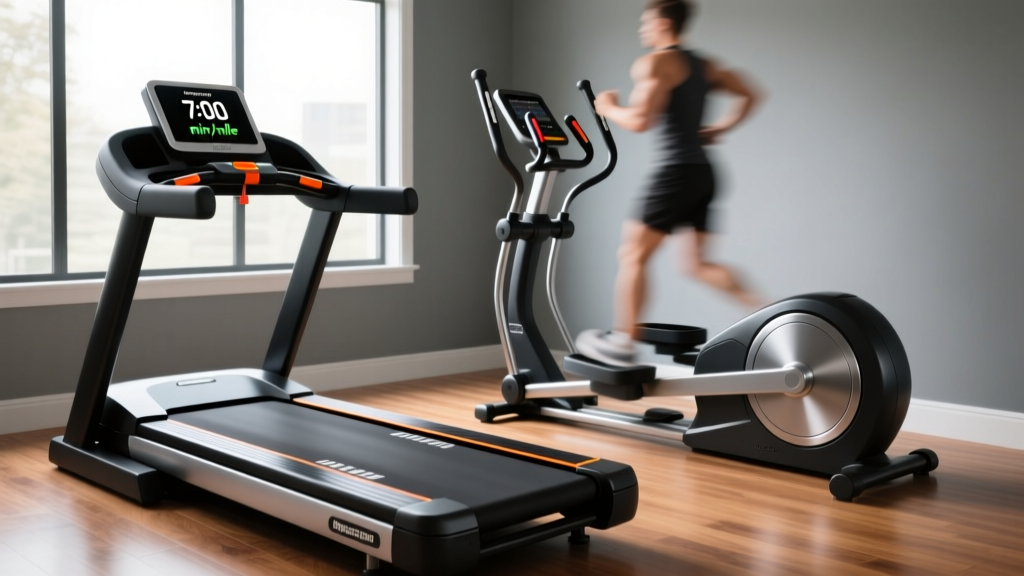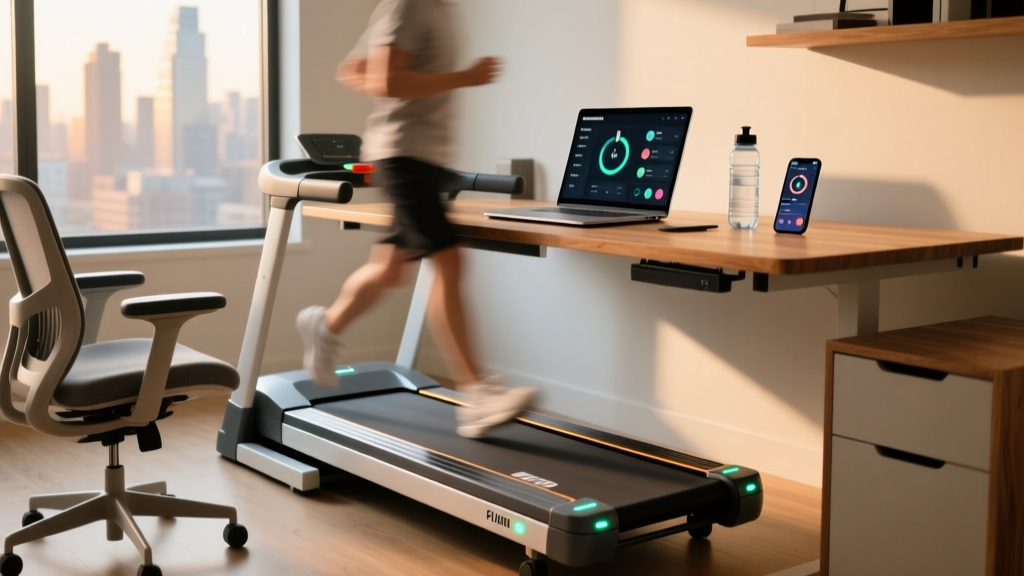
Under-Desk Treadmill Care: Office Use & 'The Walk' Movie Setups
Discover expert maintenance tips for under-desk treadmills in 2026. Learn how to care for office walking pads and optimize 'The Walk' movie setups.

The 2026 Under-Desk Treadmill Landscape: A Maintenance-First Review
As remote and hybrid work models solidify in 2026, the under-desk treadmill has transitioned from a niche executive perk to a standard home-office appliance. However, most buying guides focus solely on step-counting accuracy, app connectivity, or folding mechanisms, entirely ignoring the most critical factor for long-term ROI: maintenance and mechanical longevity. When you are investing $300 to $1,200 in an office walking pad, understanding how to care for the motor, belt, and internal electronics is what separates a machine that lasts a decade from one that ends up in a landfill after 14 months.
In this comprehensive maintenance review, we evaluate the top under-desk treadmills for office use not just by their out-of-the-box features, but by their serviceability, part availability, and long-term durability. Whether you are logging 5,000 steps during Zoom calls or building an immersive entertainment workspace, proper care protocols are non-negotiable.
Top Office Treadmills Reviewed: Longevity & Maintenance Profiles
Before diving into specific repair protocols, we must establish the baseline hardware. Below is a maintenance-focused comparison of the three most popular under-desk treadmills currently dominating the home-office market.
| Model | Motor (HP) | Max Continuous Runtime | Maintenance Interval | 2026 Price Range |
|---|---|---|---|---|
| LifeSpan TR1200-DT5 | 2.5 CHP | 10+ Hours | Every 6 Months | $1,199 - $1,299 |
| KingSmith WalkingPad R2 | 1.25 HP | 3 Hours | Every 3 Months | $449 - $499 |
| UREVO Strol 2E | 2.0 HP | 4 Hours | Every 2 Months | $259 - $299 |
The LifeSpan TR1200-DT5 remains the gold standard for heavy-duty office use. Its continuous-duty motor is designed for all-day runtime, and its fully enclosed hood minimizes dust ingress. Conversely, the WalkingPad R2 is a marvel of space-saving engineering, but its folding hinge mechanism and smaller motor require strict adherence to weight limits and frequent belt alignment checks. The UREVO Strol 2E offers excellent budget value but demands aggressive dust-cleaning routines to prevent premature motor burnout.
Why 'The Walk' Movie Treadmill Setups Stress Your Motor
A growing trend among remote workers is the creation of an immersive the walk movie treadmill setup. This involves mounting an ultrawide monitor to a standing desk to watch long-form cinematic experiences—like Robert Zemeckis’s The Walk—or using immersive first-person walking simulators while logging miles at 1.0 to 1.5 MPH. While this is a fantastic way to combat sedentary fatigue (a major cardiovascular risk factor highlighted by the American Heart Association), it creates a specific mechanical edge case: low-speed thermal stress.
⚠️ Thermal Warning: DC treadmill motors rely on an internal fan attached to the rotor for cooling. At 1.0 MPH, the fan spins too slowly to dissipate the heat generated by the electrical resistance of moving a 180 lb load. If your treadmill shuts down after 90 minutes of slow cinematic walking, you are experiencing thermal overload, not a software glitch.To mitigate this during your the walk movie treadmill marathons, you must implement forced cooling. Positioning a small, external USB desk fan to blow directly into the front motor hood vents can drop internal operating temperatures by up to 15°F, significantly extending the lifespan of the motor's copper windings and internal capacitors.
Step-by-Step Maintenance Protocol for Office Treadmills
To ensure your under-desk treadmill survives years of daily office use, you must move beyond basic wipe-downs and perform actual mechanical maintenance. Follow this exact protocol.
1. Belt Lubrication (The 300-Mile Rule)
Friction is the enemy of the treadmill motor. A dry belt forces the motor to draw higher amperage to maintain speed, leading to overheated control boards. You must lubricate your treadmill belt every 300 miles or every 3 months, whichever comes first.
- Verify the Lubricant: Use only 100% silicone treadmill lubricant. Never use WD-40, petroleum jelly, or household oils, which will destroy the PVC belt backing and void your warranty.
- Application Technique: Loosen the belt slightly using the rear roller bolts. Lift the edge of the belt on the left side and squeeze exactly 10ml to 15ml of silicone fluid in a zig-zag pattern toward the center. Repeat on the right side.
- Distribution: Turn the treadmill on at 2.0 MPH and let it run unweighted for 5 minutes. The friction will naturally spread the silicone across the entire deck surface.
2. Tension and Tracking Calibration
If your belt slips when you step on it at 1.0 MPH, or if it drifts to the left/right and rubs against the side rails, the rear roller tension is off. Using a 6mm Allen wrench (standard on 95% of under-desk models), adjust the rear end caps. The Golden Rule: Only turn the adjustment bolts exactly 1/4 turn clockwise at a time. Over-tightening the belt will stretch the Kevlar threading inside the belt and destroy the front roller bearings.
3. Motor Hood Dust Extraction
Office environments are notorious for pet dander, carpet fibers, and dust. This debris gets sucked into the motor hood, coating the circuit board and acting as a thermal insulator. Every 60 days, unplug the machine, remove the 4 to 6 Phillips-head screws securing the front motor hood, and use a vacuum with a soft brush attachment to carefully extract carbon dust from the motor brushes and the drive belt area. Never use compressed air inside the hood, as it will force micro-dust directly into the sealed motor bearings.
Troubleshooting Common Office Treadmill Failures
When an under-desk treadmill fails, it usually communicates via an LED error code on the remote or console. Here is how to decode and fix the most common issues without calling a technician.
- Error E01 (Communication Failure): The console is not receiving data from the motor controller. Fix: Check the data cable running up the upright post (if applicable) or the internal ribbon cable connecting the display to the lower control board. Reseat the connections and ensure no pins are bent.
- Error E02 (Over-Current / Motor Short): The motor is drawing too much power. Fix: This is almost always caused by a dry belt or a warped deck. Lubricate the belt immediately. If the error persists, flip the deck over (most reversible decks have a second usable side) or replace the MDF deck entirely.
- Error E05 (Over-Voltage / Speed Sensor): The optical speed sensor on the front roller is misaligned or covered in dust. Fix: Locate the small optical eye near the front roller pulley. Wipe it with a microfiber cloth and a drop of isopropyl alcohol. Ensure the gap between the sensor and the slotted disc is exactly 2mm to 3mm.
Ergonomic Integration and Wear Prevention
How you integrate the treadmill into your office space directly impacts its physical wear-and-tear. According to research from Cornell University Ergonomics, improper desk height and flooring can alter user gait, leading to uneven belt wear. Always place your under-desk treadmill on a high-density EVA foam equipment mat. This not only dampens acoustic vibrations for shared office spaces but also prevents the machine's leveling feet from sinking into thick carpet, which can warp the steel frame over time and cause the belt to track permanently to one side.
Furthermore, never roll an office chair with hard plastic casters directly onto the treadmill belt when the machine is off. The concentrated point-load of a 250 lb chair on a single caster can crack the internal wooden deck and permanently dent the PVC belt surface.
Expert Verdict: Maximizing Your Investment
An under-desk treadmill is a precision piece of fitness equipment disguised as office furniture. Whether you are using the LifeSpan TR1200-DT5 for heavy daily mileage or managing the hinge mechanics of a WalkingPad R2, proactive maintenance is the key to longevity. By adhering to the 300-mile lubrication rule, managing low-speed thermal stress during your the walk movie treadmill sessions, and keeping the motor compartment free of office dust, you can easily extend the lifespan of your machine from a mere 18 months to well over 5 years of reliable, silent operation.
More gear to consider
All reviews
How to Take Apart a ProForm Treadmill: 2026 Under-Desk Office Reviews

Air Bike vs Assault Bike: Buffalo Concussion Treadmill Test Value

Top Treadmill Challenge for Weight Loss: Sole F85 vs NordicTrack
Is StairMaster or Incline Treadmill Better? Folding Treadmill Care

ProForm Carbon Pro 9000 Treadmill: Beginner's Feature Guide