Daeyegim Treadmill Review: Walking Pad Mistakes & Fixes
Read our Daeyegim treadmill review and walking pad comparison. Learn common setup mistakes, ergonomic tips, and step-by-step troubleshooting fixes.

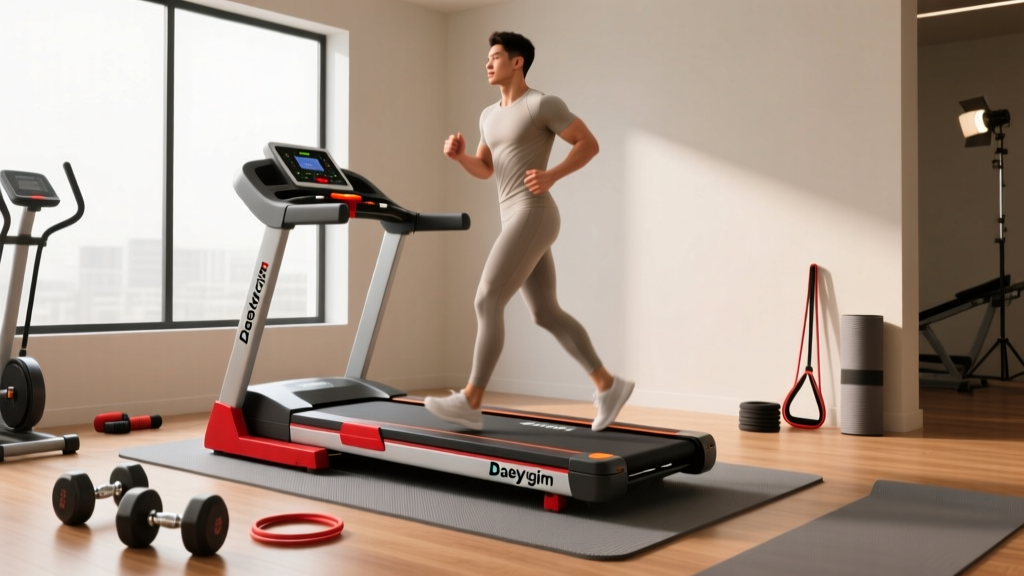
The shift toward active workspaces has made under-desk walking pads a staple of the modern home office. Among the budget-friendly options flooding the market in 2026, the Daeyegim treadmill (frequently listed as the 2.25 HP or 3.0 HP Under Desk Treadmill) stands out for its aggressive sub-$160 price tag. However, an entry-level price point often translates to a steeper learning curve for maintenance and setup. Many users encounter belt drift, remote sync failures, and motor overheating within their first month of use.
In this comprehensive review and troubleshooting guide, we compare the Daeyegim walking pad to premium alternatives, highlight the most common user errors, and provide exact, step-by-step fixes to keep your machine running smoothly for years.
Daeyegim Walking Pad vs. Top 2026 Competitors
Before diving into troubleshooting, it is crucial to understand where the Daeyegim treadmill sits in the current cardio equipment landscape. While it excels in affordability, how does it compare to the industry darlings like UREVO and Xiaomi's WalkingPad?
| Feature | Daeyegim 2.25 HP Under Desk | UREVO Strol 2E | WalkingPad R2 |
|---|---|---|---|
| Average Price (2026) | $139 - $159 | $289 - $319 | $499 - $549 |
| Motor Output | 2.25 HP (Peak) | 2.5 HP (Continuous) | 2.5 HP (Continuous) |
| Top Speed | 7.6 MPH | 8.0 MPH | 7.6 MPH |
| Weight Capacity | 265 lbs | 300 lbs | 240 lbs |
| Running Area | 43" x 16" | 47" x 17" | 47" x 17" |
| App Connectivity | No (Remote Only) | Yes (UREVO App) | Yes (Mi Home / KS Fit) |
Takeaway: The Daeyegim is a pure, no-frills walking pad. You sacrifice smart-app connectivity and a folding handrail, but you gain a higher weight capacity and a significantly lower barrier to entry compared to the WalkingPad R2.
3 Common Mistakes Ruining Your Daeyegim Treadmill
Most technical issues with budget walking pads are not factory defects; they are the result of improper setup and usage habits. Avoid these three critical errors to protect your investment.
1. Ignoring the Break-In Period and Lubrication
Out of the box, the Daeyegim belt may feel slightly stiff or exhibit minor hesitation at low speeds (1.0 - 2.0 MPH). Many users immediately assume the motor is defective. In reality, the factory-applied silicone oil needs time to distribute evenly across the deck. Furthermore, failing to reapply 100% pure silicone treadmill lubricant every 30 to 45 miles creates immense friction. This friction forces the motor to draw excess amperage, eventually tripping the internal thermal overload switch and shutting the machine down mid-walk.
2. Confusing Static vs. Dynamic Weight Limits
The Daeyegim advertises a 265 lb weight capacity. However, this is a static limit. When walking at 3.0 MPH, the dynamic impact force of a 220 lb user can momentarily exceed 300 lbs of downward pressure on the front roller. If you are near the upper weight limit, you must keep your speed below 4.0 MPH to prevent premature bearing failure and deck warping.
3. The Ergonomic Mismatch
Using a walking pad under a standard 30-inch high desk is a recipe for postural disaster. According to ergonomic guidelines referenced by the Mayo Clinic, your desk surface should be at elbow height when standing. Since the Daeyegim adds roughly 4.5 inches of height to your stance, your desk must be adjustable, ideally sitting between 40 and 46 inches high. Failing to adjust your monitor and desk height leads to shoulder impingement and neck strain, negating the health benefits of the treadmill.
Ergonomic Warning: Never use the Daeyegim treadmill on thick, high-pile carpet. The padding will block the motor's ventilation grille on the front chassis, leading to rapid overheating. Always use a rigid PVC treadmill mat to ensure proper airflow and protect your flooring from sweat damage.
Step-by-Step Troubleshooting Guide
If your Daeyegim treadmill is acting up, do not immediately initiate a return. Use this diagnostic matrix to solve 90% of common walking pad issues.
Issue 1: The Belt Drifts to the Left or Right
Belt misalignment is the most common complaint with under-desk treadmills. If the belt rubs against the side rail, it will fray and eventually snap.
- Step 1: Turn the treadmill on and set the speed to 3.0 MPH. Stand to the side (do not walk on it).
- Step 2: Locate the two hex-key bolts at the very back of the treadmill (inside the rear end caps).
- Step 3: If the belt is drifting to the LEFT, insert the provided Allen wrench into the LEFT bolt and turn it clockwise exactly one-quarter (1/4) turn.
- Step 4: Wait 30 seconds for the belt to track. If it is still off-center, repeat the 1/4 turn. Never turn the bolt more than a half-turn at a time, as over-tightening will stretch the belt and cause it to slip underfoot.
Issue 2: Remote Control Fails to Sync (Flashing Red Light)
The Daeyegim remote uses an infrared/radio frequency hybrid signal. If the remote display flashes but the treadmill does not respond, the pairing has been lost.
- Step 1: Replace the remote battery. The Daeyegim remote requires a standard CR2032 lithium coin cell. Do not use alkaline button cells, as they lack the voltage consistency for RF pairing.
- Step 2: Unplug the treadmill from the wall for 60 seconds to reset the motherboard's receiver module.
- Step 3: Plug the treadmill back in. Within 5 seconds of the display lighting up, press and hold the "M" (Mode) button on the remote for 5 to 7 seconds.
- Step 4: The treadmill display will beep and flash "888", confirming the remote is successfully re-paired.
Issue 3: E01, E02, or E05 Error Codes and Motor Shutoff
Error codes on budget walking pads are notoriously vague, but they generally point to communication or safety faults.
- E01 (Communication Error): The console is not receiving data from the motor controller. Check the ribbon cable connecting the front LED display to the main board. Ensure it is seated firmly and free of dust.
- E02 (Motor Overload / Timeout): The motor is drawing too much current. This is almost always caused by a dry belt. Unplug the machine, lift the belt, and apply 15ml of 100% silicone oil directly to the center of the deck. Walk on the treadmill at 2.0 MPH for 3 minutes to spread the oil, then reset the machine.
- E05 (Overcurrent Protection): The machine has detected a voltage spike or a jammed roller. Inspect the front and rear rollers for debris (pet hair, loose carpet fibers) and clear the chassis.
Recommended Maintenance Schedule
To align with the aerobic activity guidelines set forth by the Centers for Disease Control and Prevention (CDC), many users walk 150+ minutes a week. At this volume, your Daeyegim treadmill requires a strict maintenance cadence:
- Weekly: Wipe down the side rails and LED display with a microfiber cloth and a 50/50 water/isopropyl alcohol mix to remove sweat salts, which corrode the plastic and electronics.
- Monthly (or every 40 miles): Apply 10-15ml of pure silicone lubricant under the belt.
- Bi-Annually: Inspect the power brick and cord for fraying. Budget power adapters are prone to overheating if left plugged into a surge protector alongside high-draw devices like space heaters or desktop PCs. Plug the treadmill directly into a dedicated wall outlet.
Final Verdict: Is the Daeyegim Treadmill Worth It?
The Daeyegim treadmill is an exceptional entry point for the work-from-home professional looking to integrate low-intensity steady-state (LISS) cardio into their day. At roughly $150, it undercuts major brands by hundreds of dollars while delivering a reliable 7.6 MPH top speed and a sturdy 265 lb weight limit.
However, it is not a "set it and forget it" machine. It demands active ownership. If you are willing to commit to monthly lubrication, precise belt alignment, and proper ergonomic desk setup, the Daeyegim walking pad will easily rival the longevity of premium models. If you prefer a zero-maintenance, app-integrated experience and have the budget for it, you may be better served by the UREVO Strol 2E or WalkingPad R2. But for pure, budget-conscious step-counting, the Daeyegim remains a formidable contender in 2026.
More gear to consider
All reviews
FreeMotion T11.3 Reflex Treadmill vs Compact Portable Cardio
The Core Benefit of Curved Treadmill Training: 2026 Comparison Guide

Training for Half Marathon on Treadmill? Under-Desk Reviews
Stair Climber Home Guide vs. NordicTrack S30 Treadmill

Walking Pad Reviews: Lessons From The Kelsey Kane Treadmill Video