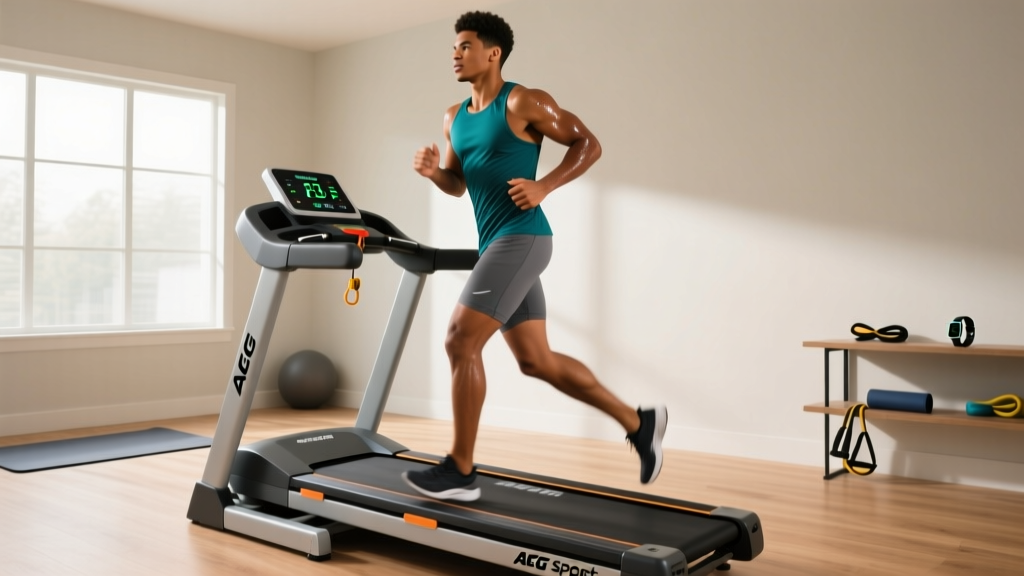
AFG Sport 2.5 HP Treadmill: Setup Walkthrough & Feature Comparison
Master your AFG Sport 2.5 HP treadmill setup with our step-by-step installation walkthrough, wiring tips, and feature comparison against top 2026 rivals.

Pre-Installation Checklist & Spatial Requirements
Bringing the AFG Sport 2.5 HP treadmill into your home gym is an excellent investment in your cardiovascular health, but improper installation is the leading cause of early motor failure and console errors. As part of the Johnson Health Tech family (which also engineers Horizon and Matrix fitness equipment), AFG designs its mid-tier 2.5 Continuous Horsepower (CHP) models for durability. However, the setup process requires precision. Before unboxing, you must verify your spatial and electrical infrastructure.
Spatial Clearance Guidelines: According to the Consumer Product Safety Commission (CPSC), you must maintain a minimum clearance of 39 inches (approx. 1 meter) behind the treadmill and 24 inches on each side. The AFG Sport 2.5 HP has a footprint of 70 x 34 inches, meaning your dedicated floor space must be at least 78 x 82 inches to allow for emergency dismounts and rear belt roller access.Electrical Requirements: The 2.5 HP motor requires a dedicated 120V, 60Hz, 15-Amp circuit. Never plug this treadmill into a GFCI outlet, as the initial startup surge can trip the breaker. Furthermore, avoid using extension cords or power strips; plug the machine directly into the wall to prevent voltage drops that can fry the lower control board.
Step-by-Step Assembly Walkthrough
The AFG Sport 2.5 HP treadmill ships with the deck fully pre-assembled, but the uprights, console, and handlebars require manual installation. Allocate 90 minutes and clear a 10x10 foot workspace. You will need a 13mm socket wrench, a 5mm Allen key, a Phillips-head screwdriver, and a second person to assist with the 145-pound deck.
Step 1: Base Positioning and Upright Installation
Carefully cut the heavy-duty zip ties securing the uprights to the deck frame. Do not discard the foam padding immediately. With your assistant holding the left upright at a 45-degree angle, locate the main data cable extending from the base. Critical Edge Case: The most common setup failure mode across all AFG and Horizon models is pinching this fragile data cable between the upright metal bracket and the base plate. Route the cable through the designated plastic grommet channel before tightening the four 13mm base bolts to 15-20 Nm of torque.
Step 2: Console Wiring and Mounting
Once the uprights are secured, connect the console data cables. These are typically color-coded push-fit connectors (red to red, white to white). Push until you hear an audible click. If the connection is loose, the console will power on but display an 'E1' or 'E2' error code when the belt attempts to move.
"Ninety percent of console blank-outs on newly assembled treadmills are caused by a partially seated ribbon cable. Always tug gently on the wire harness after connecting to ensure the internal pins have fully engaged before securing the plastic console housing." — Senior Fitness Equipment Technician, Horizon Fitness Official Support
Step 3: Handlebar Attachment and Final Torque
Attach the side handlebars using the provided 5mm Allen bolts. Ensure the heart rate sensor pads on the inner grips are facing upward and that the sensor wires are not twisted. Tighten all bolts in a star pattern to distribute pressure evenly across the plastic console housing, preventing stress cracks over time.
Feature Comparison: AFG Sport 2.5 HP vs. 2026 Market Rivals
Understanding how the AFG Sport 2.5 HP treadmill stacks up against its direct competitors is crucial for validating your purchase and understanding the hardware you are assembling. Below is a technical comparison of the top mid-tier treadmills in the $900 to $1,200 price bracket for 2026.
| Feature | AFG Sport 2.5 HP | Sole F63 | Horizon T101 |
|---|---|---|---|
| Retail Price (2026) | $1,099 | $1,199 | $899 |
| Motor Output | 2.5 CHP | 3.0 CHP | 2.25 CHP |
| Running Surface | 20" x 55" | 20" x 55" | 20" x 50" |
| Incline Range | 0 - 12% | 0 - 15% | 0 - 10% |
| Max User Weight | 300 lbs | 325 lbs | 275 lbs |
| Deck Cushioning | Variable 3-Zone | Cushion Flex | 3-Zone Variable |
Analysis: The AFG Sport 2.5 HP occupies the 'Goldilocks' zone. While the Sole F63 offers a slightly larger motor and higher incline, it costs $100 more and features a heavier, more cumbersome assembly process. Conversely, the Horizon T101 is cheaper but utilizes a smaller 2.25 CHP motor and a shorter 50-inch belt, which is inadequate for runners taller than 5'10". The AFG's 2.5 CHP motor provides ample thermal headroom for 60-minute daily runs without triggering the internal thermal shutdown switch.
Post-Assembly Calibration & Belt Tensioning
Do not jump straight into a high-intensity interval training (HIIT) session after assembly. Factory belts are often shipped slightly loose to prevent warping during transit. Perform the following calibration sequence:
- The 3 MPH Walk Test: Insert the magnetic safety key. Start the treadmill at 3.0 MPH. Walk on the side rails, then step onto the belt. Apply firm downward pressure with your lead foot. If the belt stutters or the front roller spins while the belt remains stationary, the tension is too low.
- Adjusting the Rear Roller: Stop the machine and remove the safety key. Locate the two 8mm Allen bolts at the very rear of the treadmill deck. Turn both bolts exactly one-quarter (1/4) turn clockwise. Never adjust one side more than the other, as this will immediately cause the belt to track off-center and fray against the side motor hood.
- The 6 MPH Run Test: Restart the machine and increase the speed to 6.0 MPH. Jog lightly. The belt should now grip your shoes seamlessly without hesitation. If it still slips, repeat the 1/4 turn adjustment. Do not over-tighten; excessive tension will destroy the front roller bearings and overwork the 2.5 HP motor, leading to premature failure.
Troubleshooting Common Setup Error Codes
If your newly assembled AFG Sport 2.5 HP treadmill fails to operate, consult this diagnostic list before calling customer support:
- E1 Error (Speed Sensor Failure): This almost always occurs if the console data cable is pinched or if the optical sensor near the motor flywheel was bumped during unboxing. Unplug the machine, remove the motor hood (6 Phillips screws), and ensure the sensor is aligned within 3mm of the flywheel magnets.
- E2 Error (Incline Motor Disconnect): The incline motor cable is separate from the main data harness. Check the lower control board to ensure the white 4-pin incline connector is fully seated.
- Console Blank Out: If the screen is entirely dead, check the inline circuit breaker located on the front of the deck near the power cord. If it has tripped, push it back in. If it trips again immediately, you are likely sharing the circuit with another high-draw appliance (like a space heater or window AC unit).
By following this meticulous setup protocol, your AFG Sport 2.5 HP treadmill will deliver reliable, joint-friendly cardio performance for years to come, rivaling commercial gym equipment at a fraction of the long-term cost.
More gear to consider
All reviews
NordicTrack 3.0 CHP Treadmill: Best Folding Fit for Small Spaces

Disassembling NordicTrack Treadmill? Why Spin & Upright Bikes Win
Bike Maintenance vs. the Amazon Commercial Dad on Treadmill

Walking on a Treadmill Everyday: Curved vs Motorized Mistakes & Fixes

Rowing Guide: Better Than Treadmill Workout Routines for Weight Loss
