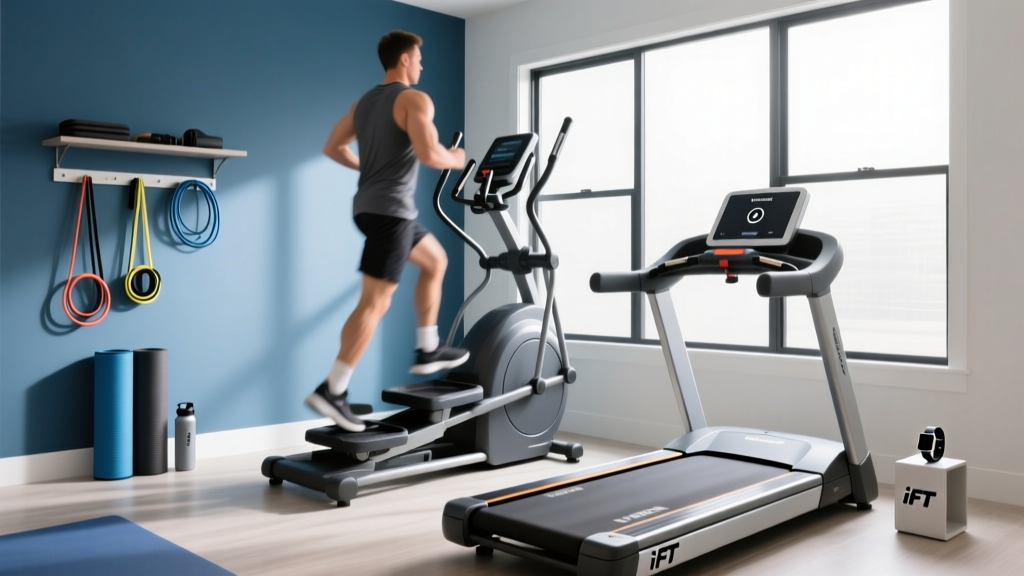
Stair Climber Setup: Fix iFIT Treadmill Stuck on Retry Errors
Master your home stair climber setup with our complete walkthrough. Includes space planning, assembly, and fixing the iFIT treadmill stuck on retry error.

The Reality of Smart Cardio Installation in 2026
Bringing a premium stair climber into your home gym is one of the most effective investments you can make for cardiovascular health. According to the Centers for Disease Control and Prevention (CDC), vigorous aerobic activities like stair climbing significantly improve heart health and metabolic function in a fraction of the time required for steady-state walking. However, the physical unboxing and digital provisioning of modern smart climbers—such as the Sole SC900, Bowflex Max Trainer M9, or NordicTrack FS14i—can quickly turn from an exciting upgrade into a frustrating ordeal if you lack a precise installation framework.
Unlike basic manual steppers, modern smart climbers weigh upwards of 200 pounds, require dedicated electrical circuits, and rely on complex Android-based operating systems to stream 4K interactive workouts. In this comprehensive setup and installation walkthrough, we will cover everything from structural clearance calculations to hardware torque specifications. Crucially, we will also address the most notorious software glitch plaguing the iFIT ecosystem: the bizarre scenario where your brand-new stair climber boots up and throws an 'iFIT treadmill stuck on retry' error. Let's get your machine calibrated, connected, and ready to climb.
Phase 1: Spatial Mapping & The Ceiling Clearance Formula
The most common installation failure for home stair climbers is inadequate ceiling height. Because these machines elevate you significantly higher than a standard elliptical or treadmill, failing to account for the 'step-up height' will result in you ducking to avoid ceiling fans or light fixtures during high-intensity intervals.
⚠️ The Ceiling Clearance Formula:To calculate your exact minimum ceiling height, use this formula:
User Height + Machine Step-Up Height + 6 Inches (for head clearance) = Minimum Ceiling HeightFor example, a 6'0" (72") user on a Sole SC900 (which has a 15" step-up height) requires a minimum ceiling height of 93 inches (7 feet, 9 inches). If your basement gym has standard 8-foot ceilings, a high-step machine will be unusable.
2026 Stair Climber Clearance & Power Matrix
| Model (2026 Lineup) | Retail Price | Machine Weight | Step-Up Height | Footprint (L x W) |
|---|---|---|---|---|
| Sole SC900 Stair Climber | $2,499 | 238 lbs | 15.0 inches | 70" x 30" |
| Bowflex Max Trainer M9 | $2,299 | 148 lbs | 16.0 inches | 49" x 30" |
| NordicTrack FS14i Freestrider | $2,799 | 215 lbs | 14.0 inches | 76" x 29" |
Phase 2: Electrical Prerequisites & Safety
Smart stair climbers draw significant amperage, particularly during the initial motor calibration phase when the magnetic resistance brake engages. You must plug your machine into a dedicated 15-amp, 120V circuit. Sharing a circuit with a space heater, air conditioner, or even a high-draw treadmill will cause the breaker to trip mid-workout, potentially corrupting the machine's logic board.
Pro-Tip: Avoid GFCI (Ground Fault Circuit Interrupter) outlets. The micro-fluctuations in current drawn by the magnetic braking system can trick sensitive GFCI breakers into thinking there is a ground fault, shutting off power to your $2,500 machine unexpectedly.
Phase 3: Hardware Assembly & Torque Specifications
While the included hex keys will get you through 80% of the assembly, relying on them for the final tightening of the main crank arms and upright masts is a mistake that leads to catastrophic wobbling within three months. The lateral forces generated during a 150-SPM (steps per minute) sprint on a stair climber are immense.
- Base Stabilizers: Attach the front and rear stabilizer bars. Do not fully tighten the bolts until all four leveling feet are touching the floor. Once flush, torque to 25 Nm.
- Upright Mast: This requires two people. The steel mast on models like the Sole SC900 weighs over 60 pounds. Route the data cable through the center channel before bolting the mast to the base. Pinching this cable is the #1 cause of dead touchscreens.
- Pedal Crank Arms: Use a torque wrench set to 35-40 Nm. Apply a single drop of medium-strength threadlocker (like Loctite 243) to the threads before seating the crank arms. This prevents the vibration-induced backing out that causes the dreaded 'clicking' sound during heavy climbs.
"Never use an impact driver on the plastic shrouds or console mounts. The micro-fractures won't appear immediately, but the high-frequency vibration of a stair climber will split the ABS plastic casing within weeks. Use a manual screwdriver with a magnetic tip for all console hardware."
— FitGearPulse Installation Team
Phase 4: The Software Boot & The 'iFIT Treadmill Stuck on Retry' Glitch
Once the hardware is assembled, you will flip the power switch and initiate the software boot sequence. For machines integrated with the iFIT ecosystem (like the NordicTrack FS14i or CL Series climbers), this is where many users hit a massive roadblock. The screen will load the iFIT logo, attempt to connect to your Wi-Fi, and then suddenly throw an error reading: 'iFIT treadmill stuck on retry'.
Wait, a treadmill? You just spent two hours assembling a stair climber. Why is the software calling it a treadmill?
Understanding the Firmware Localization Error
This is a known quirk in the unified iFIT operating system. The underlying Android-based firmware utilizes a shared localization string file across all their cardio equipment lines to save memory and streamline development. When the machine's internal Wi-Fi module fails to complete the MQTT handshake with iFIT's AWS cloud servers during the initial provisioning phase, the UI defaults to a legacy error string ID: err_treadmill_retry. It is a generic fallback error that incorrectly identifies your machine type. The issue is not your hardware; it is a network routing block.
According to the Federal Communications Commission (FCC), modern smart home devices require stable, unthrottled connections to specific cloud ports. Many modern mesh routers (like Eero, Orbi, or Nest Wi-Fi) aggressively flag the iFIT Wi-Fi module as an 'unknown IoT device' and silently block its telemetry ports, triggering the retry loop.
Step-by-Step Network Override Fix
If you encounter the 'iFIT treadmill stuck on retry' error on your stair climber, follow this exact sequence to bypass the router block:
- Change Router DNS Settings: Log into your router's admin panel. Change the default ISP DNS servers to Google's public DNS (
8.8.8.8and8.8.4.4) or Cloudflare (1.1.1.1). This bypasses local ISP routing errors for AWS IoT endpoints. - Whitelist the MAC Address: Find the MAC address of your stair climber (usually printed on a sticker near the power receptacle or on the back of the console). Add this MAC address to your router's 'Trusted Devices' or 'Whitelist' to prevent the mesh firewall from dropping the connection.
- The Pinhole Hard Reset: If the screen remains frozen on the retry prompt, locate the small reset pinhole near the power cord receptacle on the base of the machine. While the machine is powered ON, insert a paperclip and hold the button for exactly 15 seconds. The screen will go black, flash the Android recovery menu, and force a fresh network handshake.
- Switch to 2.4GHz SSID: iFIT modules are notoriously picky about 5GHz band steering. Ensure you are connecting to a dedicated 2.4GHz network band, which provides better penetration through the machine's steel chassis.
Phase 5: Biomechanical Calibration & First Climb
Once the software is successfully provisioned and your user profile is synced, the machine will prompt you to run a 'Hardware Calibration'. Do not skip this step. The machine needs to measure the exact voltage required to move the pedal arms through their full range of motion without a user on them. This establishes the baseline for the magnetic resistance brake.
During calibration, stand completely off the machine. The pedals will begin to cycle on their own, accelerating from 20 SPM up to 120 SPM, and then abruptly stopping. This process takes approximately 4 minutes. Once completed, step onto the pedals, secure the toe straps (crucial for preventing Achilles strain during high-cadence climbs), and initiate a 5-minute manual warm-up at resistance level 3.
Pay close attention to the pedal alignment. If you feel a lateral 'shimmy' or hear a rhythmic clicking at the apex of the step, power down immediately and re-check the torque on the main crank arms. A properly assembled and network-calibrated stair climber should operate with near-silent magnetic resistance, allowing you to focus entirely on the burn, the leaderboard, and the massive cardiovascular benefits of your new home gym centerpiece.
More gear to consider
All reviews
Curved vs Motorized: Running 2 Miles on Treadmill Compared

Elliptical vs Treadmill: Budget, Value & Incline Treadmill Fat Loss
Air vs Assault Bike: Average Time on Treadmill for Stress Test by Age

Home Stair Climber Guide: Avoiding Jump Rope vs Treadmill Mistakes

Treadmill Motor Size Guide: How the Sole F65 Treadmill Compares
