Matrix Treadmill TF50 Features Comparison & Troubleshooting Guide
Master the Matrix Treadmill TF50 with our in-depth features comparison, common buying mistakes, and expert troubleshooting guide for motor, deck, and console.

When investing in light-commercial grade fitness equipment, the line between a brilliant purchase and an expensive mistake often comes down to understanding technical specifications. The Matrix Treadmill TF50 is a cornerstone of premium home and boutique studio setups, typically retailing between $3,800 and $4,500 depending on the console package. However, buyers frequently misinterpret its feature set, leading to improper usage, neglected maintenance, and eventual mechanical faults.
This guide bridges the gap between a comprehensive features comparison and a post-purchase troubleshooting manual. By examining the Matrix TF50 against common buyer blind spots, we can prevent costly errors and ensure your machine performs flawlessly for years. According to the American Heart Association, consistent access to reliable, high-quality aerobic equipment is a primary driver in maintaining long-term cardiovascular health, making your treadmill selection and upkeep a critical health investment.
The Feature vs. Reality Comparison Matrix
Before diving into diagnostics, we must address the most common buying mistakes consumers make when evaluating the TF50 against competitors like the NordicTrack Commercial 1750 or the Sole F85. As noted in Consumer Reports' treadmill buying guide, motor sustainability and belt dimensions are the top predictors of long-term user satisfaction, yet buyers often fixate on screen size.
| Core Feature | Matrix TF50 Specification | Common Buyer Mistake | Real-World Impact & Troubleshooting Focus |
|---|---|---|---|
| Drive System | 4.0 HP Dynamic Response | Confusing 'Peak' HP with 'Continuous' HP. | Overheating during HIIT. Requires motor hood ventilation checks. |
| Running Surface | 20' x 60' Wax-Free Belt | Assuming all belts require silicone lubrication. | Over-lubrication destroys the TF50's specific deck coating. |
| Suspension | Ultimate Deck Elastomers | Ignoring shock absorption for joint health. | Joint pain and premature deck warping if elastomers fail. |
| Rollers | 2.5' Precision Machined | Overlooking roller diameter to save money. | Small rollers cause belt friction and edge fraying. |
| Console Options | 10' XIR or 15' XUR Touch | Prioritizing WiFi screens over mechanical build. | Firmware loops and WiFi dropout errors. |
Drivetrain Diagnostics: Motor & Flywheel Troubleshooting
The Matrix TF50 utilizes a 4.0 HP Dynamic Response Drive System. Unlike standard 3.0 HP residential motors that rely on basic fan cooling, the TF50 features a heavy-duty flywheel and an advanced internal heat sink. The most common mistake buyers make is assuming this motor is invincible. While it handles heavy runners (up to 400 lbs) with ease, it is highly susceptible to ambient dust and improper power delivery.
Troubleshooting 'Err 1' and Sudden Speed Drops
If your TF50 console displays an Err 1 code or the belt abruptly stutters during a run, the issue is almost always tied to the speed sensor or motor control board (MCB), not the motor itself.
- Power Isolation: Unplug the machine for 60 seconds to discharge the MCB capacitors. Plug it directly into a wall outlet; never use a surge protector or extension cord, as voltage drops trigger the TF50's safety shutoff.
- Sensor Gap Verification: Remove the motor hood (six Phillips-head screws). Locate the optical or magnetic speed sensor near the front roller flywheel. The gap between the sensor and the magnet must be exactly 2mm to 3mm. If vibrations have shifted the bracket, loosen the M4 bolt, realign the gap, and retighten.
- Flywheel Cleaning: Use compressed air to blow dust off the flywheel magnet. A layer of metallic dust can scatter the magnetic field, causing the console to misread the belt speed and trigger a safety stop.
Expert Insight: Never spray liquid cleaners directly onto the TF50 motor hood or flywheel. Moisture mixed with conductive treadmill dust creates a sludge that will short-circuit the lower control board, a replacement part that costs upwards of $280.
Suspension & Belt Mechanics: Solving Deck Friction and Drift
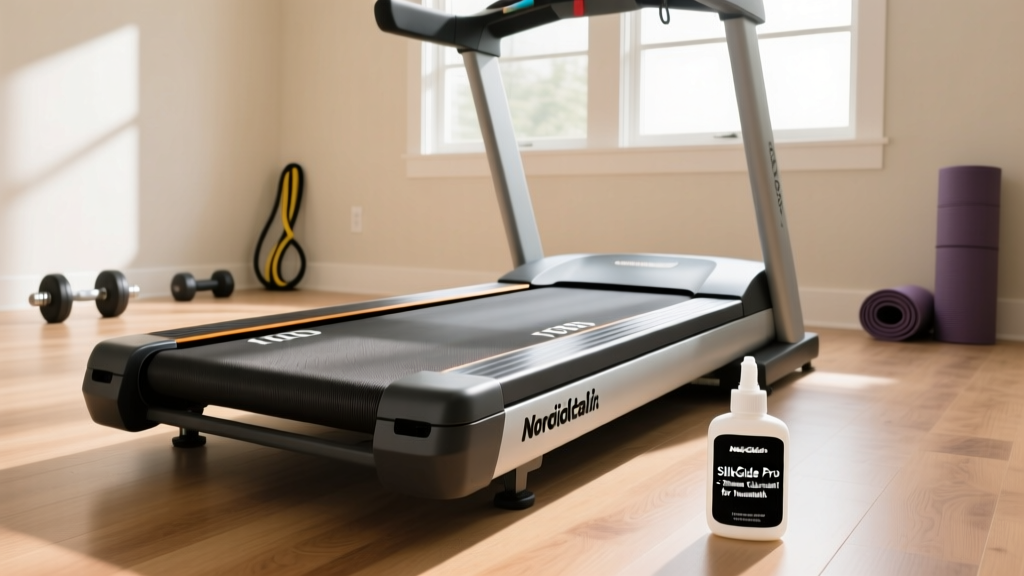
The TF50's Ultimate Deck System uses variable-durometer elastomer cushions. This is a massive upgrade over the basic rubber grommets found on sub-$1,500 treadmills. However, a frequent buying mistake is assuming this premium deck requires the same maintenance as cheaper models. Do not apply standard silicone treadmill lube to the TF50 belt. The TF50 utilizes a specialized wax-free, low-friction belt and deck coating. Adding aftermarket silicone will cause the belt to slip and attract debris, eventually ruining the deck surface.
Step-by-Step Belt Centering Protocol
If your belt drifts to the left or right, it is a result of uneven tension on the rear roller, not a warped frame. Fixing this requires precision, not brute force.
- Step 1: Turn the treadmill on and set the speed to 3.0 mph. Do not stand on the belt.
- Step 2: Locate the M10 hex bolts at the very rear of the left and right side rails.
- Step 3: If the belt is drifting to the left, turn the left rear bolt clockwise by exactly one-quarter (1/4) turn.
- Step 4: Wait 30 seconds for the belt to track. If it is still off-center, repeat the 1/4 turn. Never turn the bolts more than a half-turn at a time, as over-tensioning will destroy the 2.5-inch roller bearings and strain the 4.0 HP motor.
Console Ecosystems: XIR vs. XUR and Connectivity Fixes
The TF50 offers two primary console packages: the 10-inch XIR and the 15-inch XUR. Both run on proprietary firmware that integrates with platforms like Zwift and Kinomap. A common purchasing mistake is buying a used or floor-model TF50 without verifying the console's WiFi module health, leading to endless 'Network Error' loops.
Resolving Firmware Update Loops
In 2026, Matrix has pushed several OTA (Over-The-Air) updates to improve Bluetooth FTMS connectivity for third-party apps. If your console gets stuck on the 'Updating' screen or fails to connect to your home network:
- Hard Reset: Press and hold the 'Speed Down' and 'Incline Down' buttons simultaneously for 5 seconds while the machine is idle. This forces a cache clear.
- USB Flash Recovery: If the WiFi module is failing to pull the update, visit the Matrix Fitness official treadmill portal to download the latest XIR/XUR firmware .zip file. Extract it to a FAT32-formatted USB drive, insert it into the port under the console, and power cycle the machine.
- Network Band Check: The TF50's internal antenna is optimized for 2.4GHz networks. If you are trying to connect it to a 5GHz-only mesh router, it will fail. Ensure your router broadcasts a dedicated 2.4GHz SSID.
The Preventative Maintenance Protocol
WARNING: The Silent Killer of Light-Commercial Treadmills
The number one cause of premature death for the Matrix TF50 is static electricity and dust ingestion. When users run on the belt, friction generates static. If the machine is not properly grounded, this static arcs into the lower control board, frying the MOSFETs. Furthermore, household dust acts as an insulator on the motor heat sink.
Actionable Fix: Every 90 days, unplug the TF50, remove the motor hood, and use a vacuum with a soft brush attachment to clean the motor fins and the MCB housing. Ensure the power cord's ground prong is intact and that your home's electrical outlet is properly grounded. Never place the treadmill on a thick, high-pile carpet without a dedicated anti-static treadmill mat.
Final Verdict: Is the TF50 Worth the Investment?
When compared side-by-side with residential alternatives, the Matrix Treadmill TF50 justifies its premium price tag through its 4.0 HP Dynamic Response motor, 2.5-inch rollers, and commercial-grade frame welding. By avoiding the common buying mistakes outlined above—specifically regarding belt lubrication and power delivery—and by following the precise troubleshooting protocols for the speed sensor and console firmware, you can easily extract a decade of reliable performance from this machine. Treat the TF50 like the light-commercial asset it is, and it will outlast nearly every other piece of cardio equipment in your home gym.
More gear to consider
All reviews
Space Equip Wearables Essentials: High-Performance Automotive Gear for Drivers and Track Enthusiasts

Small Space Folding Treadmills: What Is the Best Incline to Walk On?

ProForm Performance 600i Treadmill & Stair Climber Setup Guide

Space Layout: Air Bike vs Assault Bike & ProForm Treadmill Review

Home Stair Climber Guide: Beating the 10-Minute Treadmill Workout