
Fitness Tracker vs Router: Which Upgrade Fixes Sync Drops?
Deciding between a fitness tracker vs router upgrade? Learn how to diagnose BLE and Wi-Fi sync drops and choose the right hardware for your home gym.

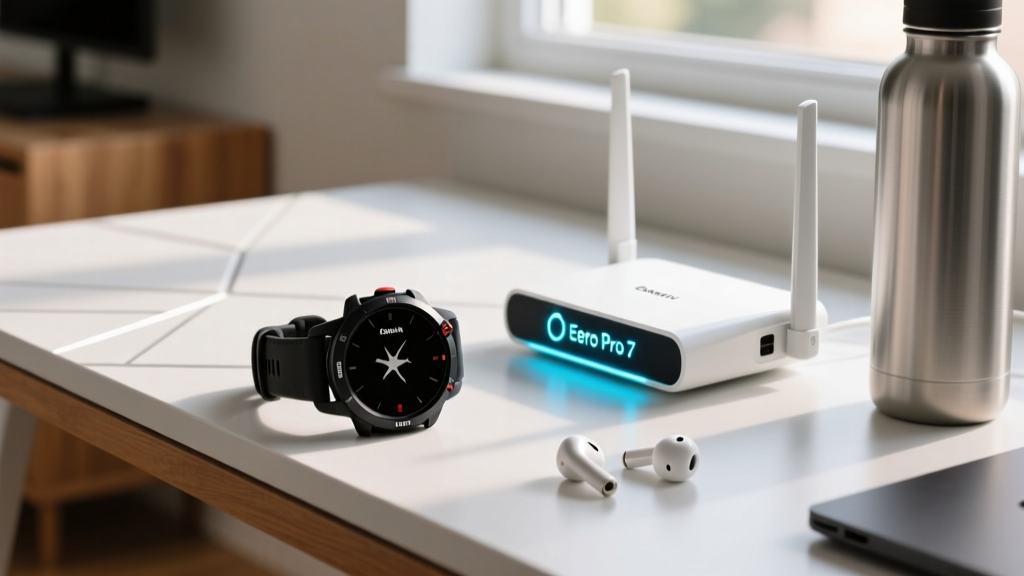
When your morning run data refuses to upload to Strava or your smart scale drops offline mid-sync, you face a frustrating hardware dilemma: fitness tracker vs router—which device is actually the bottleneck? In a modern smart home gym packed with connected rowers, smart bulbs, and streaming workout displays, wireless interference is the silent killer of fitness data integrity. Before you spend hundreds of dollars on new hardware, it is critical to understand whether your wearable’s internal antenna or your home network’s traffic management is causing the dropout.
This buying guide breaks down the exact technical failure points of Bluetooth Low Energy (BLE) and 2.4GHz Wi-Fi coexistence. We will help you diagnose your specific sync issues and determine whether your money is better spent on a next-generation wearable with advanced radio shielding or a Wi-Fi 7 mesh system with dedicated IoT network partitioning.
Fitness Tracker vs Router: Diagnosing the Sync Bottleneck
To make an informed purchasing decision, you must first understand the physics of the 2.4GHz spectrum. Both Bluetooth Low Energy and standard 2.4GHz Wi-Fi operate in the exact same frequency band (2400 MHz to 2483.5 MHz). According to the Bluetooth SIG, modern BLE devices use adaptive frequency hopping to avoid crowded Wi-Fi channels. However, when your home network is saturated with smart home devices, the wearable’s radio simply cannot find a clear window to transmit your FIT file to your phone or home hub.
Quick Diagnostic Checklist: Where is the Failure?
- Symptom: Watch syncs fine outside, but fails indoors near the gym equipment.
Verdict: Router/Interference issue. - Symptom: Syncing takes over 60 seconds, or drops at 90% completion.
Verdict: Tracker antenna or outdated BLE protocol. - Symptom: Smart scale and treadmill drop offline simultaneously when the microwave runs.
Verdict: Router 2.4GHz band congestion. - Symptom: Phone app says "Searching for Device" indefinitely despite being 2 feet away.
Verdict: Tracker firmware bug or hardware radio failure.
When to Upgrade Your Fitness Tracker (The Wearable Route)
If your diagnostic points to the wearable, it is time to look at devices equipped with Bluetooth 5.3 or 5.4. These newer protocols feature LE Audio and improved coexistence algorithms that prioritize sync packets even in highly congested RF environments. Older trackers utilizing Bluetooth 4.2 or early 5.0 often lack the processing power to effectively time-division multiplex between Wi-Fi and BLE radios.
Top Wearable Upgrades for Hostile RF Environments
- Garmin Fenix 8 (AMOLED, $999+): Features a redesigned internal antenna array that physically separates the GPS and BLE/Wi-Fi modules, drastically reducing internal cross-talk. Its Wi-Fi sync module supports faster 5GHz handshakes when connected to a home hub, bypassing the 2.4GHz mess entirely.
- Apple Watch Ultra 2 ($799): Utilizes a custom Apple-designed wireless chip that dynamically shifts BLE transmission power based on proximity to the paired iPhone, ensuring rapid syncs even if your router is flooding the spectrum with beacon frames.
- Coros Pace 3 ($299): A budget-friendly option that punches above its weight with a dual-frequency GPS and an optimized BLE 5.2 module that excels at quick, burst-syncing to the Coros app before interference can interrupt the handshake.
When to Upgrade Your Router (The Network Route)
If your wearable is relatively new (purchased in 2024 or later) but your home gym is a dead zone, the fault lies with your router. Many budget routers and older mesh systems lump IoT devices, fitness trackers, and 4K streaming TVs onto the same SSID. When your TV buffers a Peloton or Netflix workout, the router’s Airtime Fairness algorithms will actively throttle the low-bandwidth packets from your fitness tracker, causing the sync to time out.
The 2.4GHz Channel Width Trap
Here is a non-obvious networking secret that most consumer guides miss: modern Wi-Fi 6 and Wi-Fi 7 routers often default to a 40MHz channel width on the 2.4GHz band to advertise higher theoretical speeds. However, almost all fitness tracker and smart scale Wi-Fi/BLE chips only support a 20MHz channel width. If your router forces 40MHz, your fitness gear will experience massive packet loss. Upgrading to a router that allows granular IoT network partitioning is essential.
Recommended Routers for Smart Home Gyms
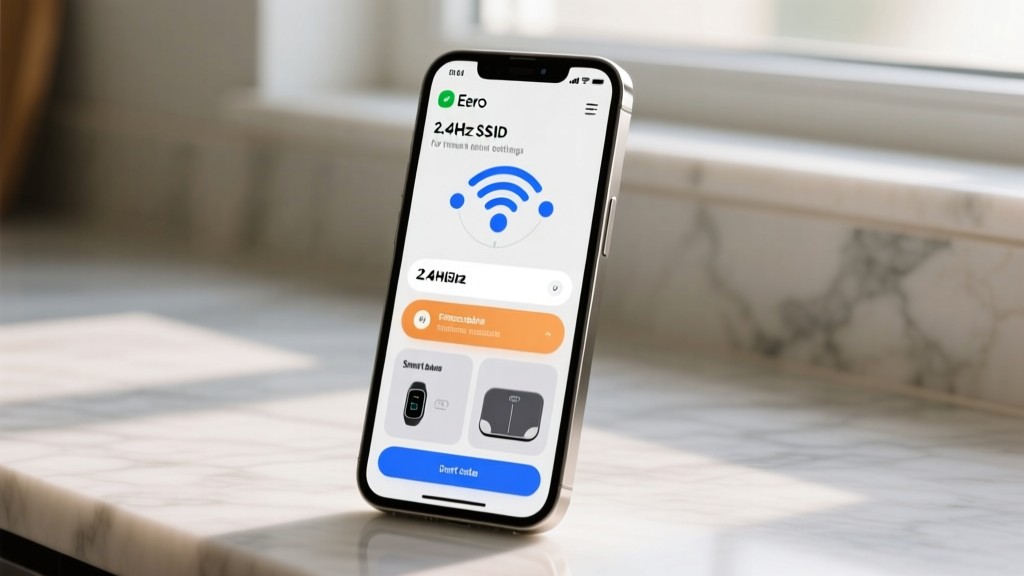
- Eero Pro 7 ($199 per node): The Eero app allows you to create a dedicated "IoT Network" that isolates smart scales, connected treadmills, and wearables on a strict 20MHz 2.4GHz channel, completely shielding them from the bandwidth-hogging devices on your main network.
- TP-Link Deco BE85 (Wi-Fi 7, $499 for 2-pack): Wi-Fi 7 introduces Multi-Link Operation (MLO). While wearables don't use MLO yet, the Deco BE85’s intelligent band steering pushes all your phones and TVs to the 6GHz band, leaving the 2.4GHz spectrum virtually empty for your fitness trackers to sync without competition.
- Asus RT-BE88U ($399): For the advanced user, Asus firmware allows you to enable IGMP Snooping and mDNS reflection, which are critical for local network syncing protocols used by high-end smart gym mirrors and connected rowing machines.
"The proliferation of Wi-Fi 6E and Wi-Fi 7 routers is actually a blessing for IoT devices. By migrating high-bandwidth traffic like 4K video and VR fitness headsets to the 6GHz spectrum, we are finally unclogging the 2.4GHz band, allowing low-power fitness wearables to sync reliably." — Network Engineering Principles, Wi-Fi Alliance
Comparison Matrix: Where Should You Spend Your Money?
| Scenario | Primary Symptom | The Culprit | Recommended Purchase |
|---|---|---|---|
| Sync fails only indoors, works fine at the office or outdoors. | High latency, intermittent drops. | Router (2.4GHz congestion) | Mesh system with IoT VLAN (e.g., Eero Pro 7) |
| Watch takes 2+ minutes to sync a 1-hour activity file. | Slow throughput, app timeouts. | Tracker (Outdated BLE chip) | Upgrade to BT 5.3+ wearable (e.g., Garmin Fenix 8) |
| Smart scale and bike power meter drop offline simultaneously. | Total local network IoT failure. | Router (Airtime Fairness throttling) | Router with 20MHz 2.4GHz enforcement |
| Phone app cannot find the watch despite being inches away. | Discovery failure, handshake drop. | Tracker (Hardware/Firmware) | Warranty replacement or new tracker |
Optimizing the Handshake: Best Practices for Smart Gyms
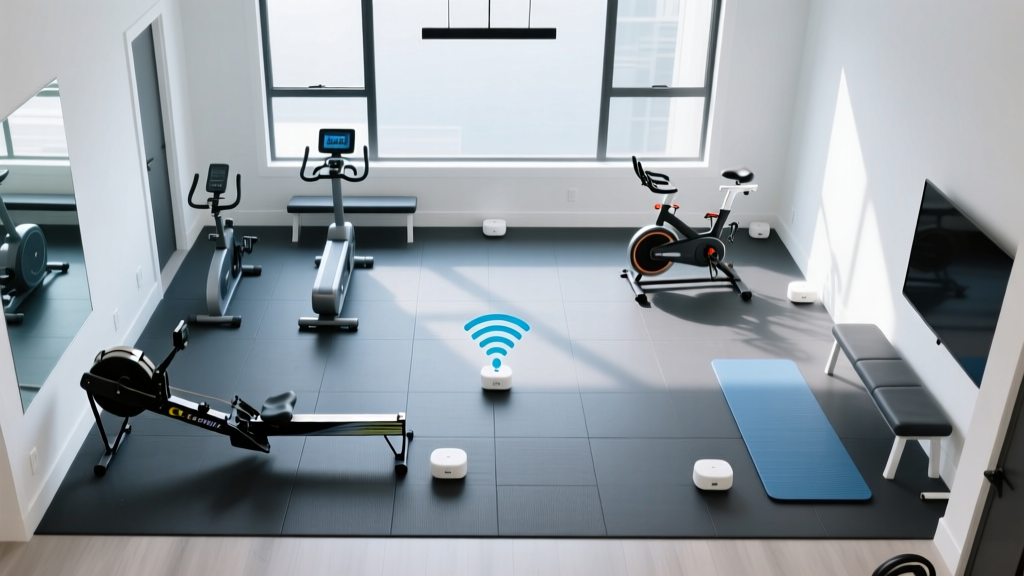
Before you finalize your purchase in the fitness tracker vs router debate, ensure you have exhausted these zero-cost network optimizations. Often, a simple settings tweak can save you from dropping $400 on new hardware.
- Force 20MHz Channel Width: Log into your router’s admin panel and manually set the 2.4GHz band to 20MHz. This immediately restores compatibility with older smart scales and budget fitness trackers.
- Disable WMM Power Save: Wi-Fi Multimedia (WMM) Power Save is designed to save battery on mobile devices, but it frequently causes IoT devices and fitness trackers to drop into a deep sleep mid-sync. Disabling this in your router settings forces a constant, stable connection.
- Separate your SSIDs: Stop using a unified "Smart Connect" SSID that combines 2.4GHz and 5GHz. Name them differently (e.g., HomeGym_2G and HomeGym_5G). Connect your phone to the 5GHz band and your smart gym equipment to the 2.4GHz band to prevent the router from aggressively steering your phone away from the wearable during the sync process.
Final Verdict: Where Should Your Money Go?
The decision between upgrading your wearable or your network infrastructure comes down to the age of your current ecosystem. If you are using a fitness tracker released prior to 2023, its Bluetooth 4.2 or early 5.0 radio is likely the weak link; upgrading to a modern device with Bluetooth 5.3 will yield immediate sync speed improvements regardless of your network. However, if you already own a premium, up-to-date wearable and your smart home gym is plagued by intermittent dropouts, the fault almost certainly lies with your router's inability to manage 2.4GHz spectrum congestion. In that case, investing in a Wi-Fi 6E or Wi-Fi 7 mesh system with dedicated IoT network partitioning will solve your connectivity headaches and future-proof your entire smart home.
More gear to consider
All reviews
12 Rigorous DIY Science Ideas You Can Build, Test, and Publish — From Home Lab to Classroom Ready

Whoop Fitness Tracker Users (2025) vs. Garmin: Strength Training

Garmin Vivosmart Fitness Tracker Review: Smartwatch Feature Value

Fitbit Luxe Fitness Tracker vs GPS Watches: Expert 2026 Comparison

Engerwall Fitness Tracker App & Budget Wearables 2026
