
Budgeting the Difference Between Fitness Tracker and Router Tech
Discover the real cost differences between fitness trackers and Wi-Fi routers. Learn how to budget for signal coexistence and avoid 2.4GHz interference.

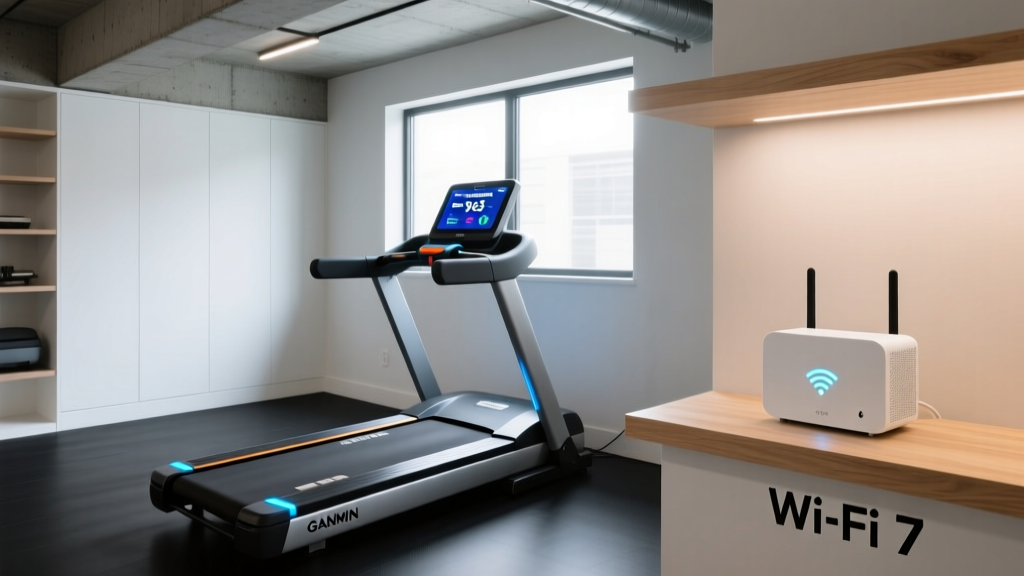
When outfitting a smart home gym, understanding the fundamental difference between fitness tracker and router technology is critical for avoiding blown budgets and dropped connections. While both devices transmit data wirelessly, their underlying architectures dictate vastly different financial models, power requirements, and interference profiles. In 2026, with Wi-Fi 7 and Bluetooth Low Energy (BLE) 5.4 serving as the baseline standards, homeowners must strategically allocate funds to ensure their wearable health data syncs reliably without being choked out by high-bandwidth mesh networks.
The Core Difference Between Fitness Tracker and Router Hardware Costs
The hardware cost disparity stems from their distinct engineering goals. Fitness trackers prioritize ultra-low power consumption and miniaturization, utilizing BLE to transmit small data packets (heart rate variability, step counts, SpO2) over short distances. Conversely, routers are designed for high-throughput, multi-device orchestration, requiring powerful multi-core processors, massive antenna arrays, and active cooling.
- Premium Fitness Trackers (CapEx: $349 - $599): Devices like the Oura Ring 4 ($349) or Garmin Forerunner 965 ($599) represent a moderate upfront hardware cost. Their BLE 5.4 radios draw mere milliwatts, allowing week-long battery life but limiting range to roughly 10-15 meters through standard drywall.
- High-Performance Routers (CapEx: $499 - $999): Modern Wi-Fi 7 routers, such as the TP-Link Deco BE85 2-pack ($699) or the Asus RT-BE96U ($899), command a premium. These units utilize 320MHz channels on the 6GHz band and Multi-Link Operation (MLO) to deliver multi-gigabit speeds, requiring significantly more expensive silicon and thermal management.
According to the Wi-Fi Alliance, the transition to Wi-Fi 7 introduces deterministic latency, which is excellent for smart gym mirrors and 4K fitness streaming, but it does not inherently solve the congestion issues plaguing legacy 2.4GHz wearable syncs.
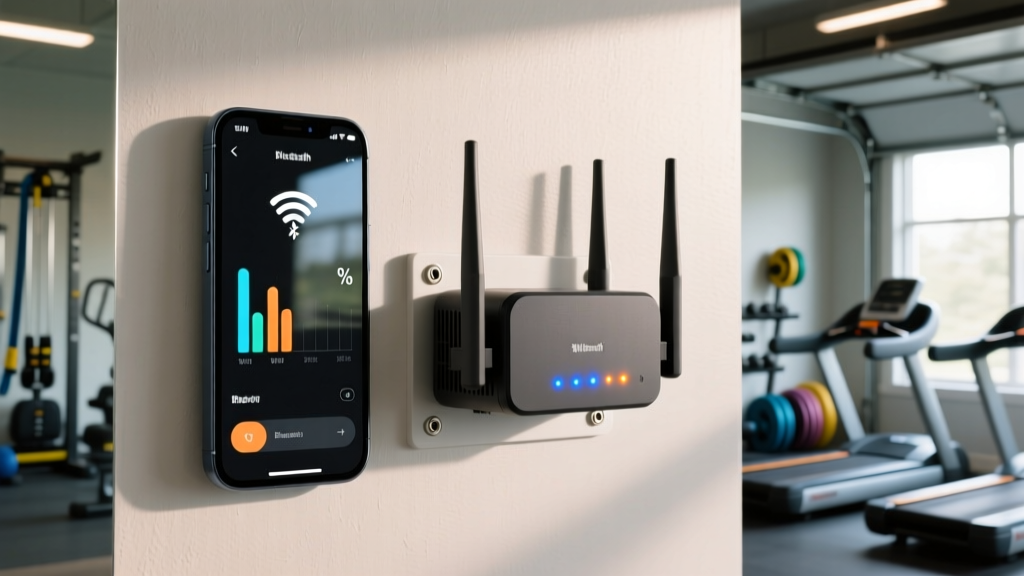
Hidden Costs: Mitigating 2.4GHz Signal Interference in Home Gyms
The most expensive lesson smart gym builders learn is spectrum overlap. Both legacy Wi-Fi and BLE operate in the crowded 2.4GHz ISM band. When your router pushes a 40MHz Wi-Fi channel to support a smart treadmill's firmware update, it can obliterate the 2MHz channels your fitness tracker uses for Adaptive Frequency Hopping (AFH). The result? Packet loss, failed syncs, and corrupted workout logs.
Recognizing the technical difference between fitness tracker and router signal propagation helps you avoid buying unnecessary hardware. Instead of purchasing a $600 mesh node just to get a BLE signal to your basement gym, you can strategically offload traffic. The Bluetooth SIG notes that BLE 5.4 improves coexistence, but physical spectrum saturation remains a hard limit.
| Mitigation Strategy | Estimated Cost | Effectiveness for BLE Sync | Best Use Case |
|---|---|---|---|
| Force IoT devices to 5GHz/6GHz | $0 (Config change) | High | Smart TVs, Peloton+, Hub consoles |
| Adjust Router 2.4GHz to 20MHz width | $0 (Config change) | Medium-High | Apartments, small dedicated rooms |
| Install dedicated BLE Mesh Hub | $75 - $150 | Very High | Basement gyms, detached garages |
| Upgrade to Wi-Fi 7 (6GHz offload) | $500 - $900 | Maximum | Whole-home smart gyms, heavy streaming |
For deep basement gyms, concrete walls attenuate 2.4GHz signals by up to 12 dBm per barrier. A dedicated BLE hub (like the SwitchBot Hub 2 at $79) placed inside the gym space acts as a local bridge, syncing your tracker via BLE and pushing the data upstairs via Wi-Fi 5GHz or Ethernet backhaul.
Subscription vs. Infrastructure: Long-Term Financial Models
Ultimately, the difference between fitness tracker and router ecosystems boils down to Operational Expenditure (OpEx) versus Capital Expenditure (CapEx). Routers are purely CapEx; once purchased, they provide network infrastructure for 4 to 6 years with zero recurring fees. Fitness trackers, however, increasingly rely on SaaS (Software as a Service) models to unlock actionable health insights.
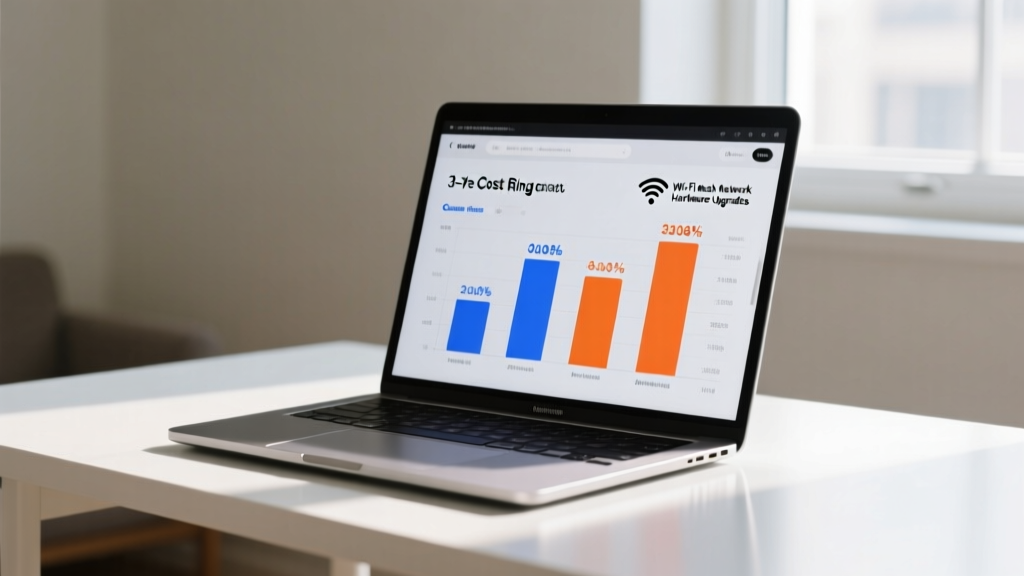
3-Year Total Cost of Ownership (TCO) Comparison
Scenario A: The SaaS Tracker Route (Oura Ring 4)
- Hardware: $349
- Subscription ($5.99/mo x 36): $215.64
- 3-Year TCO: $564.64
Scenario B: The Infrastructure Route (Garmin Venu 3 + Wi-Fi 7 Router Upgrade)
- Garmin Venu 3 Hardware (No Sub): $449
- TP-Link Archer BE93U (Wi-Fi 7): $399
- 3-Year TCO: $848.00 (But yields whole-home network upgrades)
Note: While Scenario B costs more upfront, the router upgrade improves the performance of every smart device in the home, whereas the tracker subscription only yields personal health data.
Budgeting for Device Coexistence: A Step-by-Step Framework
To prevent your network infrastructure from cannibalizing your wearable data, follow this budgeting and configuration framework based on RTINGS router testing methodologies for multi-device congestion:
- Audit Your 2.4GHz Airspace (Cost: $0): Before buying hardware, use a free Wi-Fi Analyzer app on your smartphone to scan your gym space. If you see more than five overlapping 2.4GHz networks from neighbors, your BLE tracker will struggle with sync latency.
- Segregate High-Bandwidth Gear (Cost: $0 - $100): Force all smart gym mirrors, streaming sticks, and laptops onto the 5GHz or 6GHz bands. Reserve the 2.4GHz band exclusively for low-bandwidth IoT sensors and BLE wearable syncs.
- Invest in Ethernet Backhaul (Cost: $50 - $200): If your gym is in a detached garage or basement, running a single Cat6a Ethernet cable to a secondary mesh node is infinitely more reliable and cheaper than relying on a wireless 5GHz backhaul, which degrades heavily through concrete.
- Deploy Local BLE Bridges (Cost: ~$80): If sync failures persist, purchase a local smart home hub that supports BLE-to-Wi-Fi bridging, placing it within 10 feet of your primary workout zone.
FAQ: Optimizing Your Smart Fitness Network Budget
What is the main difference between fitness tracker and router maintenance?
Router maintenance involves periodic firmware updates, security patching, and occasional channel optimization to adapt to neighborhood congestion. Fitness tracker maintenance is largely passive, requiring only charging, strap cleaning, and app-level firmware updates that are pushed via your smartphone, not directly from the router.
Do I need a Wi-Fi 7 router just to sync my fitness tracker?
No. Fitness trackers do not connect directly to Wi-Fi 7 routers; they connect to your smartphone or a dedicated hub via Bluetooth. However, upgrading to a Wi-Fi 7 router allows you to move all your heavy smart gym equipment (like connected rowers and smart mirrors) to the uncongested 6GHz band, indirectly freeing up the 2.4GHz spectrum for flawless Bluetooth tracker syncing.
How much should I budget for a basement home gym network setup?
For a typical basement gym requiring a dedicated mesh node and a local BLE bridge to bypass concrete interference, budget an additional $150 to $250 on top of your primary router cost. This ensures sub-50ms latency for real-time fitness metrics and reliable overnight data synchronization.
More gear to consider
All reviews
Fitbit Inspire 3 Fitness Tracker vs Dedicated GPS Running Watches

Amazfit Band 7 Fitness & Health Tracker: 2026 Budget Market Trend

Polar Loop 2026 Review: Legacy Tracker Test & Market Price

Fitbit Surge Fitness Tracker vs Modern Budget Wearables Under $100

Best Fitness Tracker for Heart Health: 2026 GPS Watch Review
